
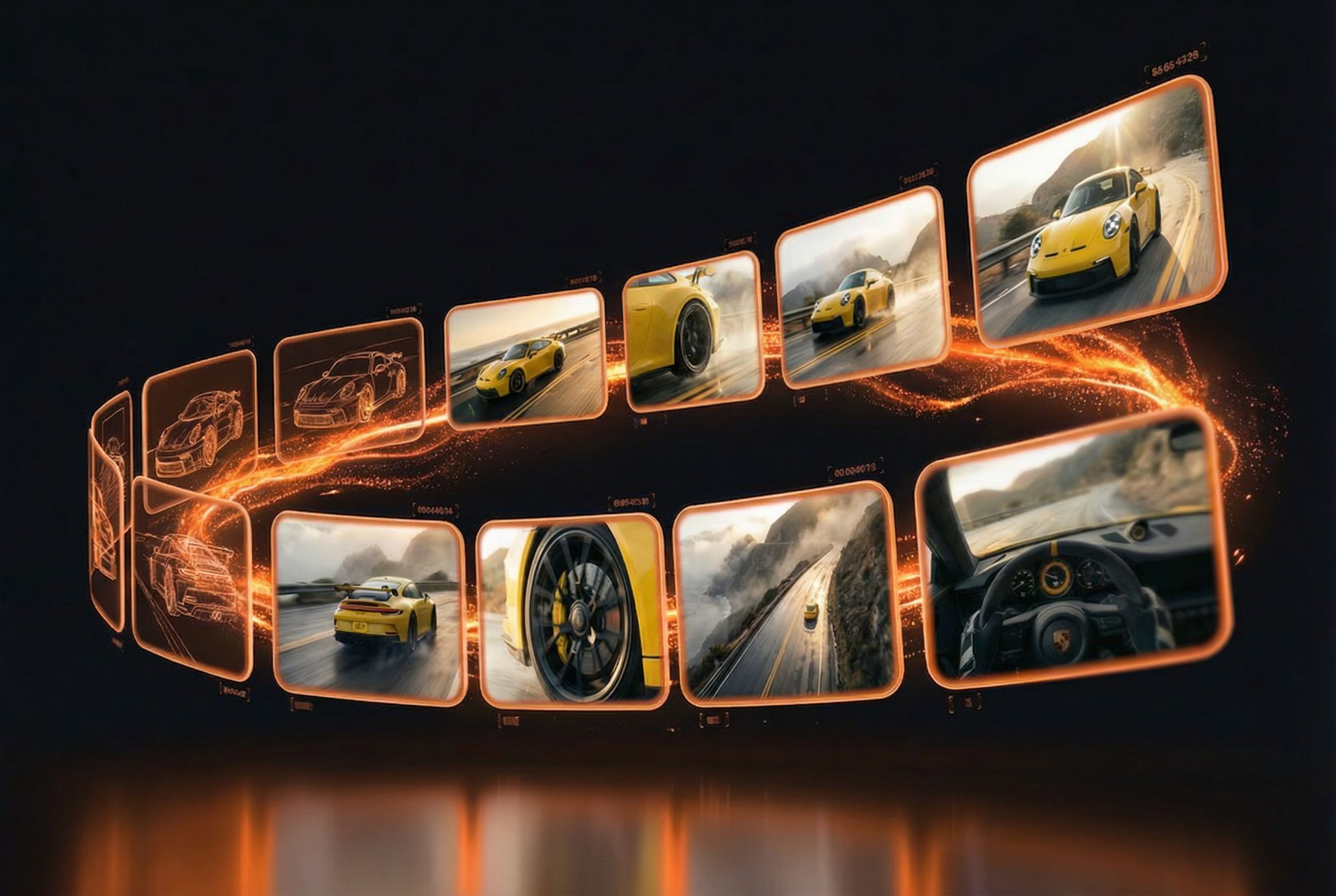
Storyboard in 60 Seconds
Describe your scene, choose from 11 cinematic art styles, and get a professional AI-generated storyboard
Start CreatingHow It Works
Three simple steps to a professional storyboard
Describe
Write a detailed scene description — the more vivid, the better your storyboard.
Style
Pick from 11 cinematic art styles — realistic, anime, 3D Pixar, and more.
Generate
AI generates a professional storyboard with multiple frames in under 60 seconds.
Featured Showcase
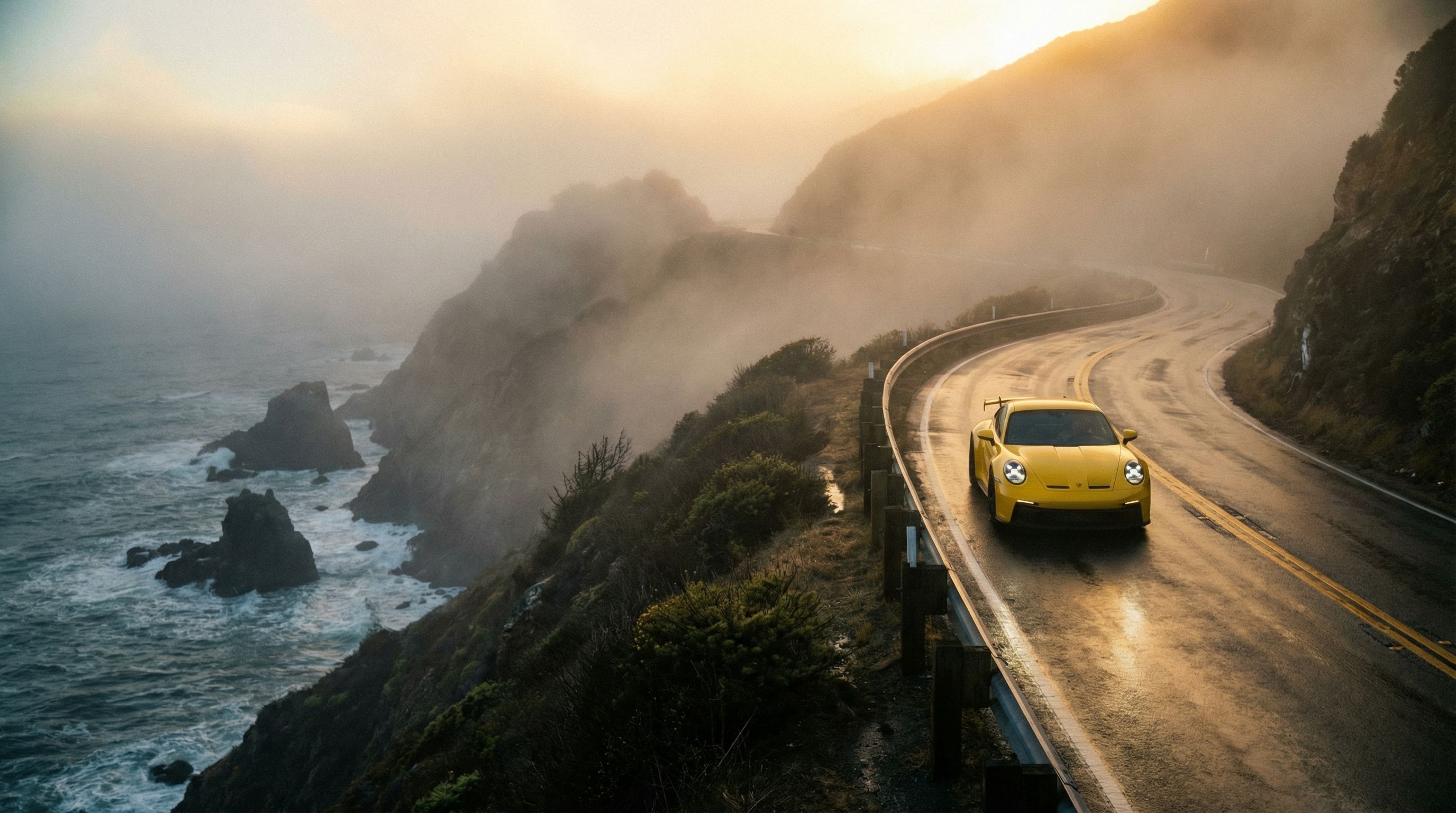
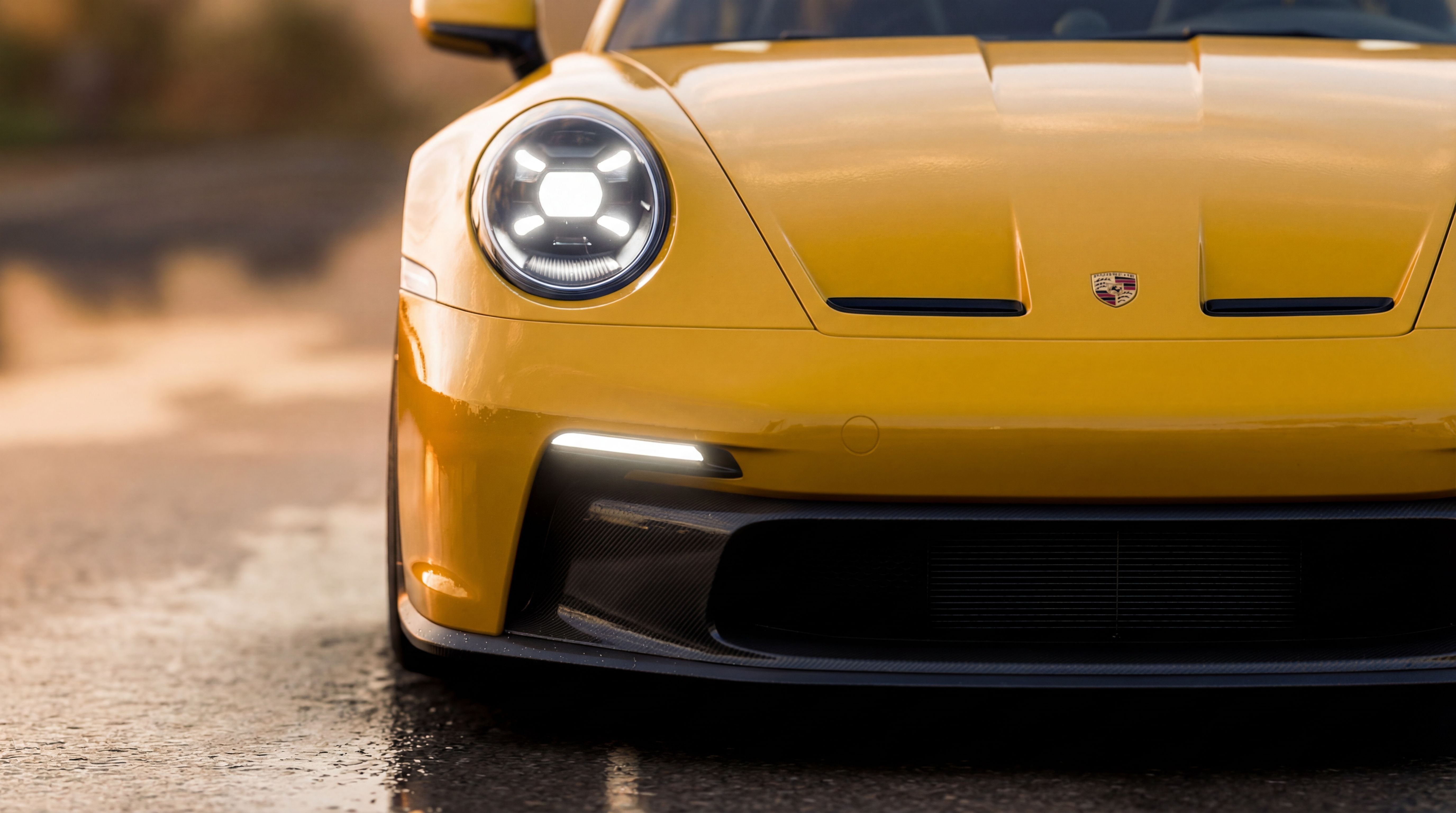
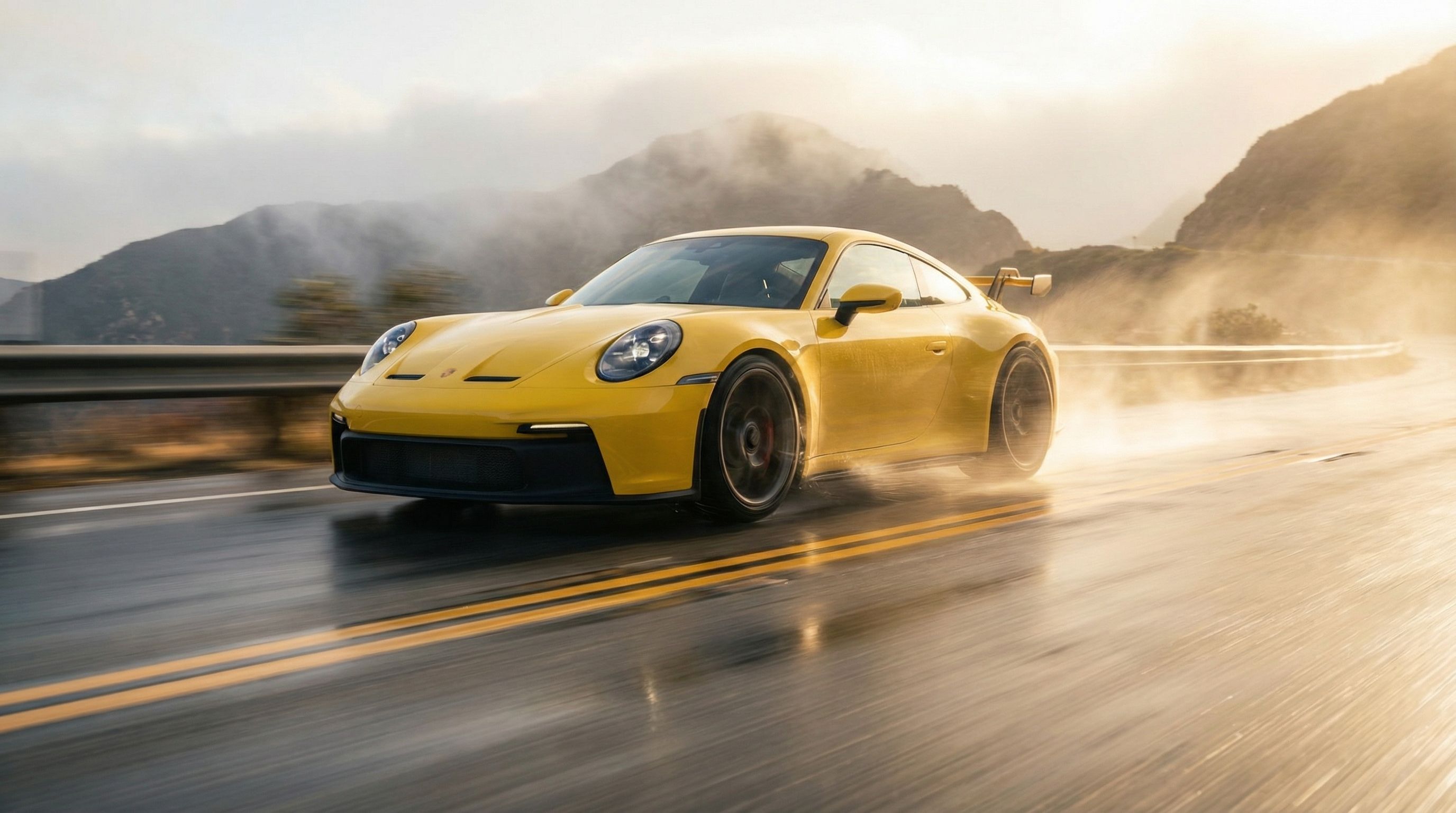
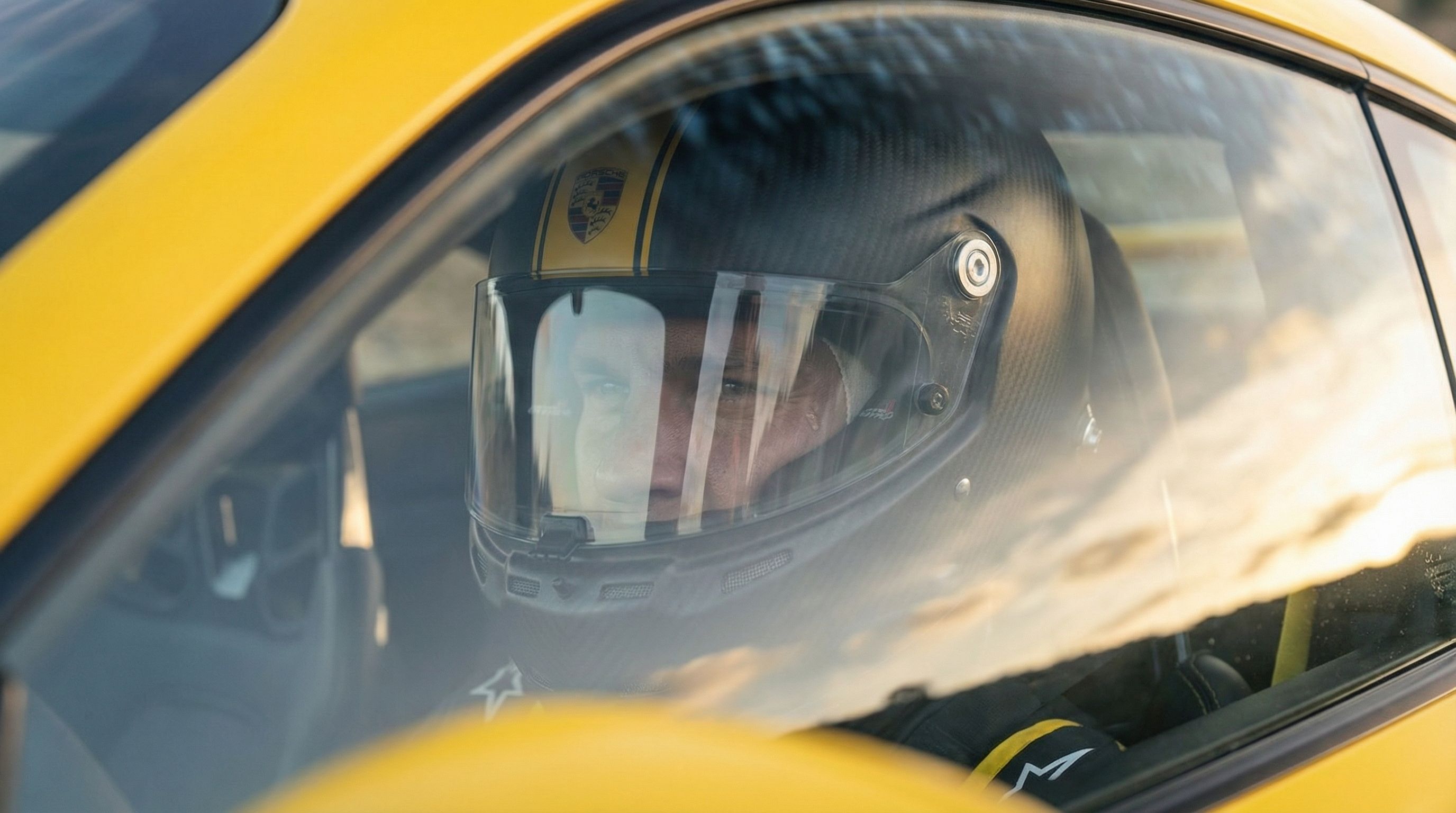
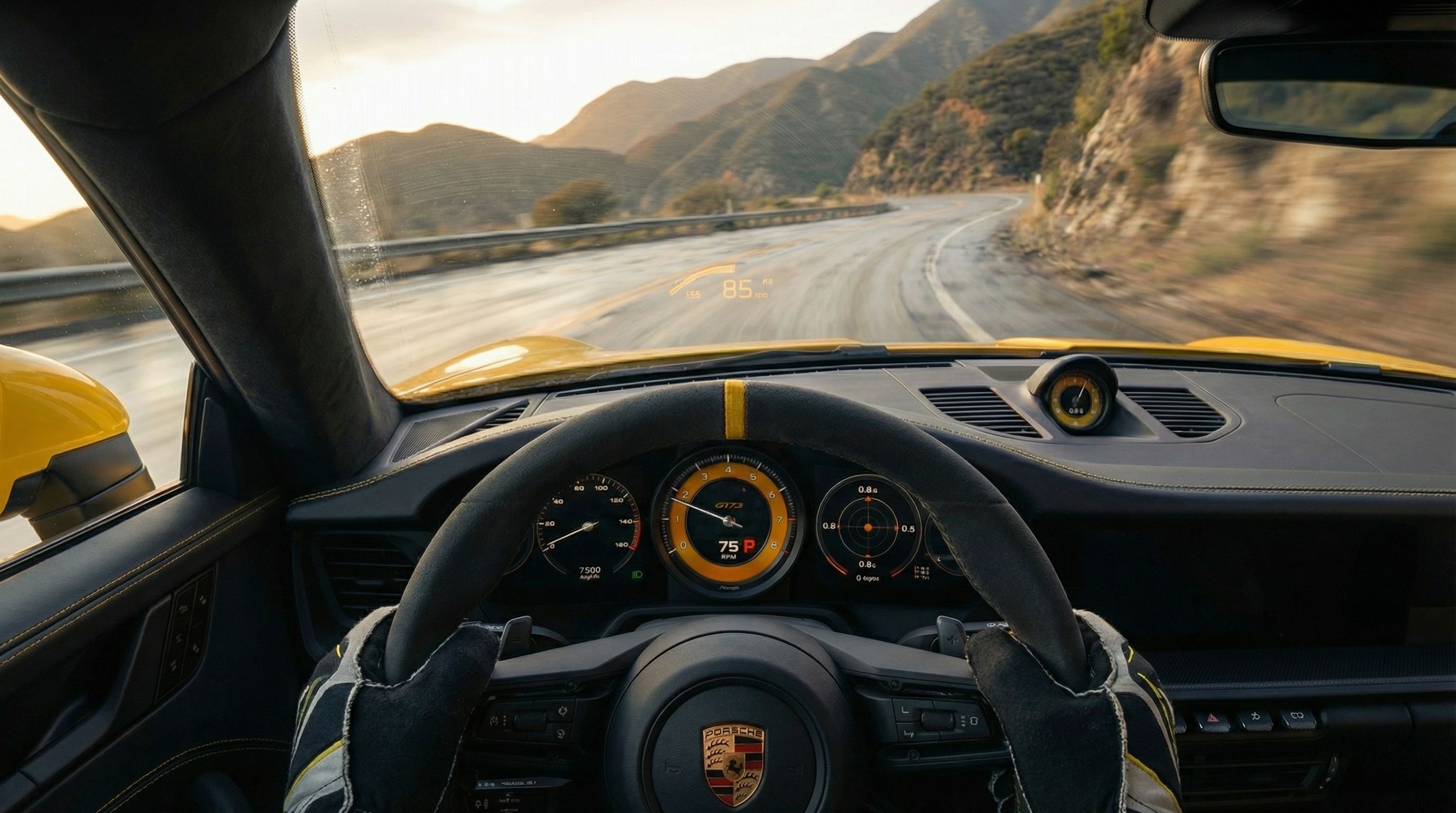
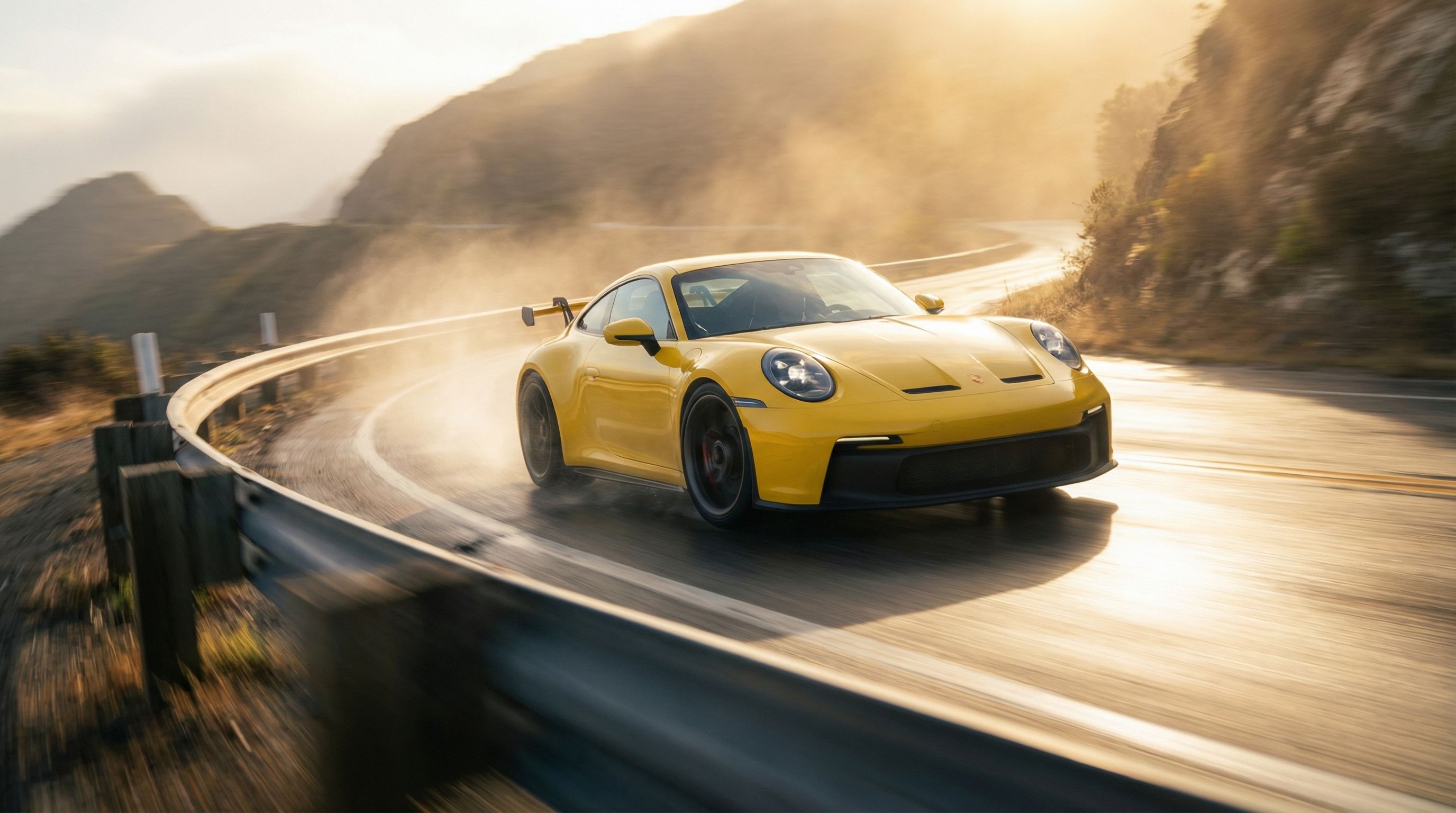
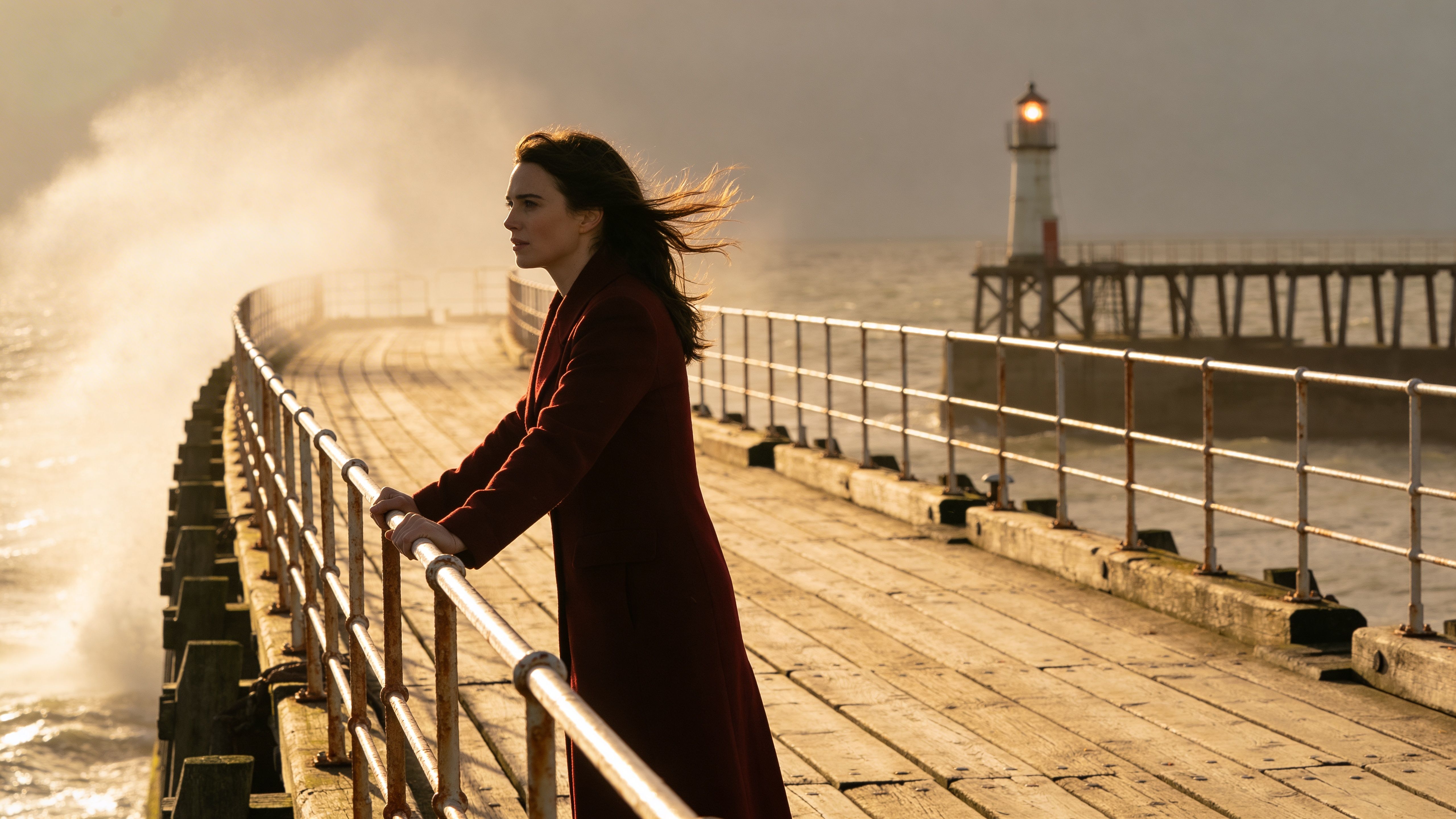
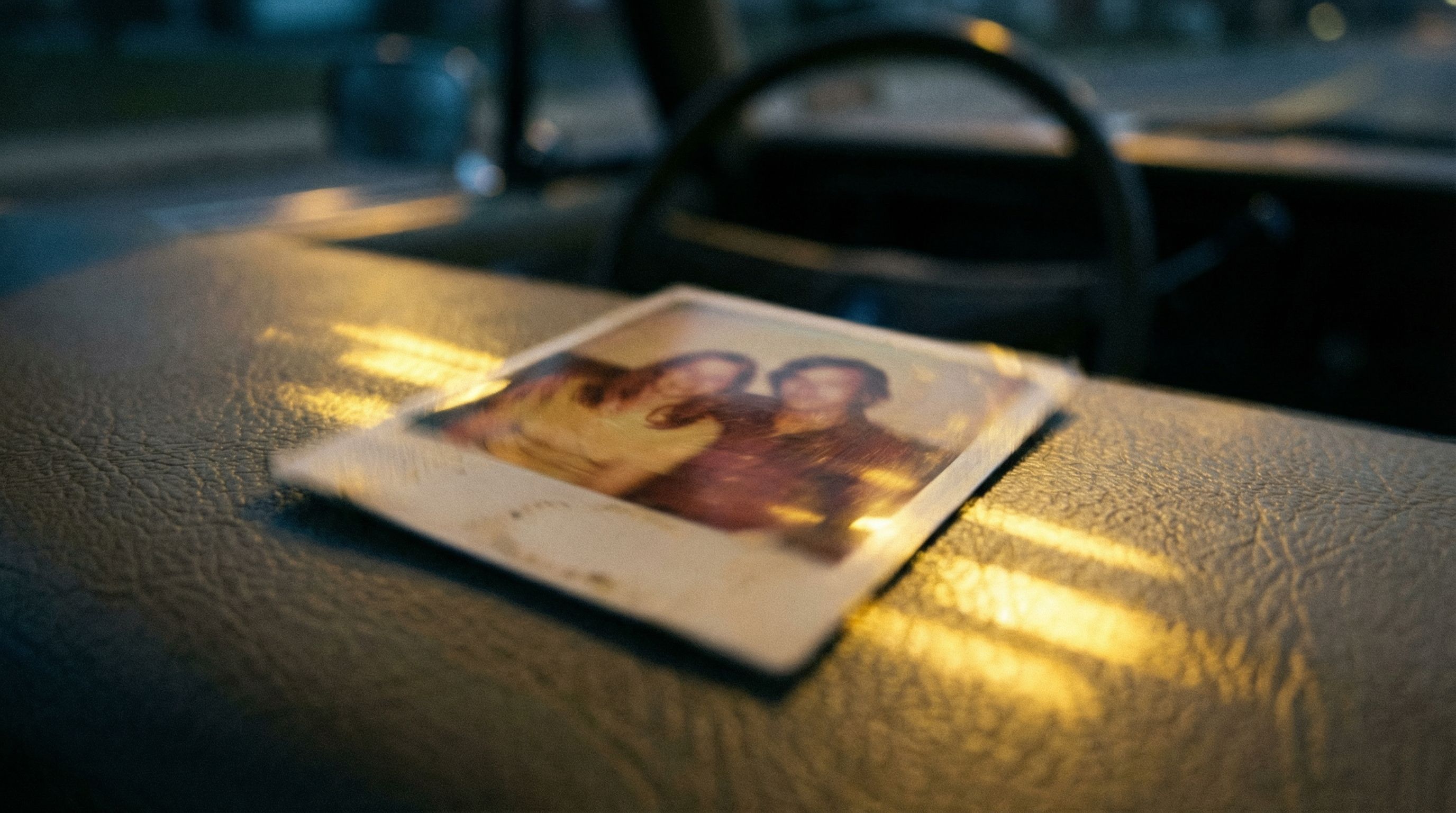
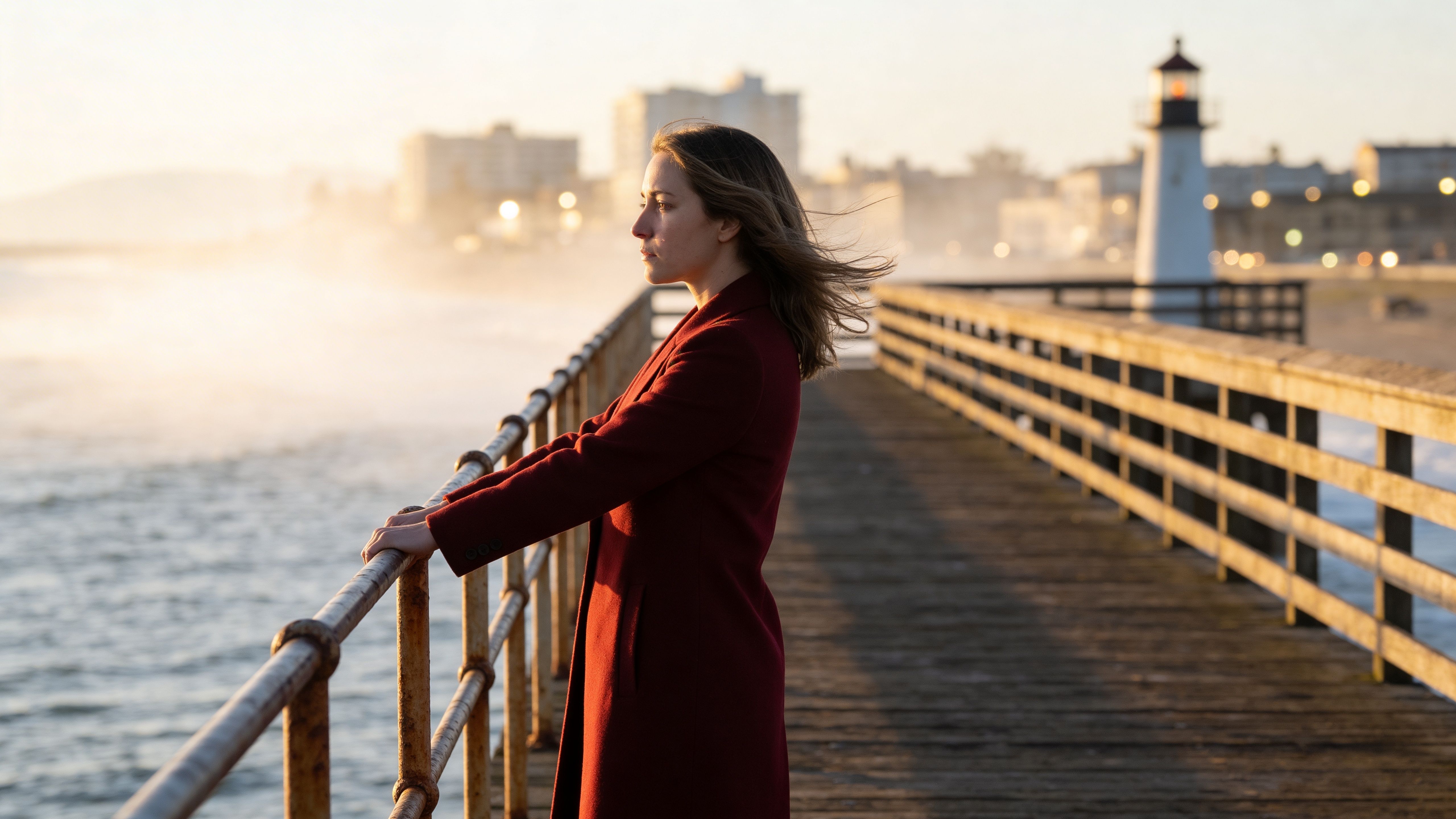
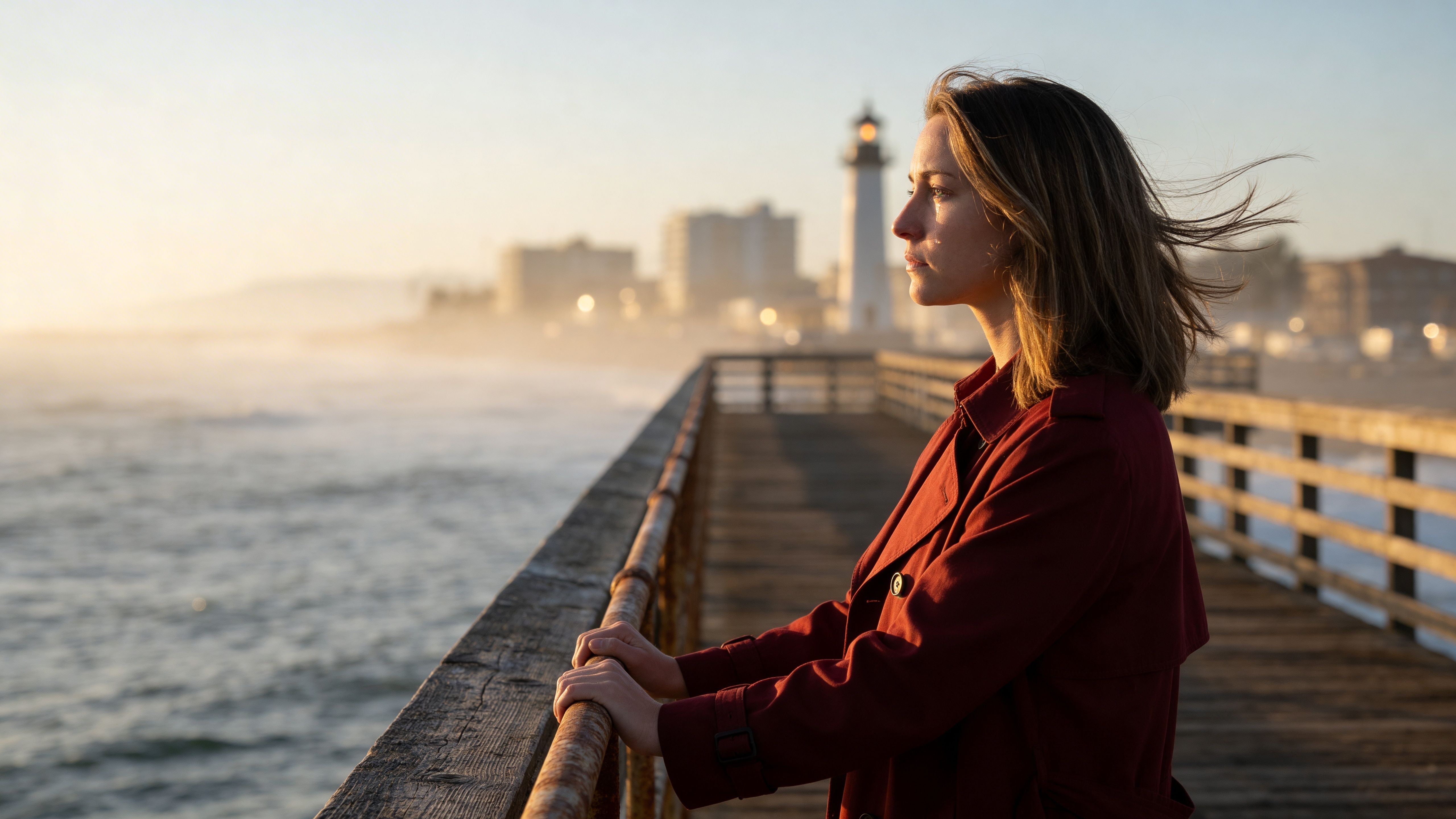
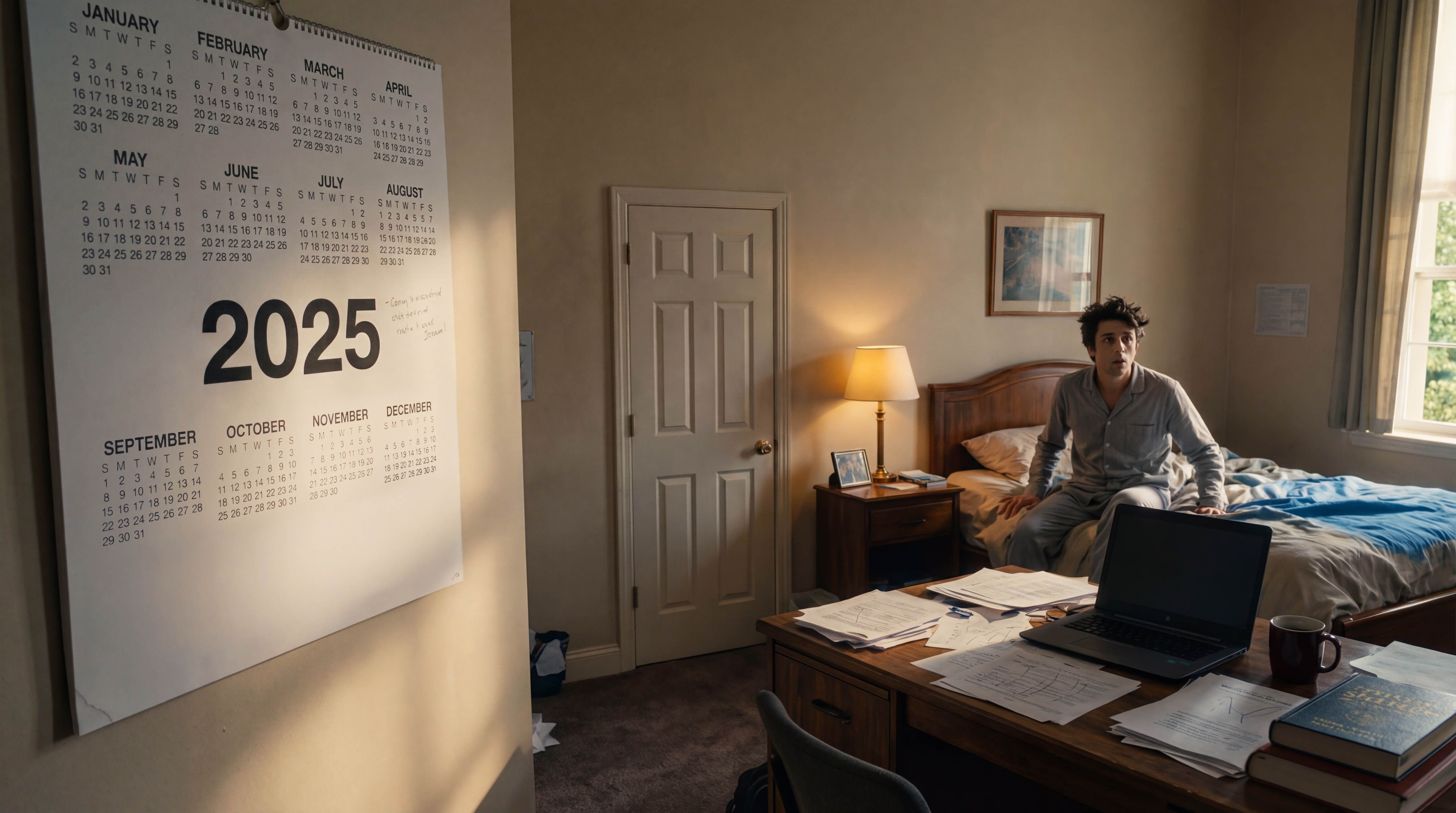
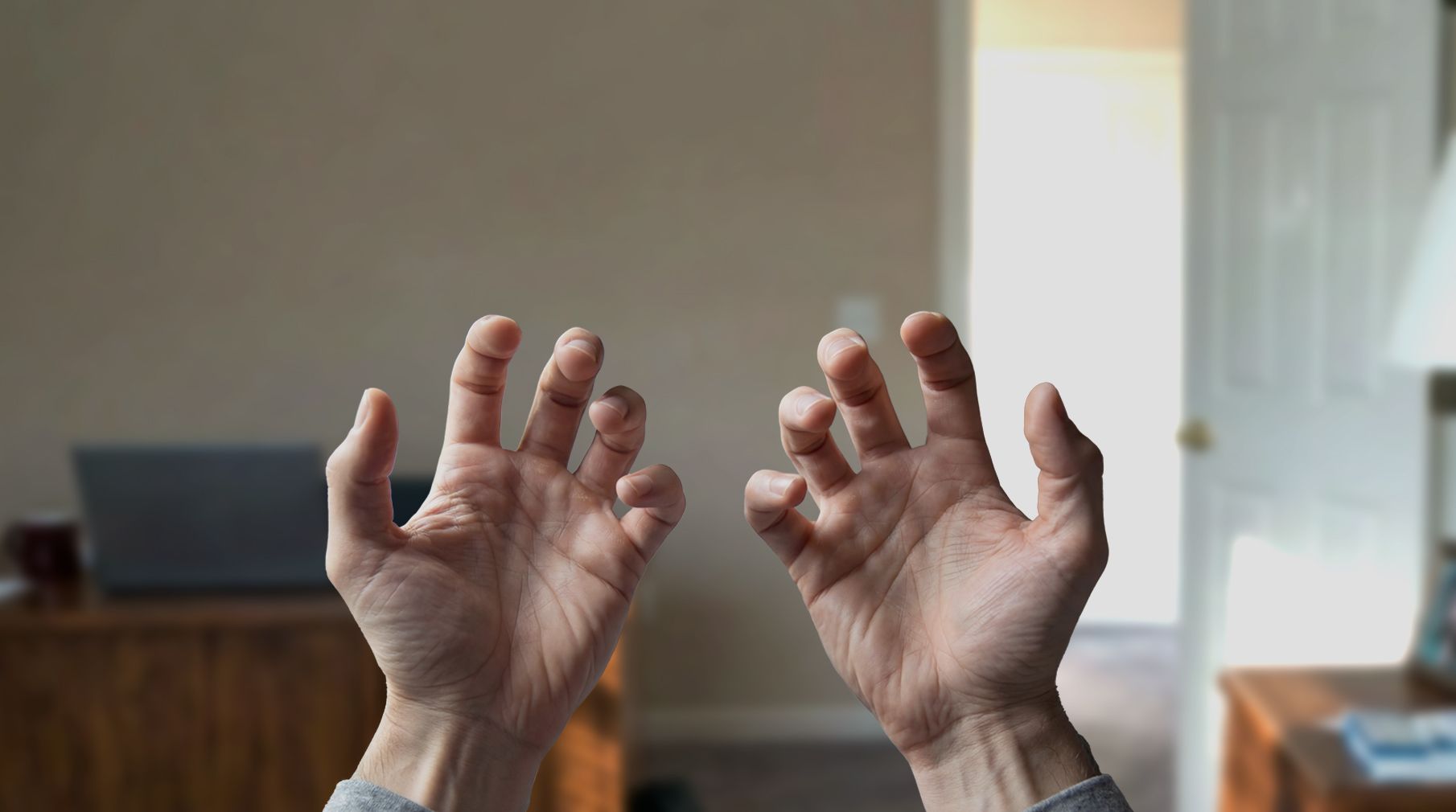
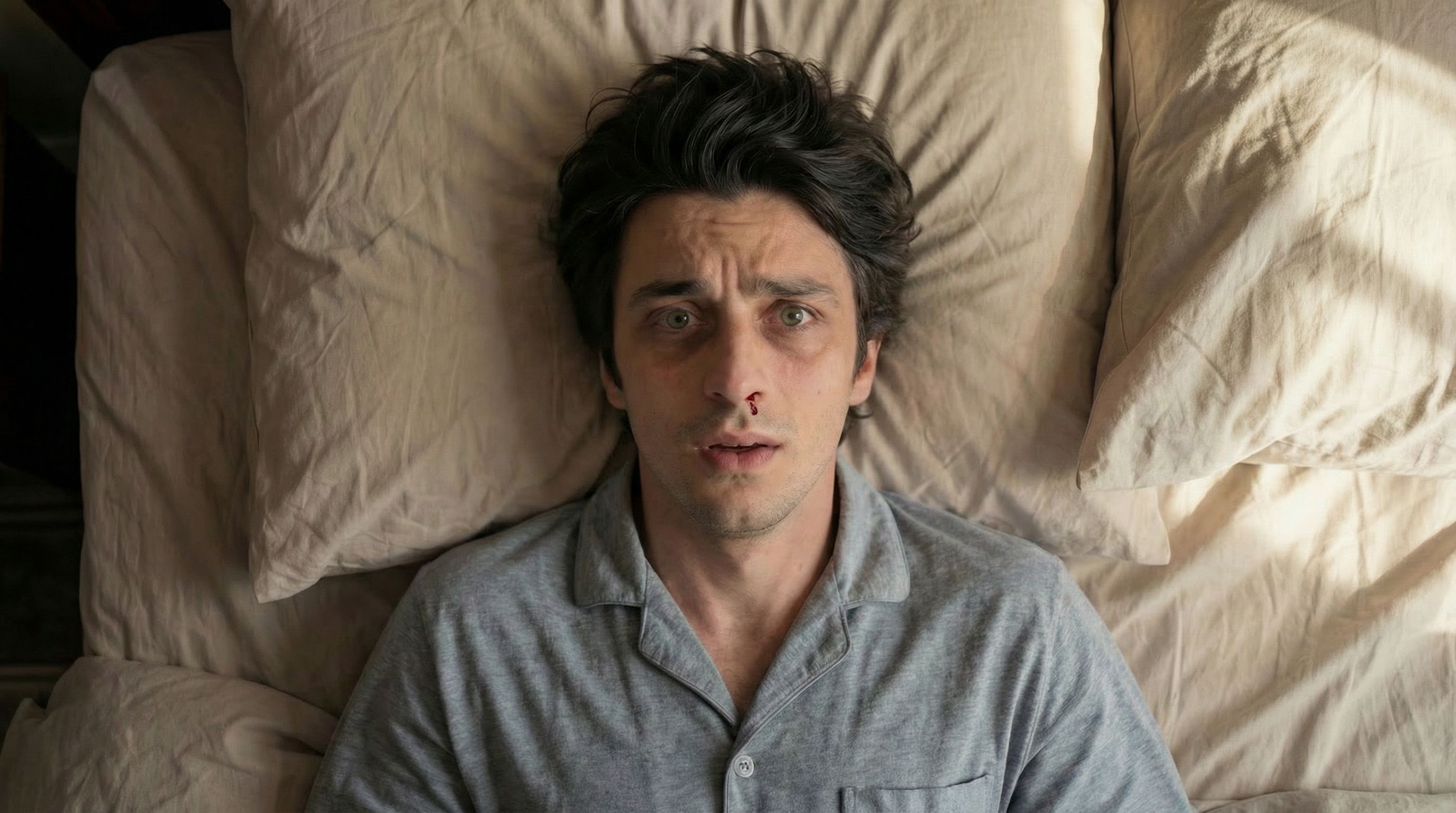
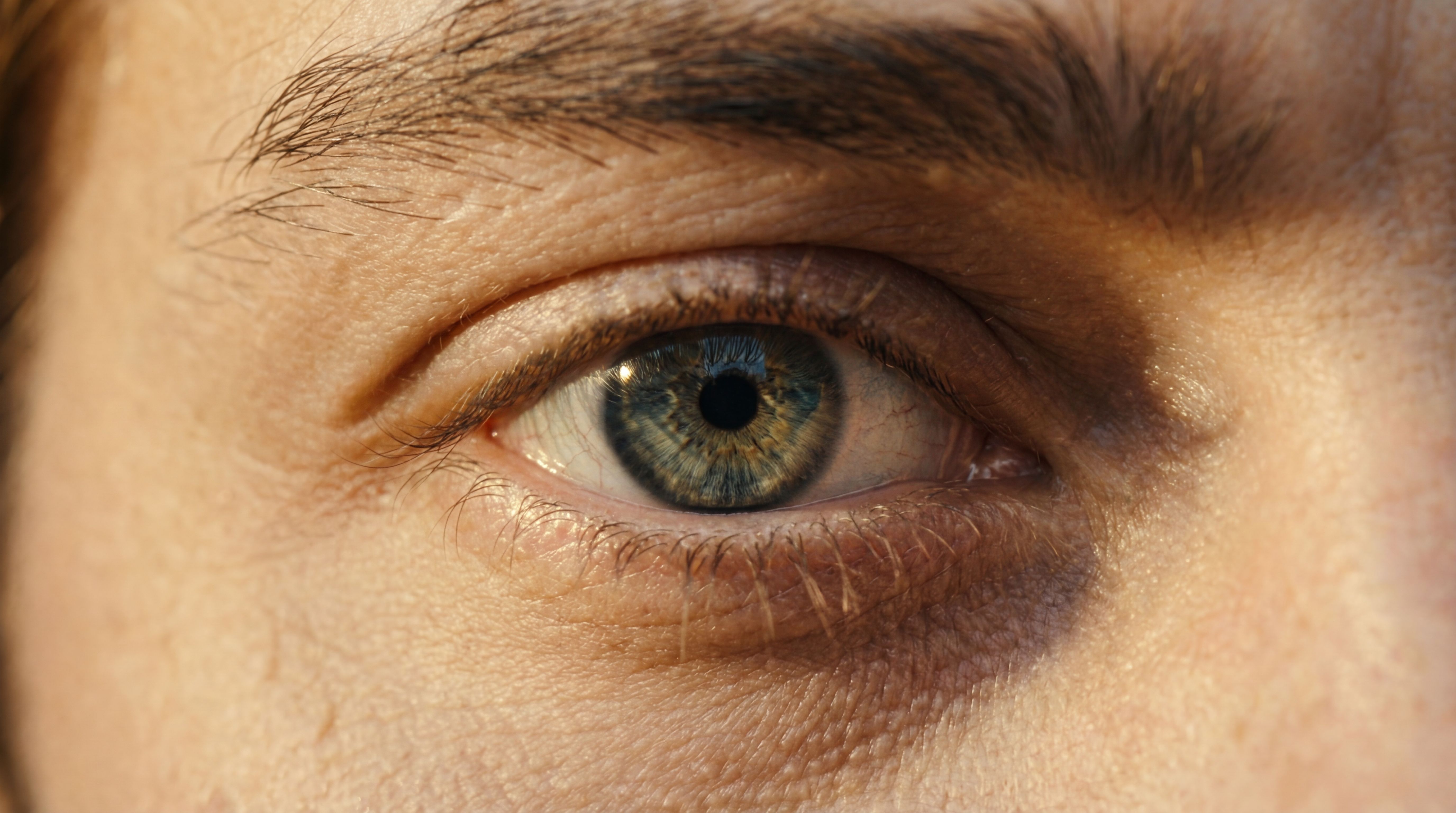
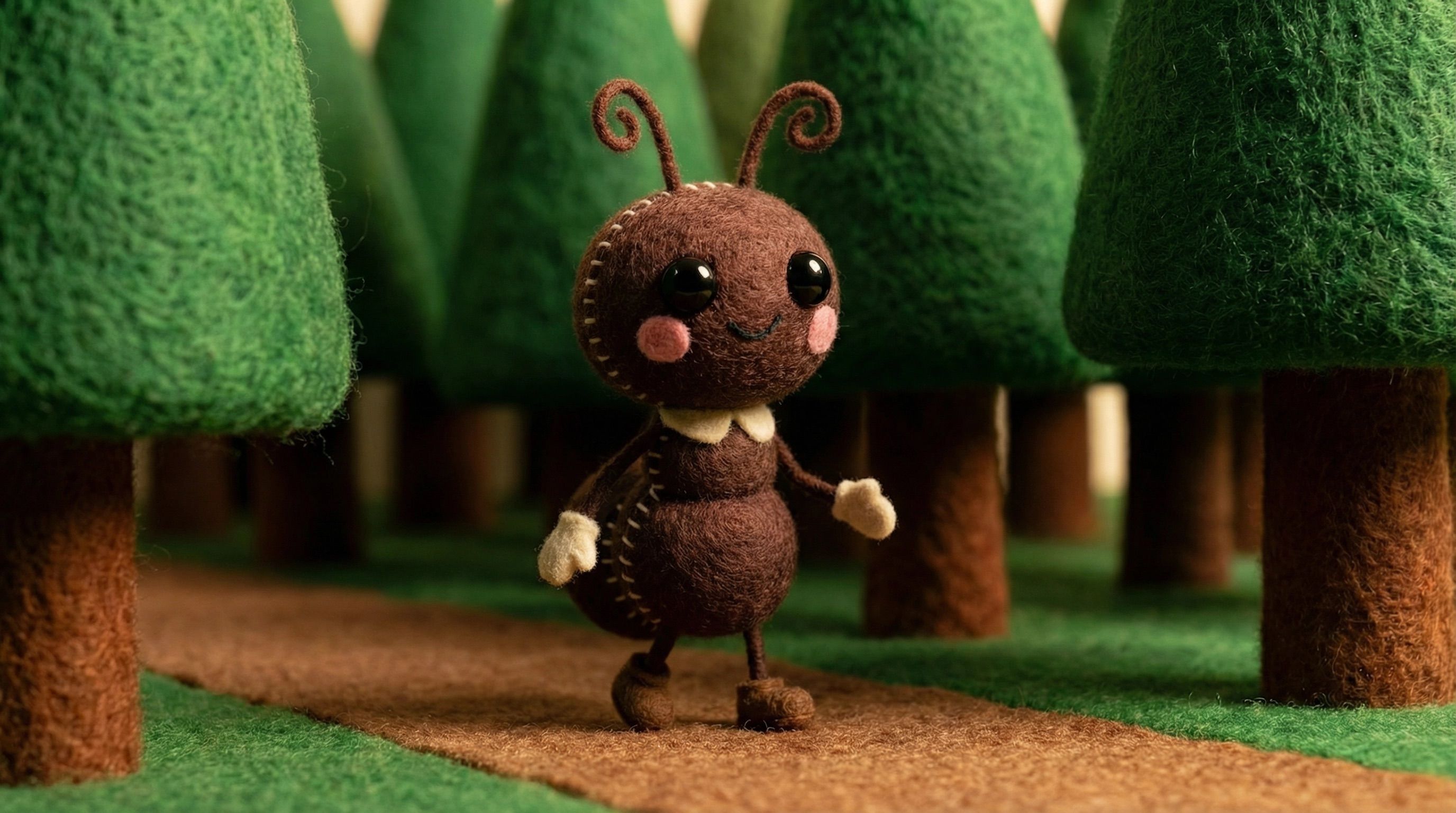
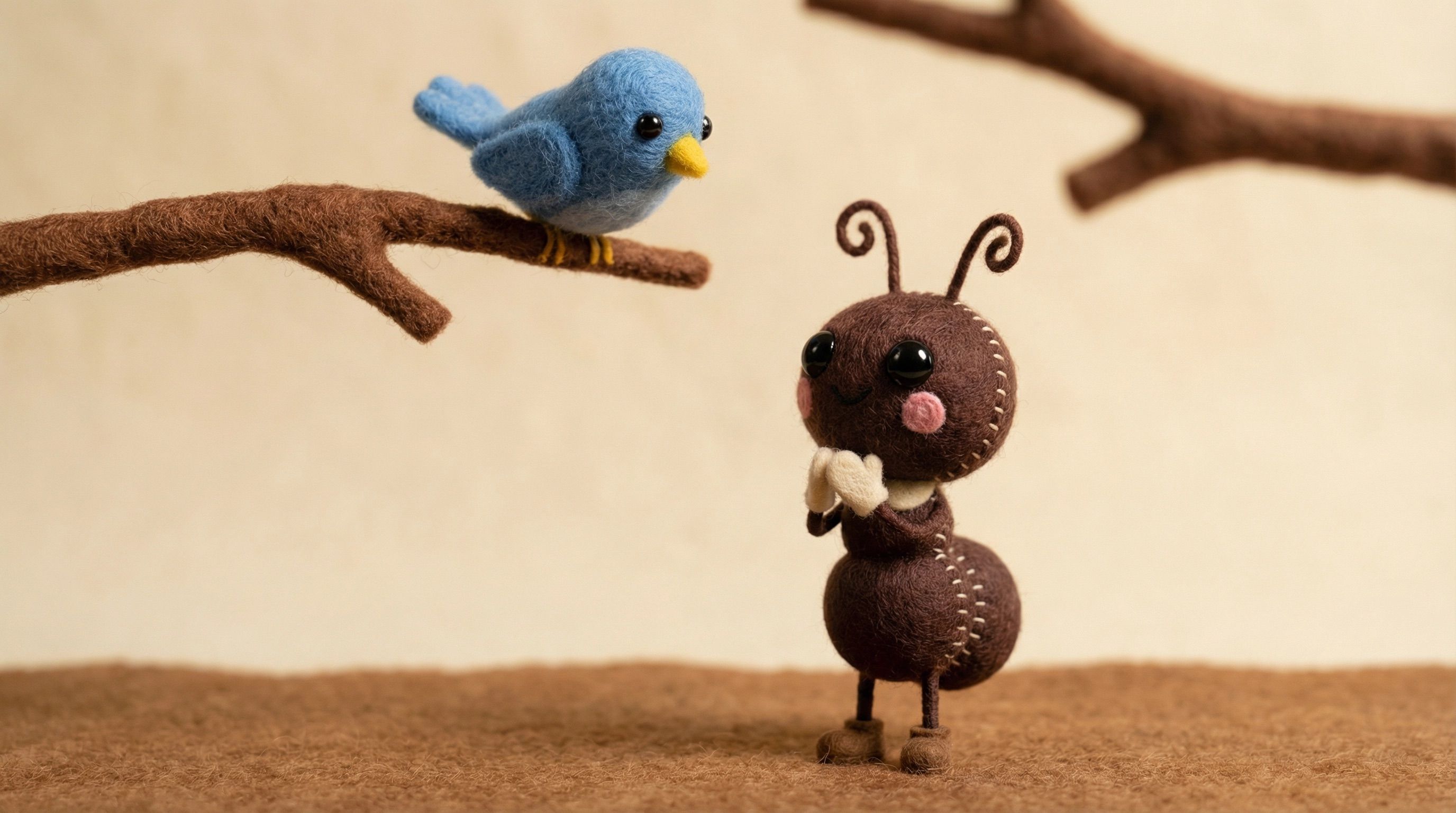
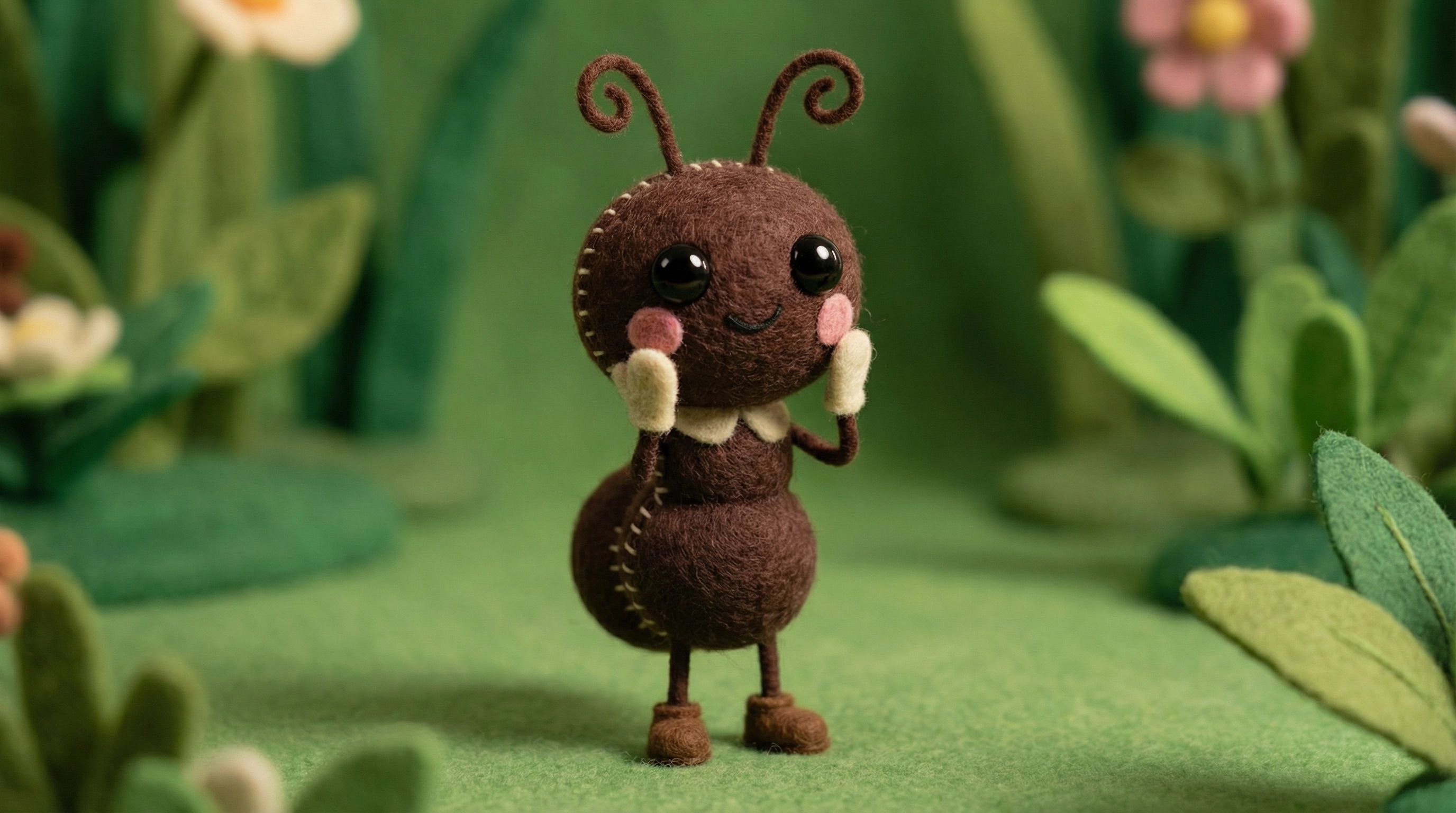
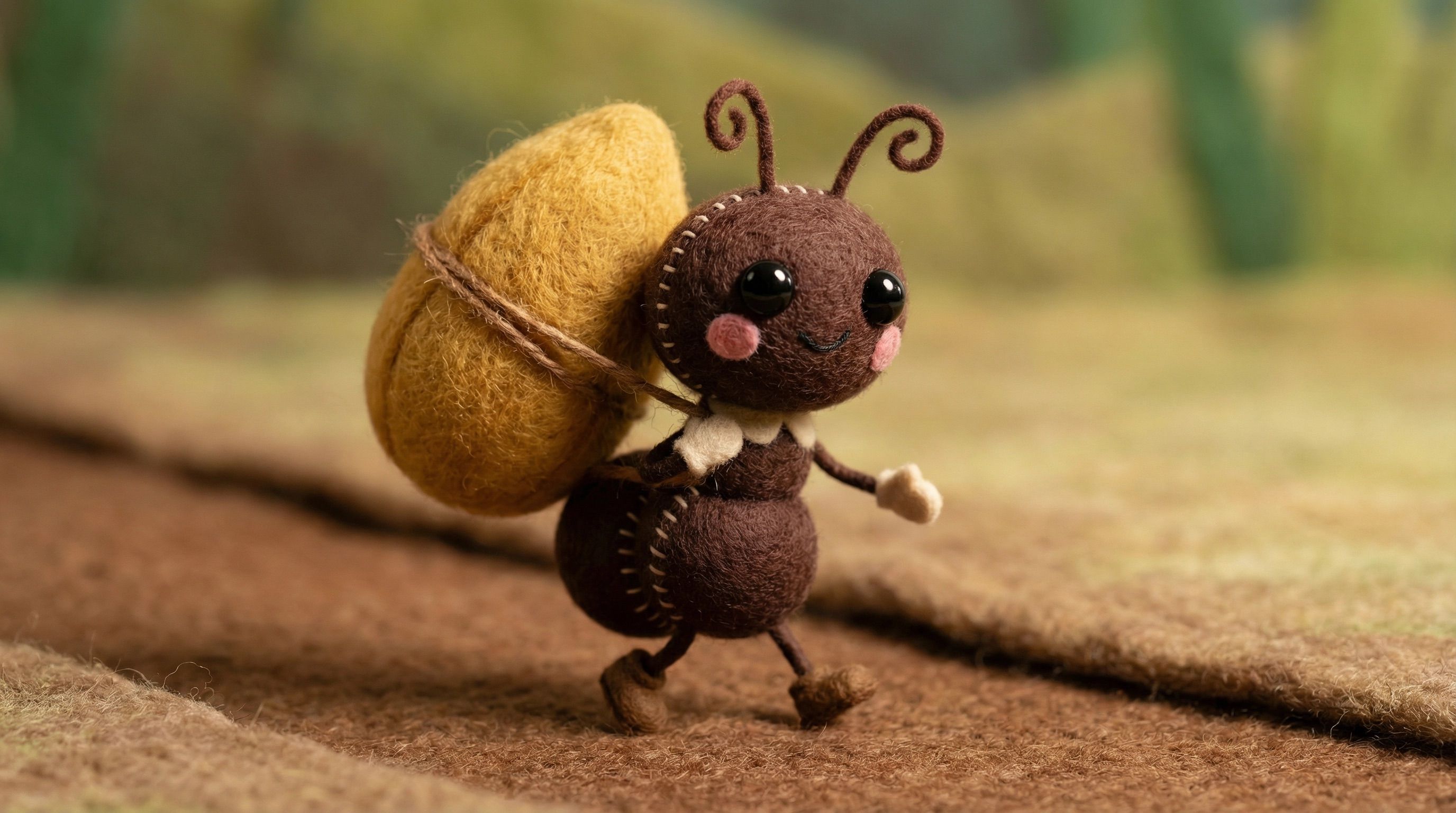
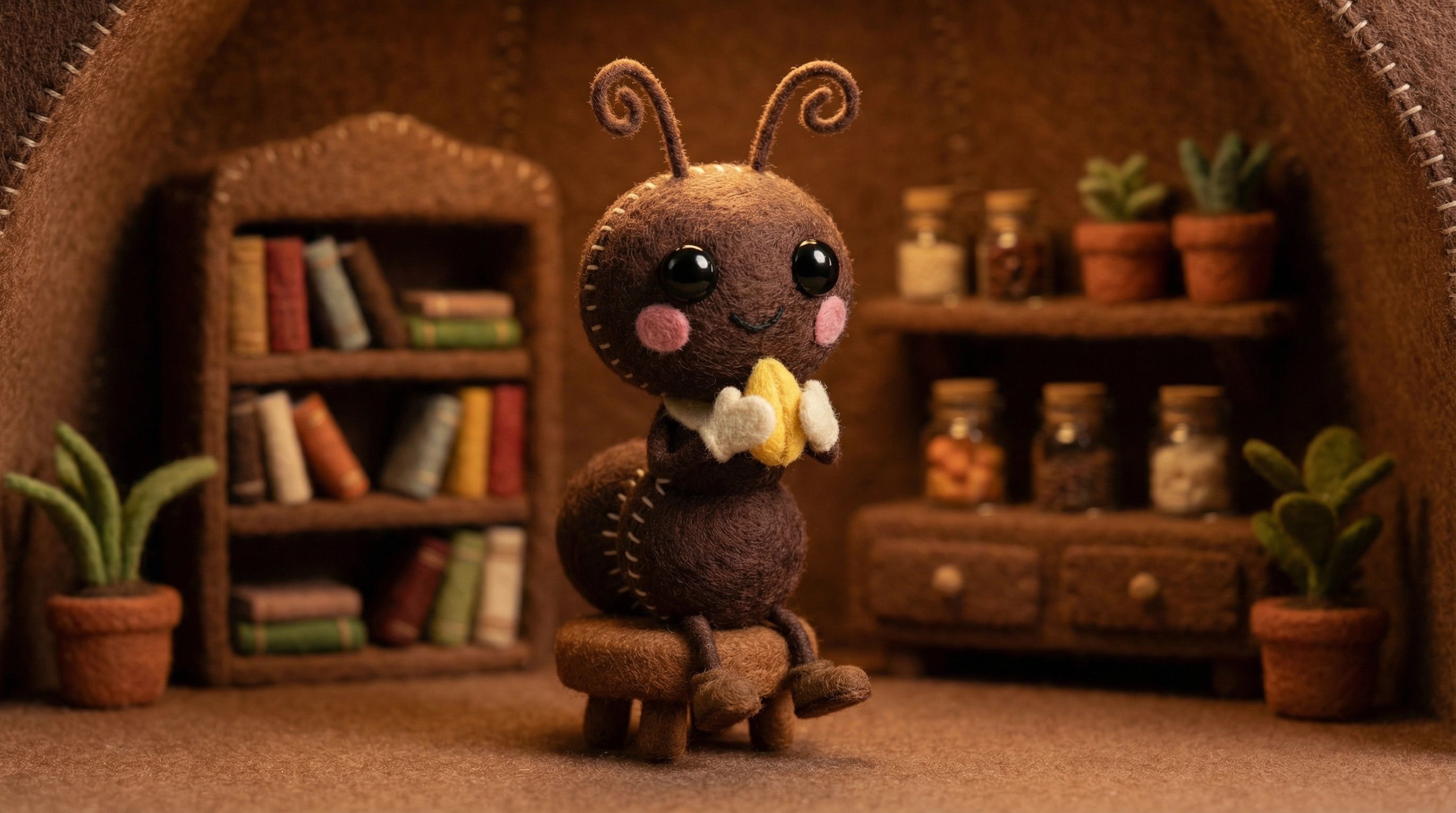
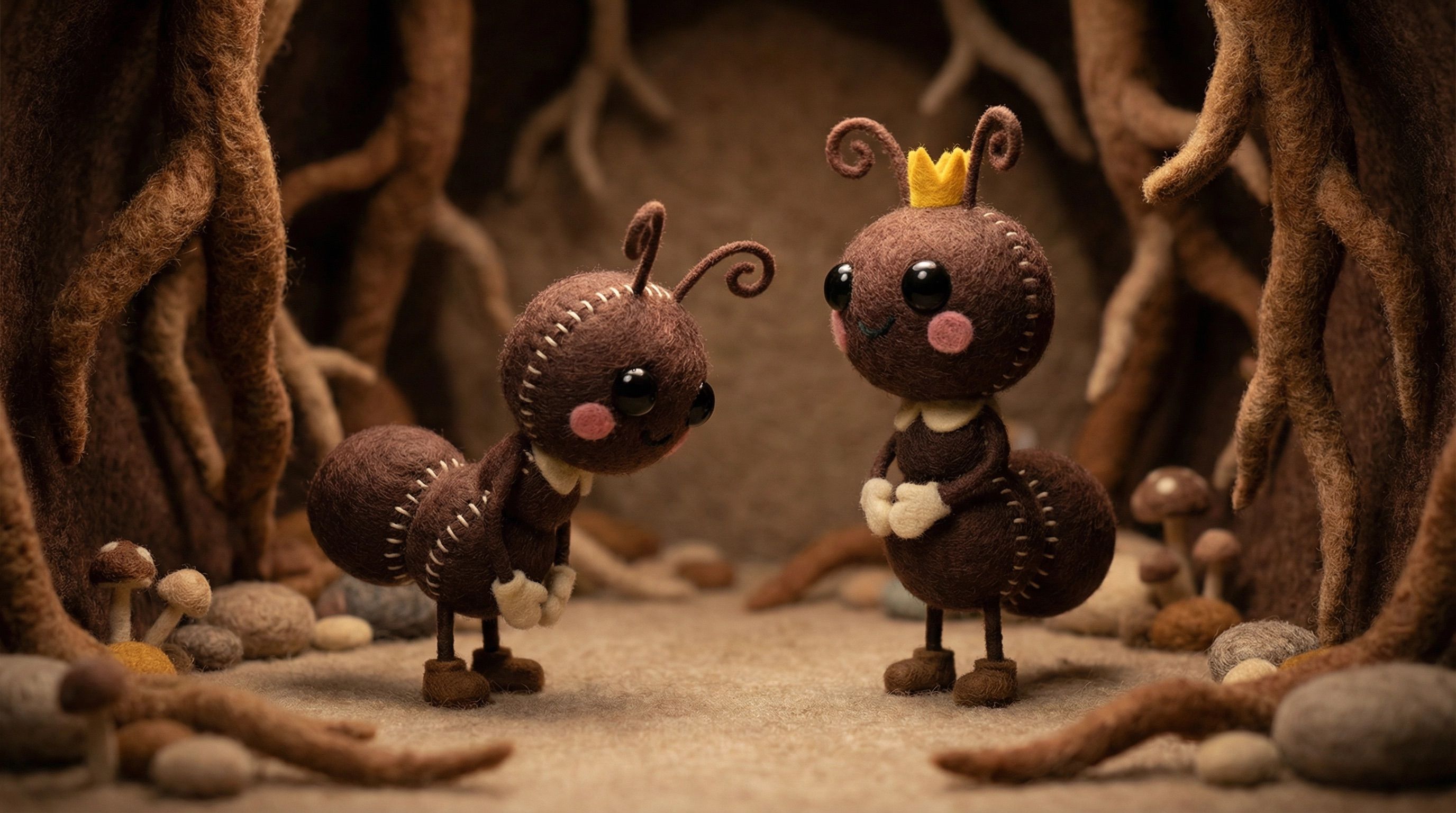
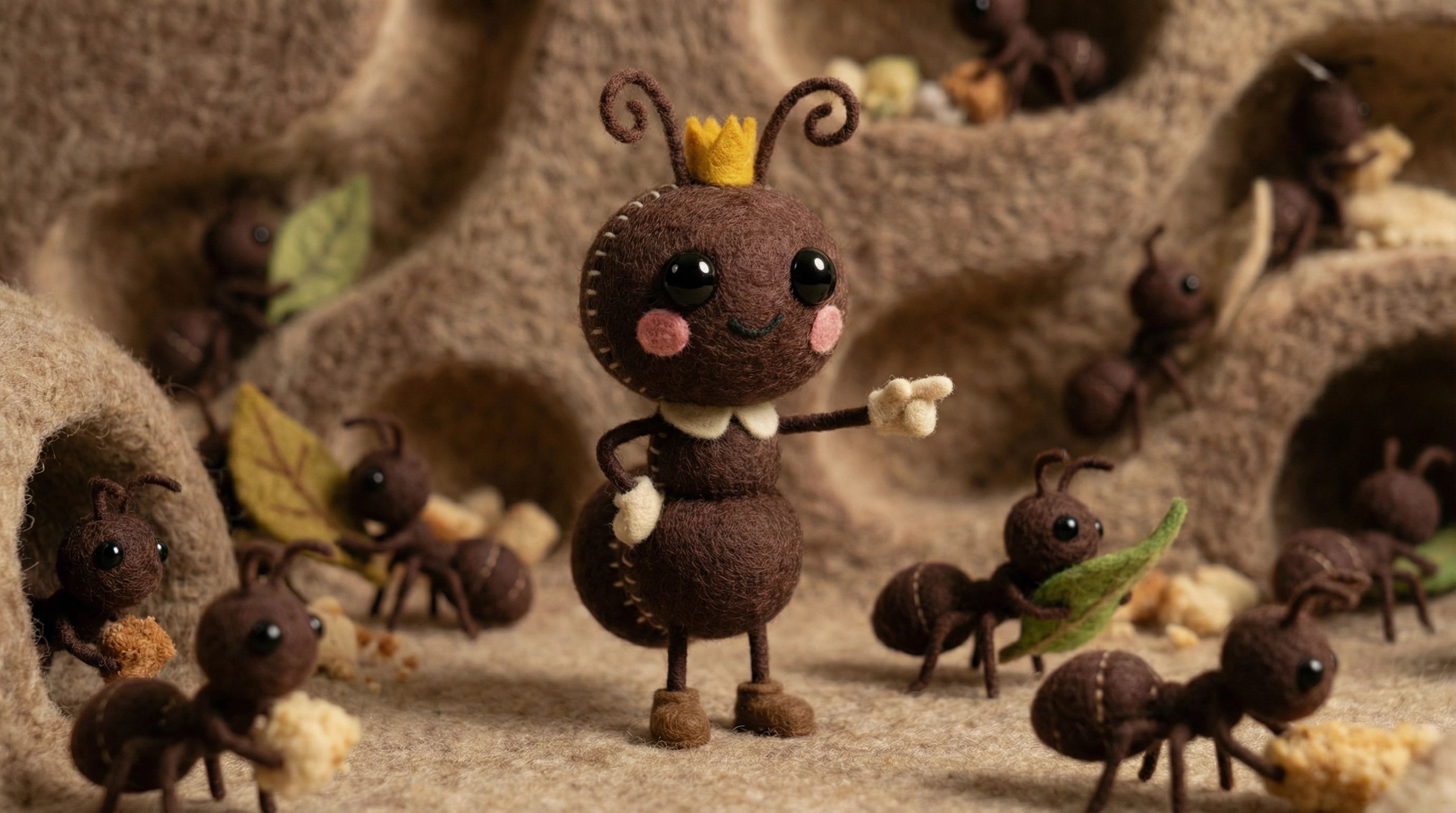
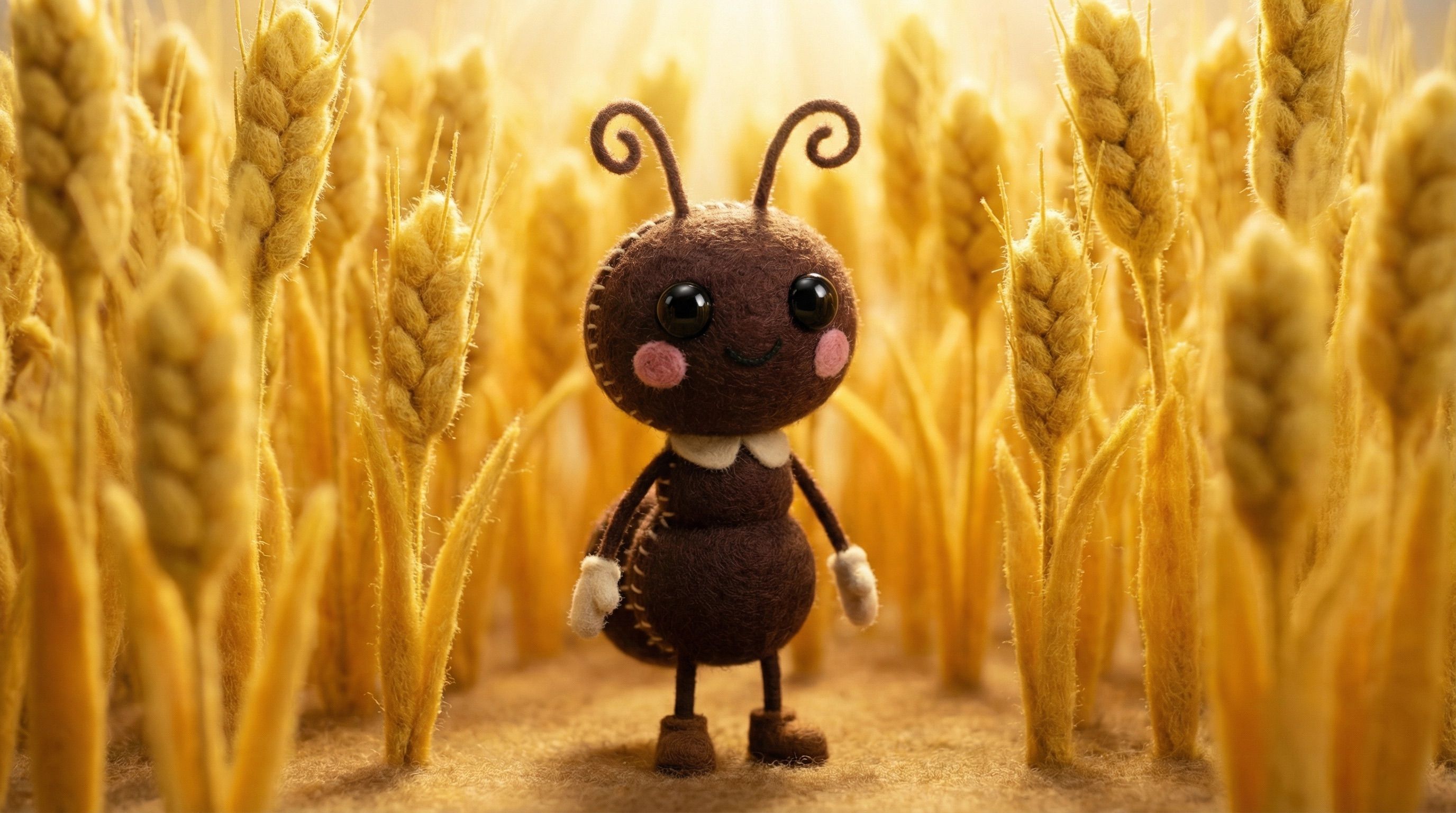
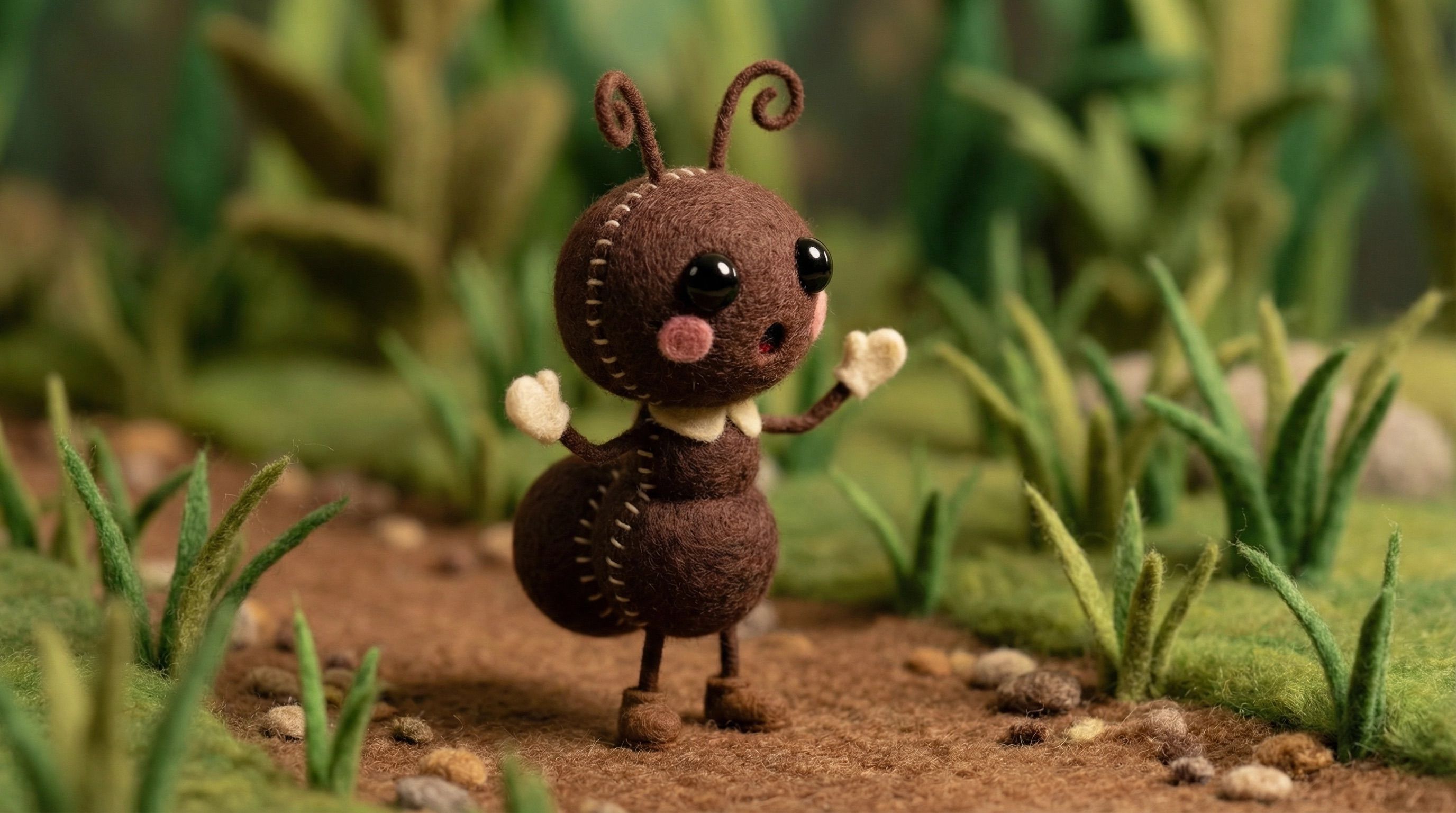
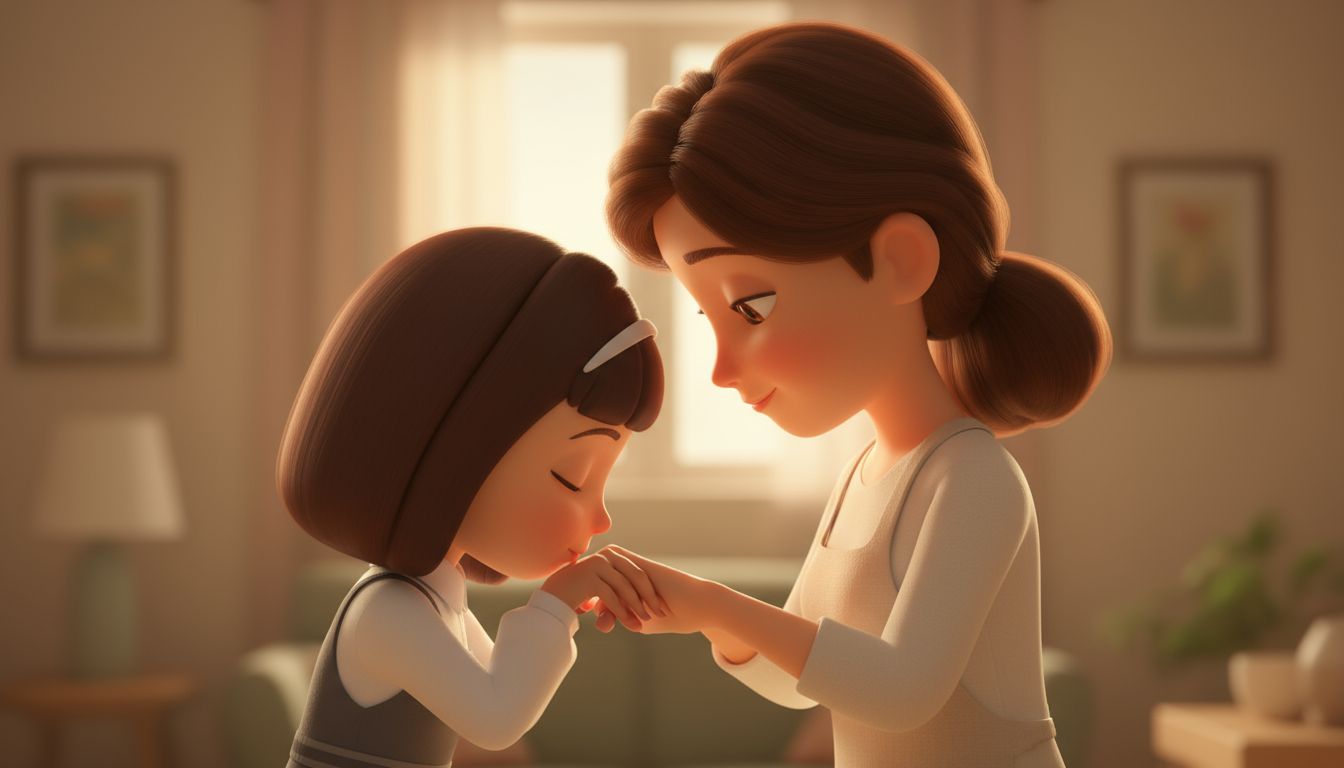
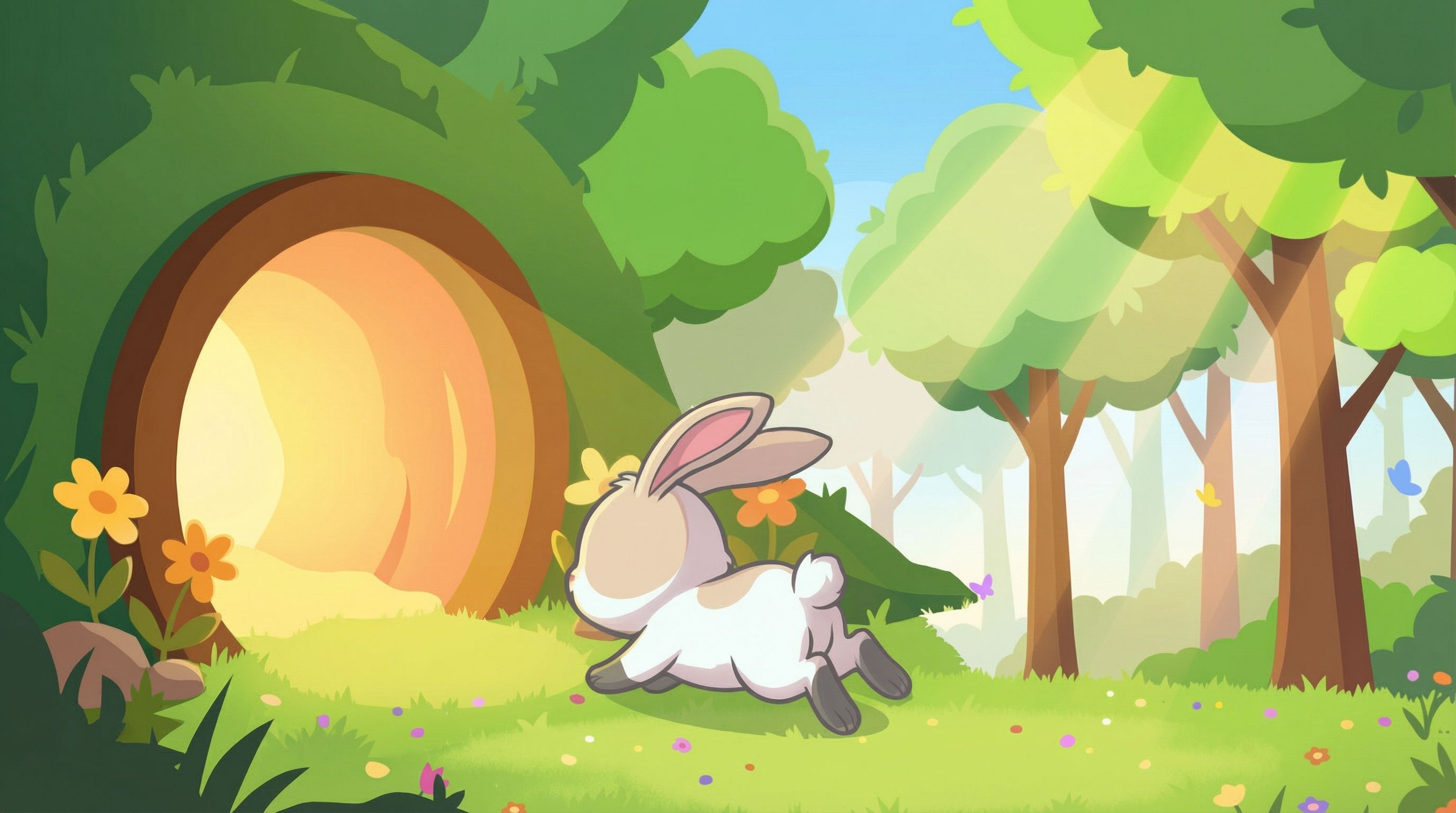
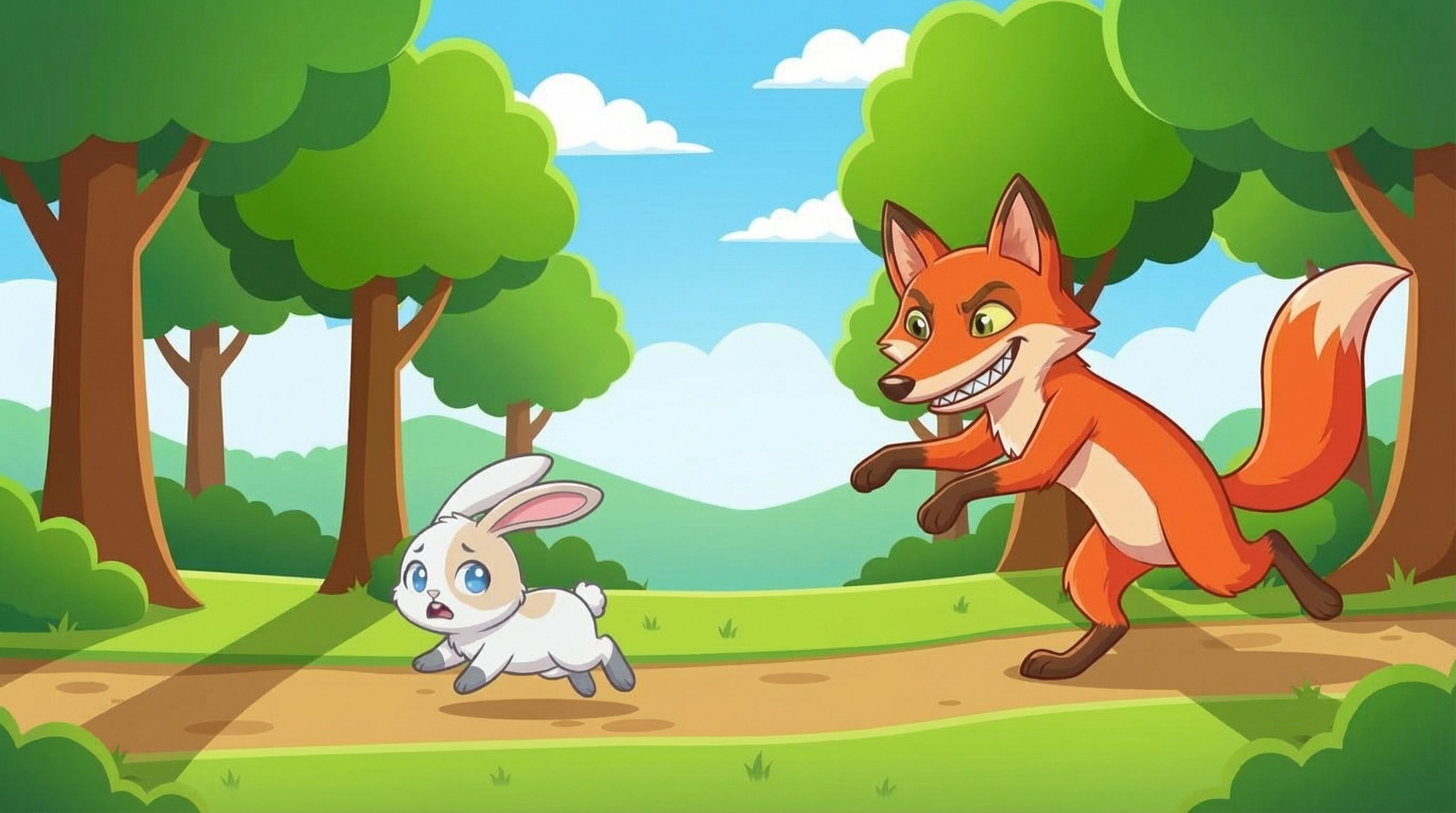
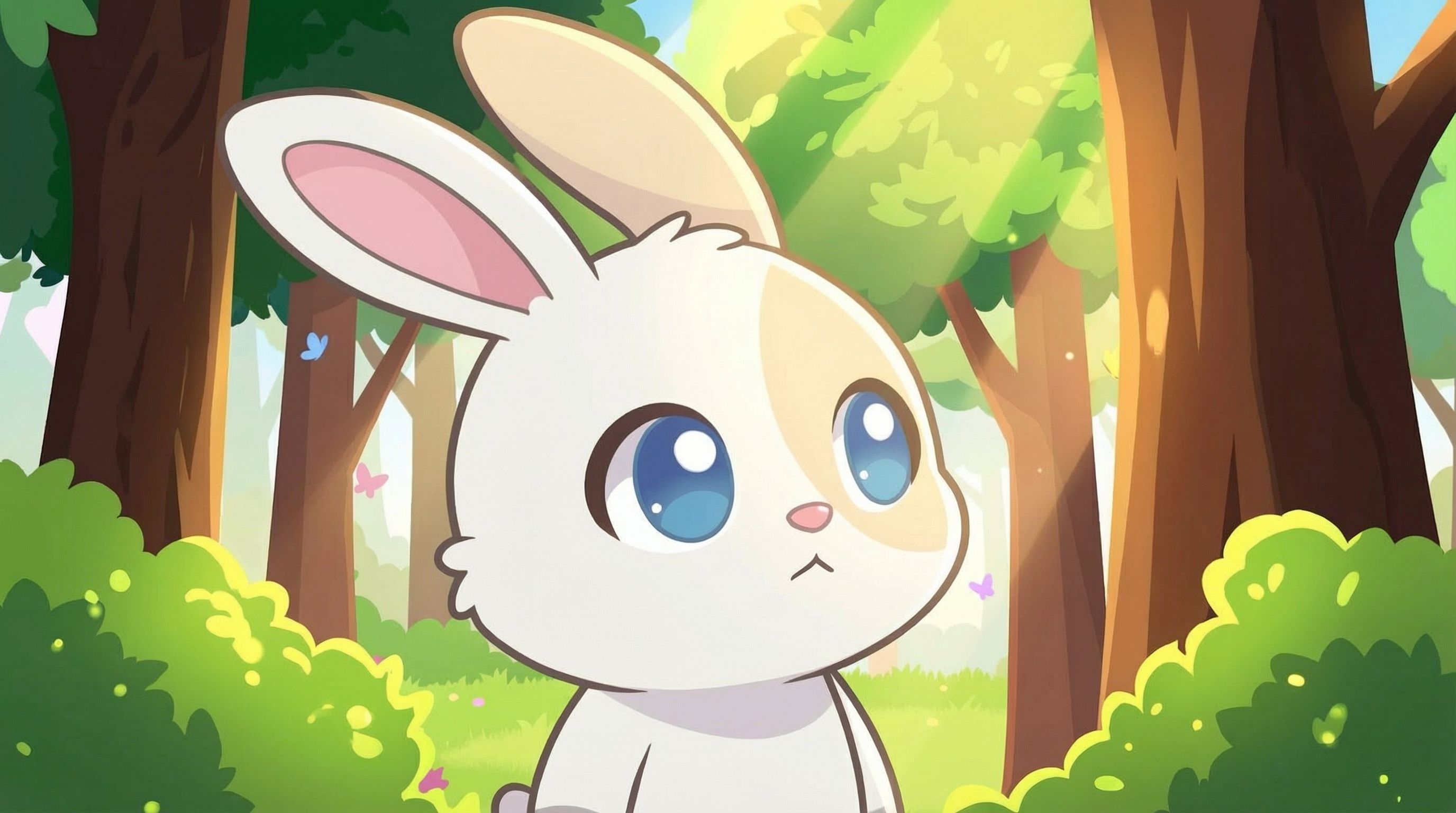
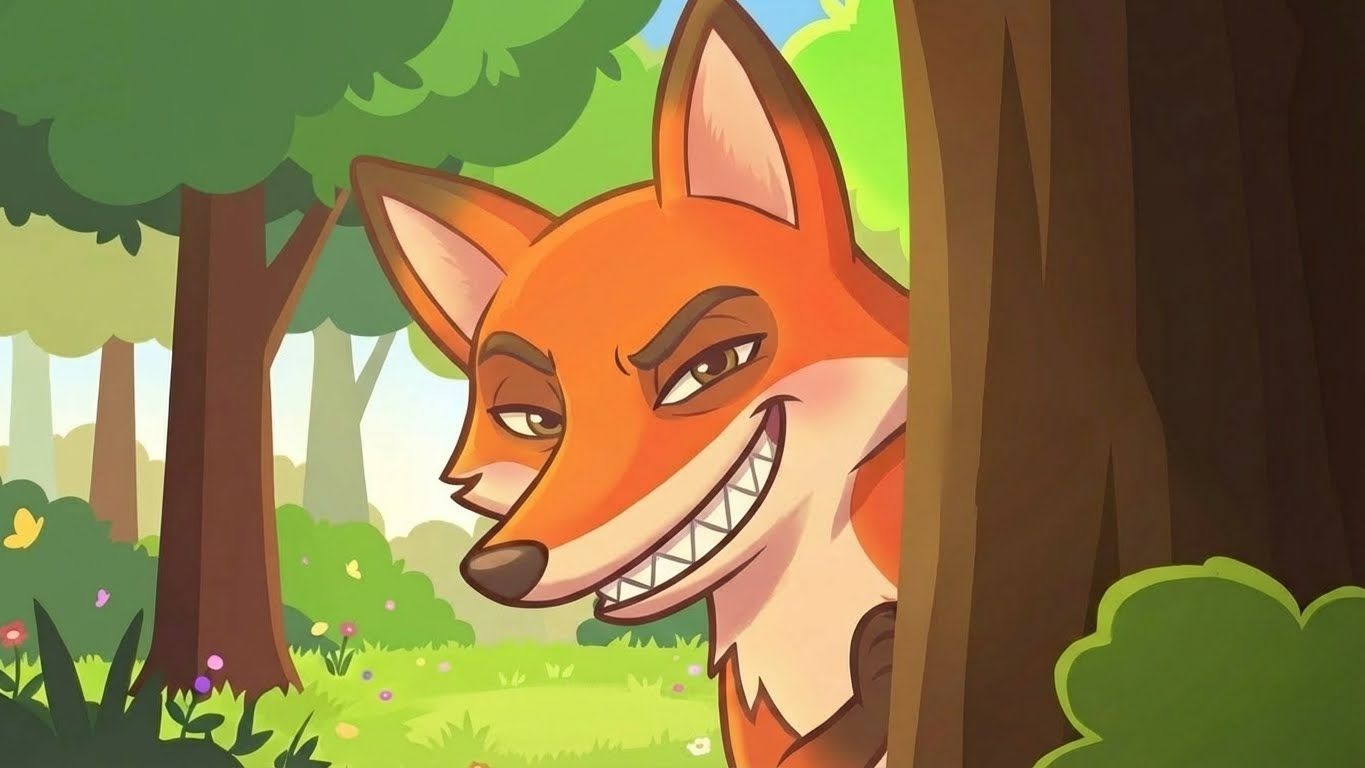
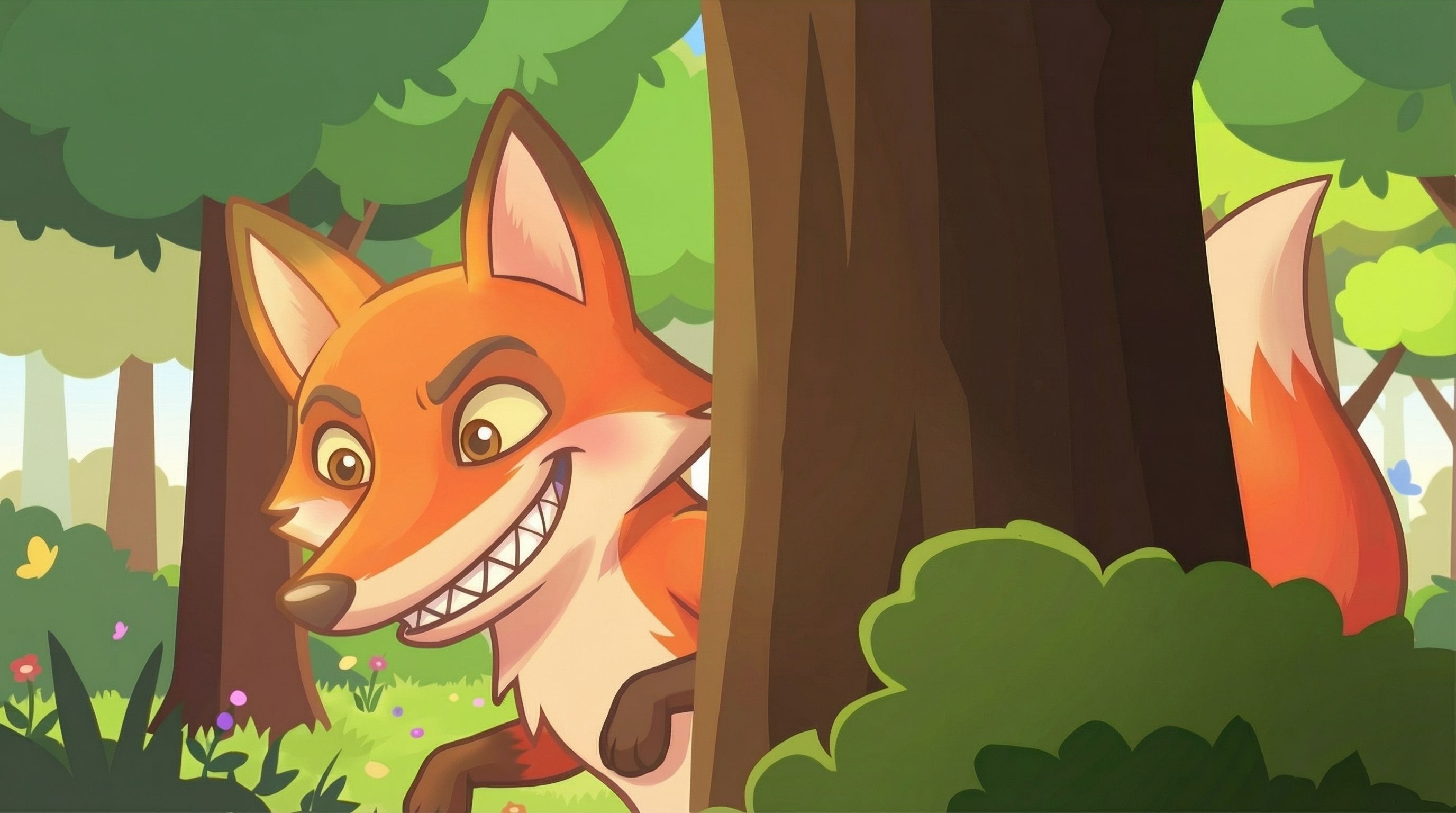
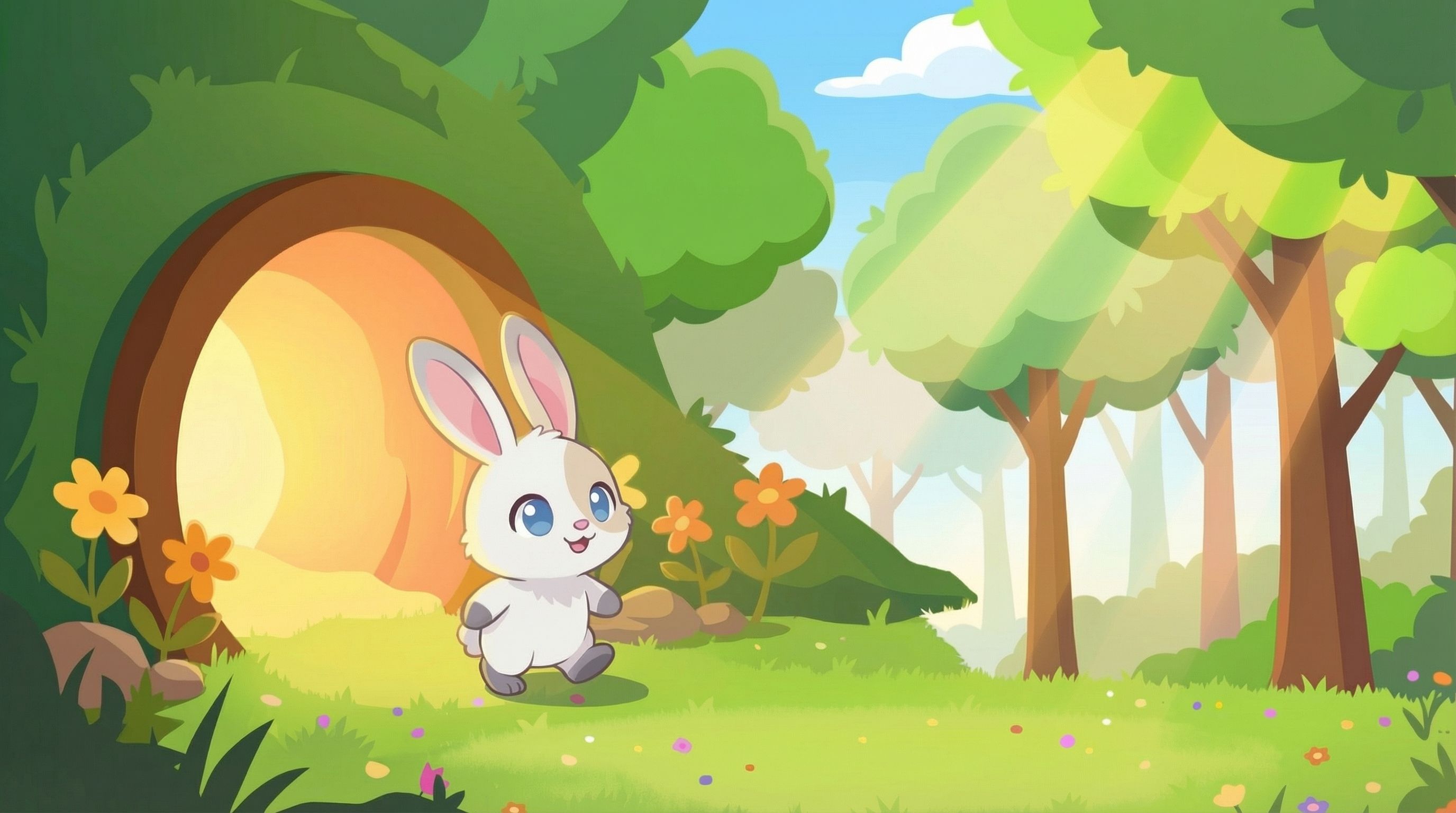
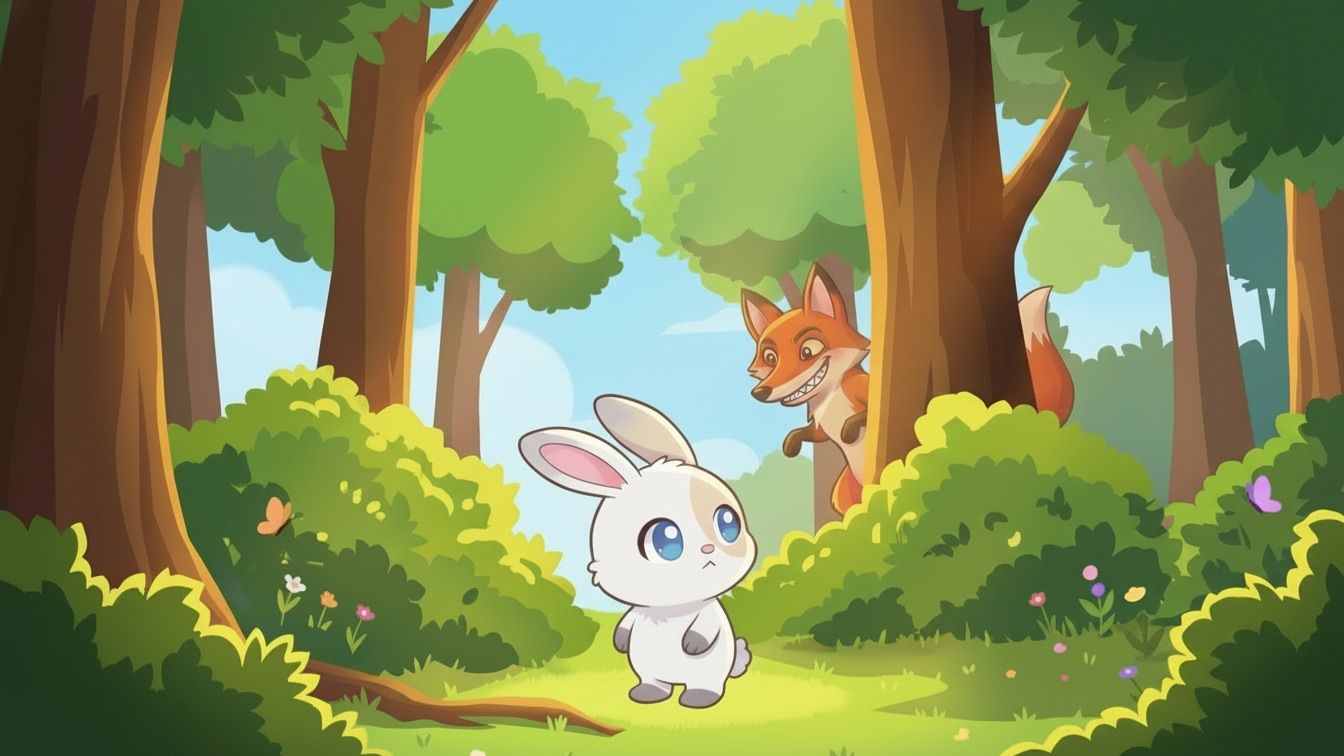
Storyboard projects generated with our AI tool







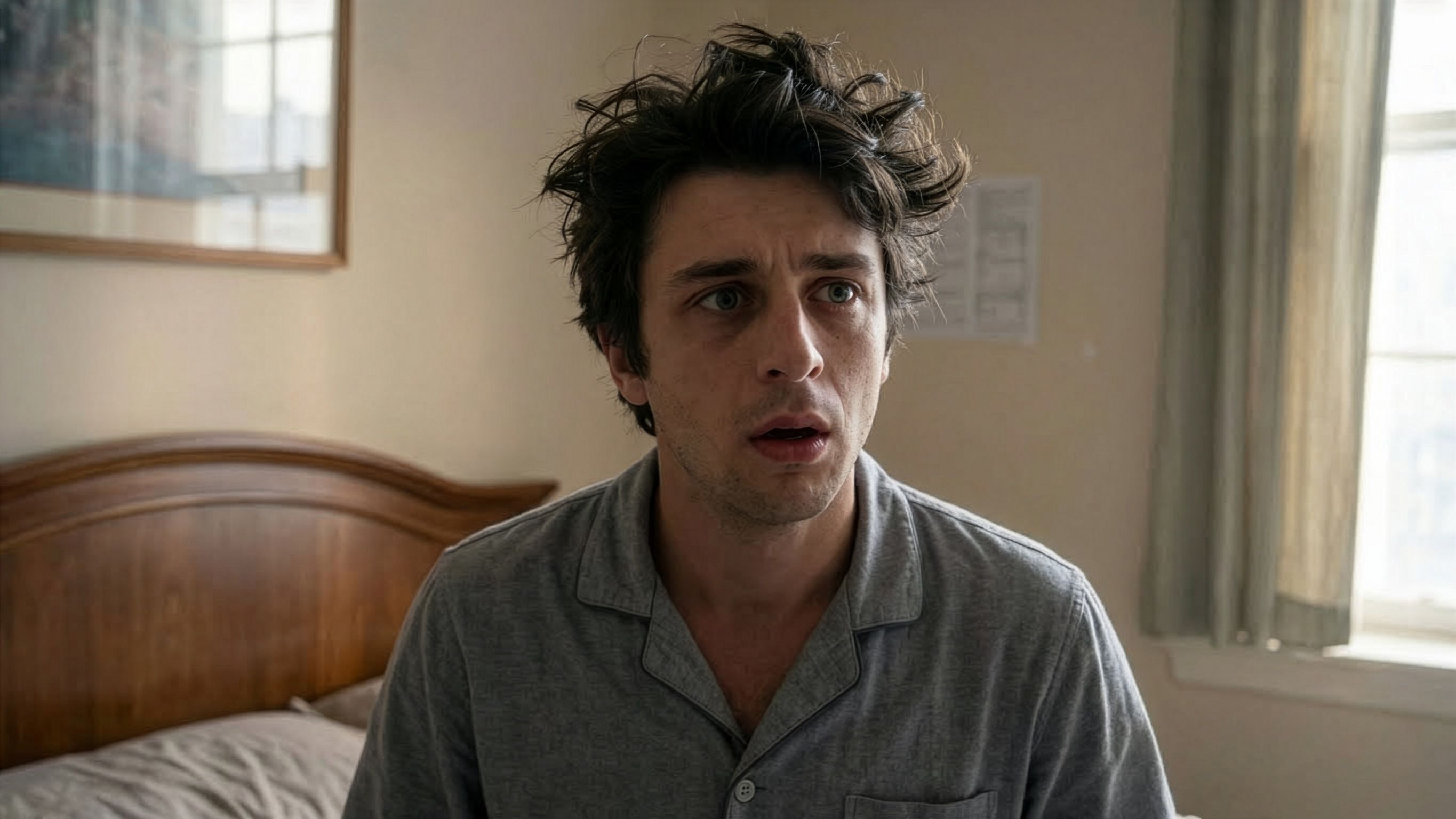
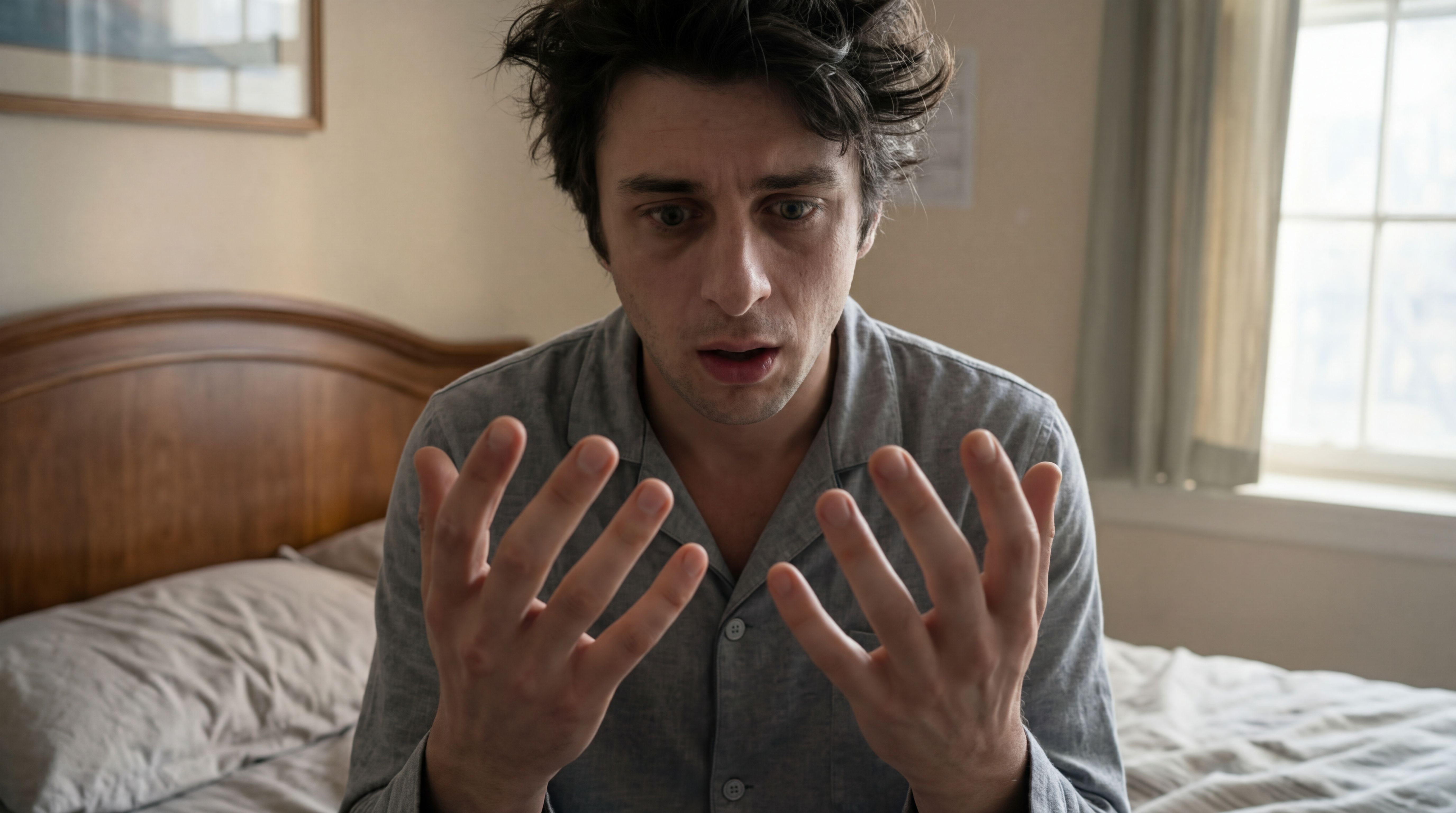
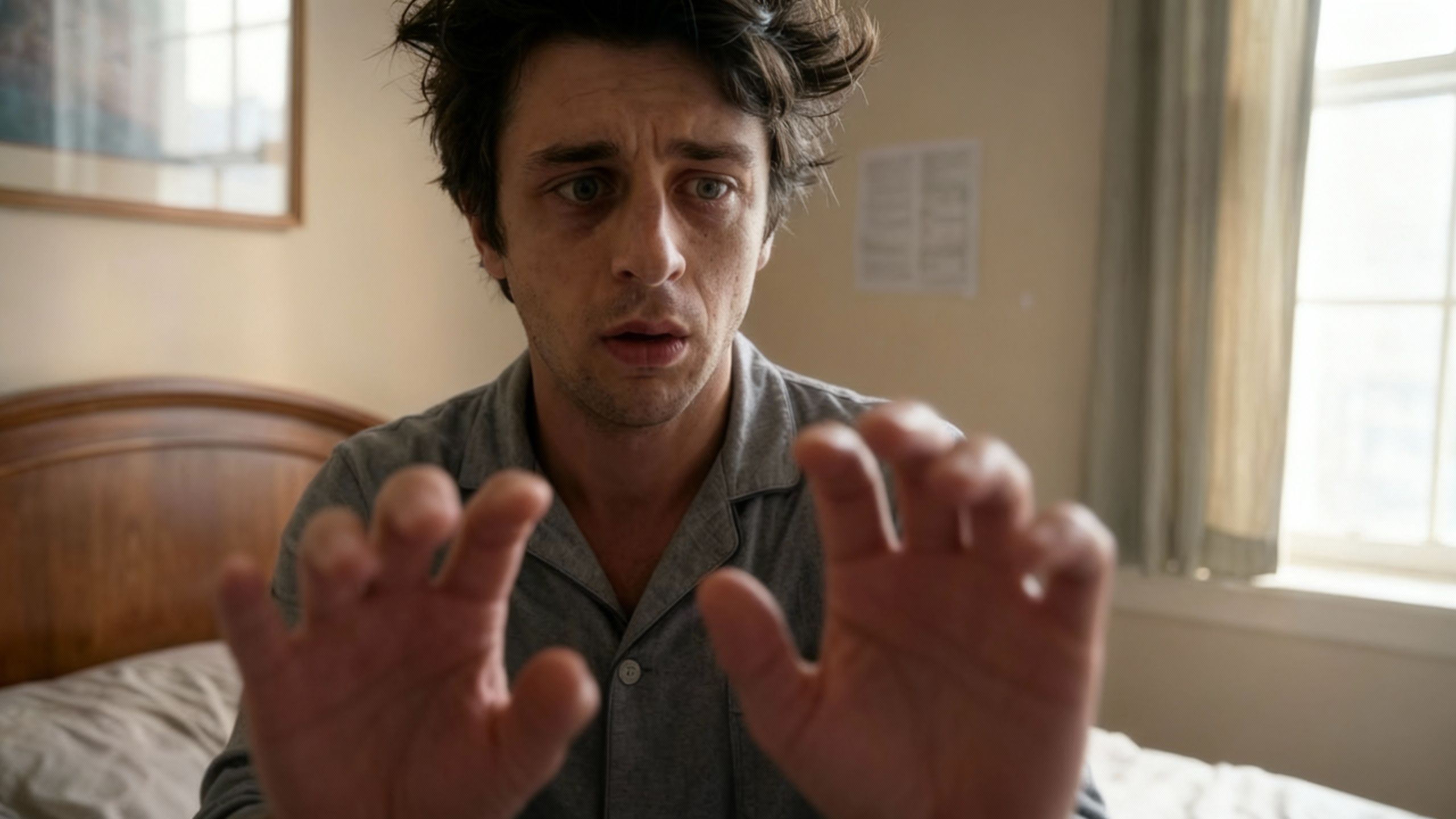
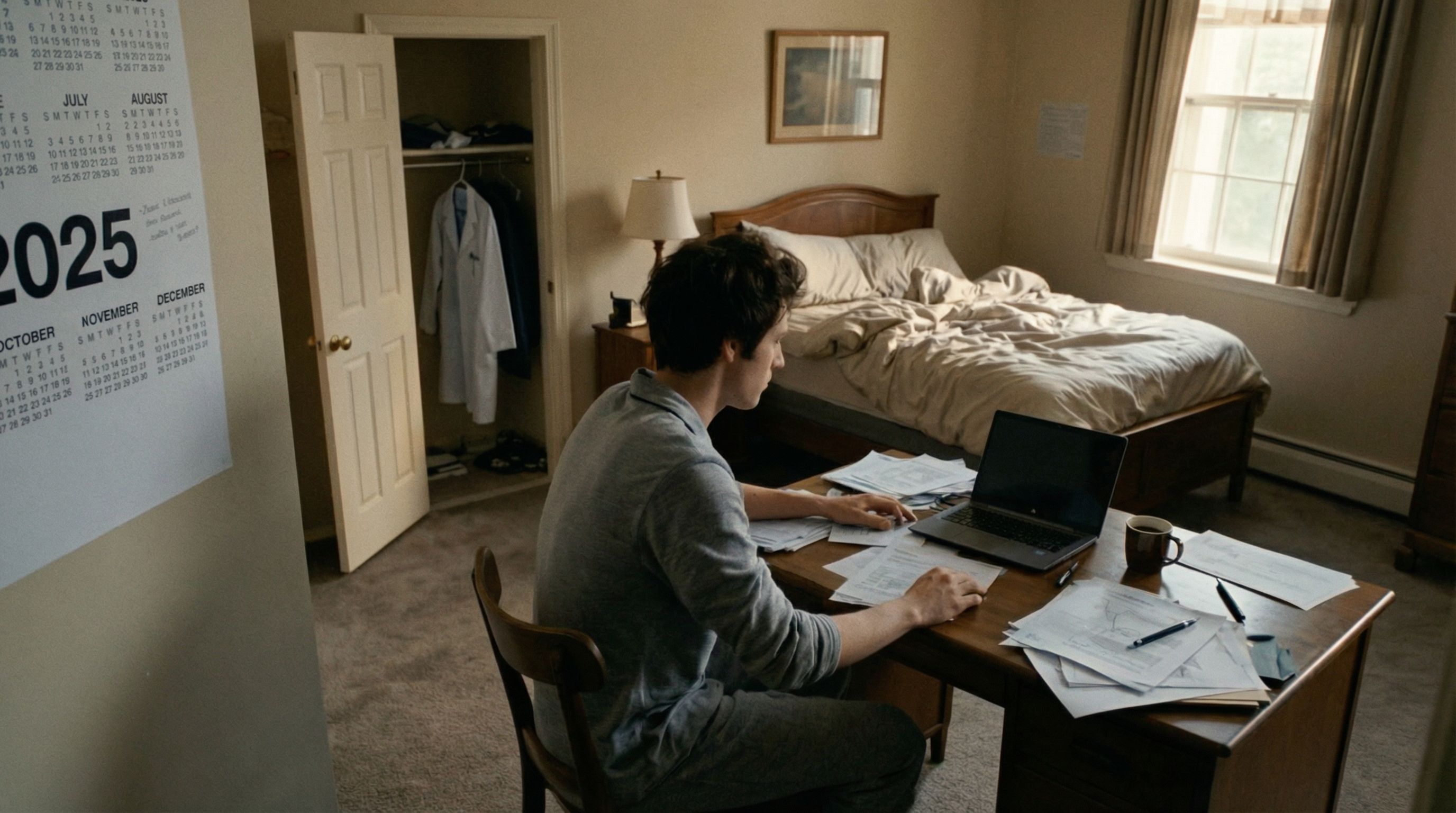

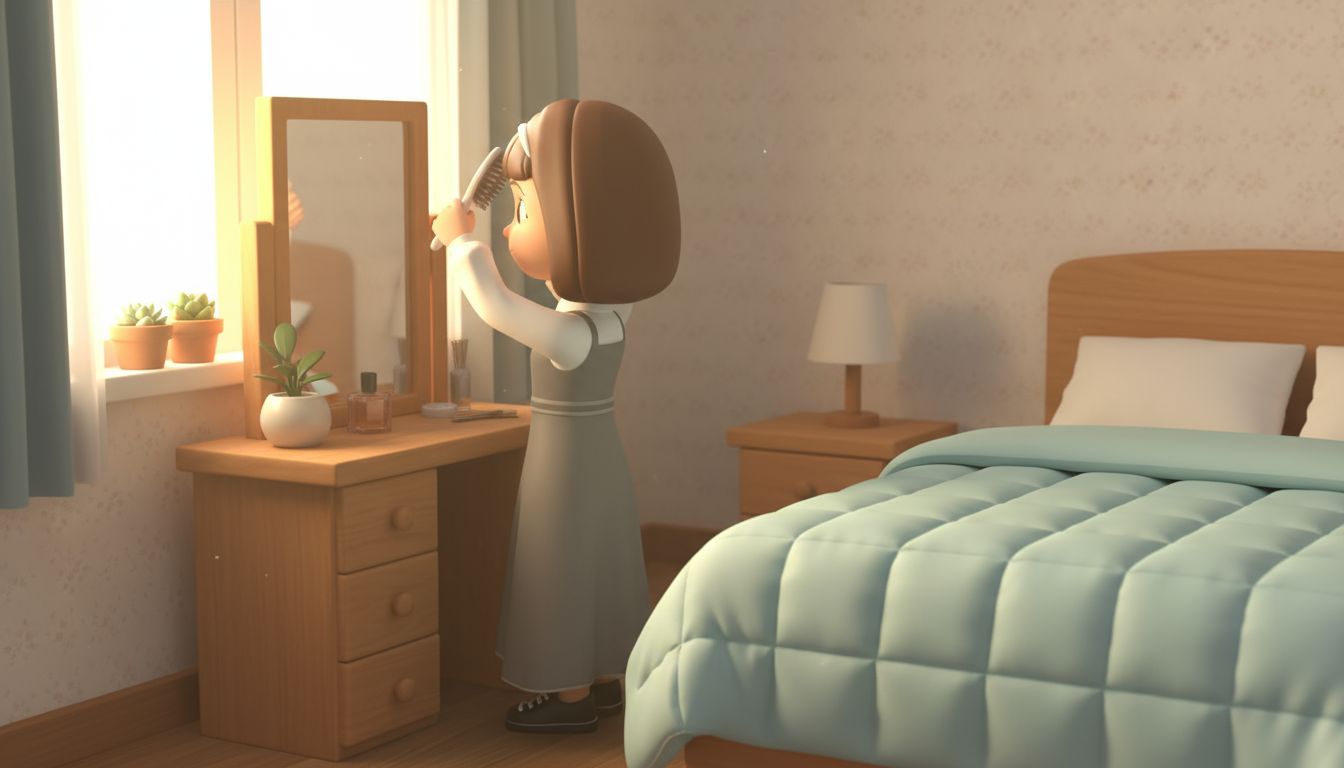
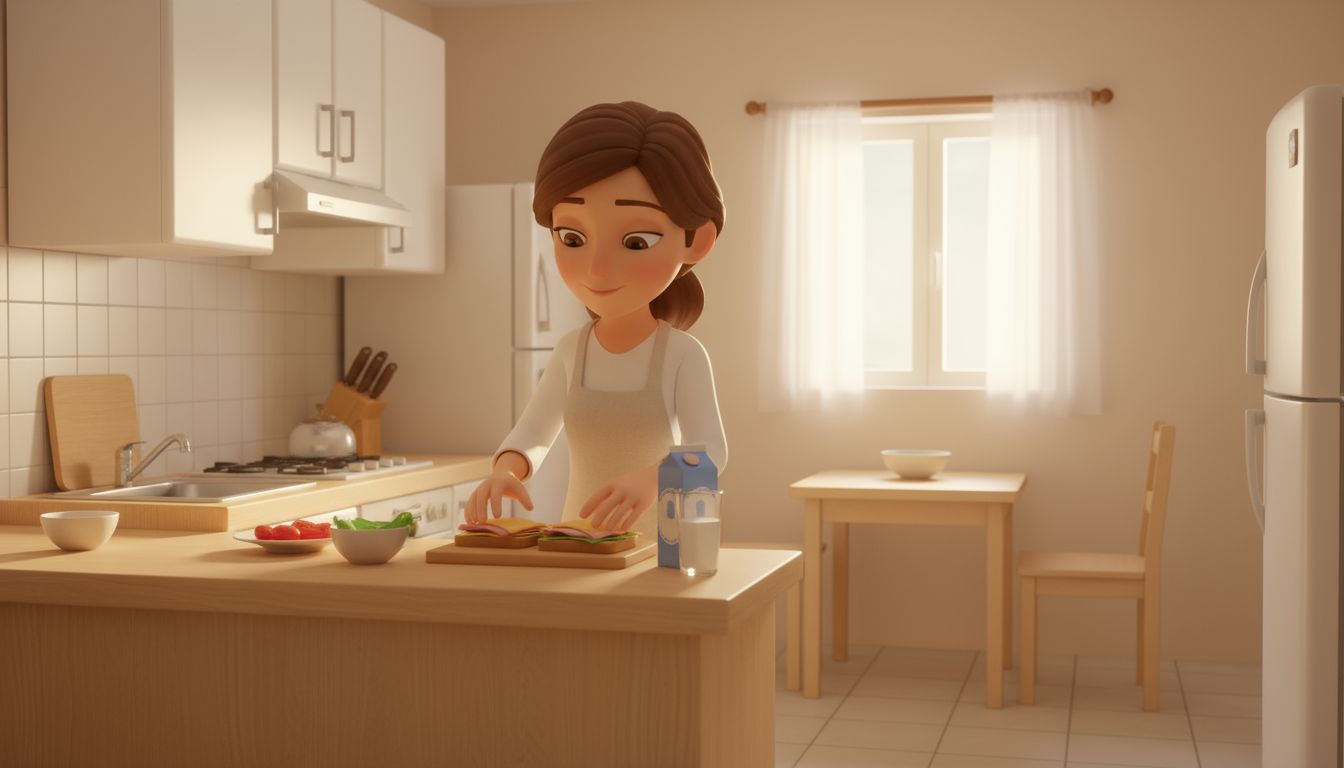
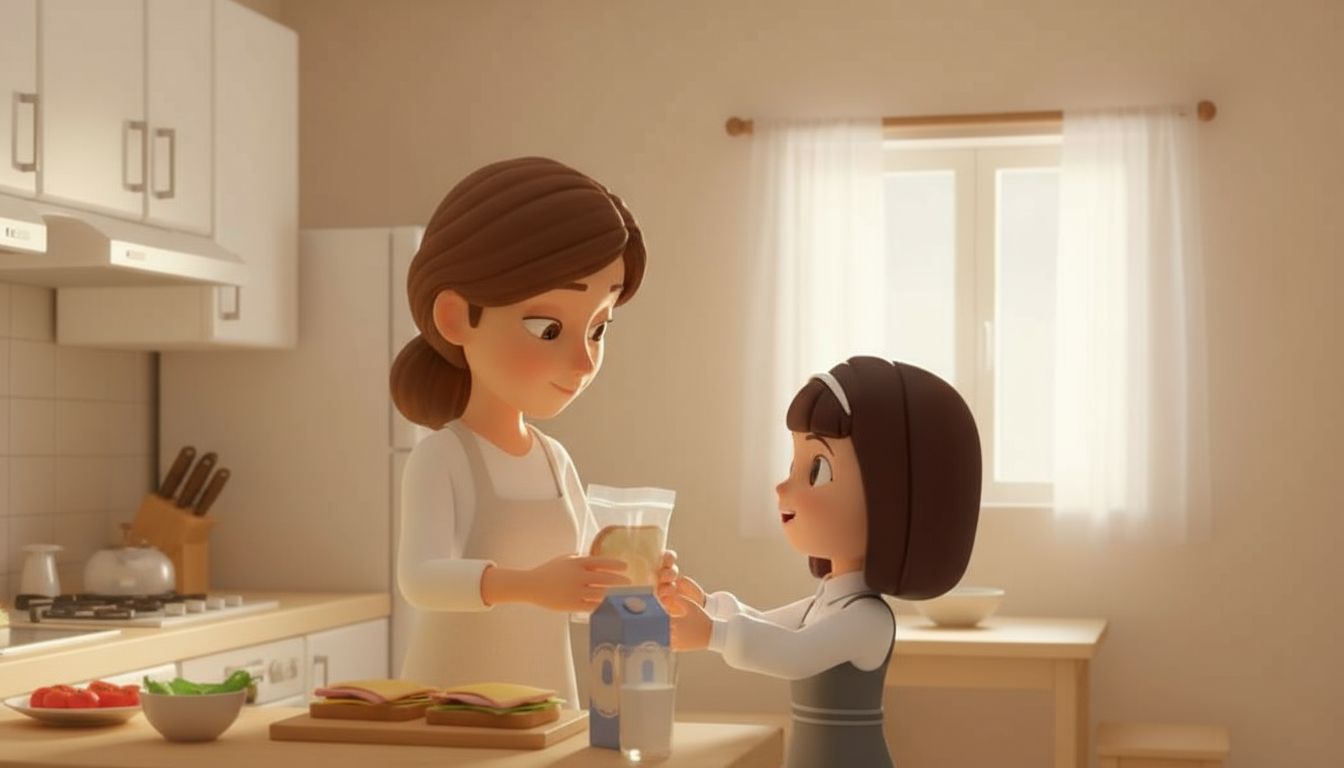
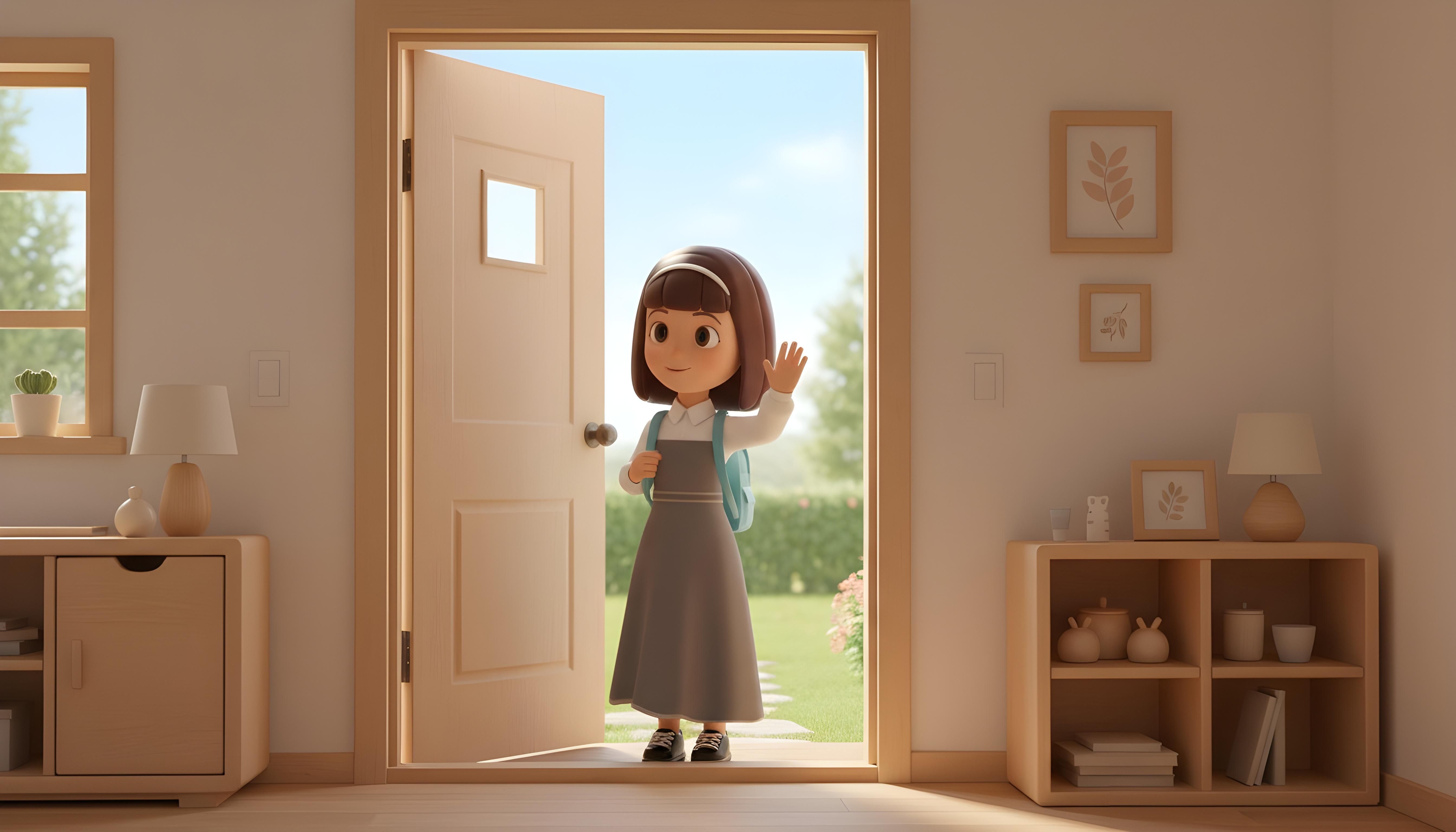
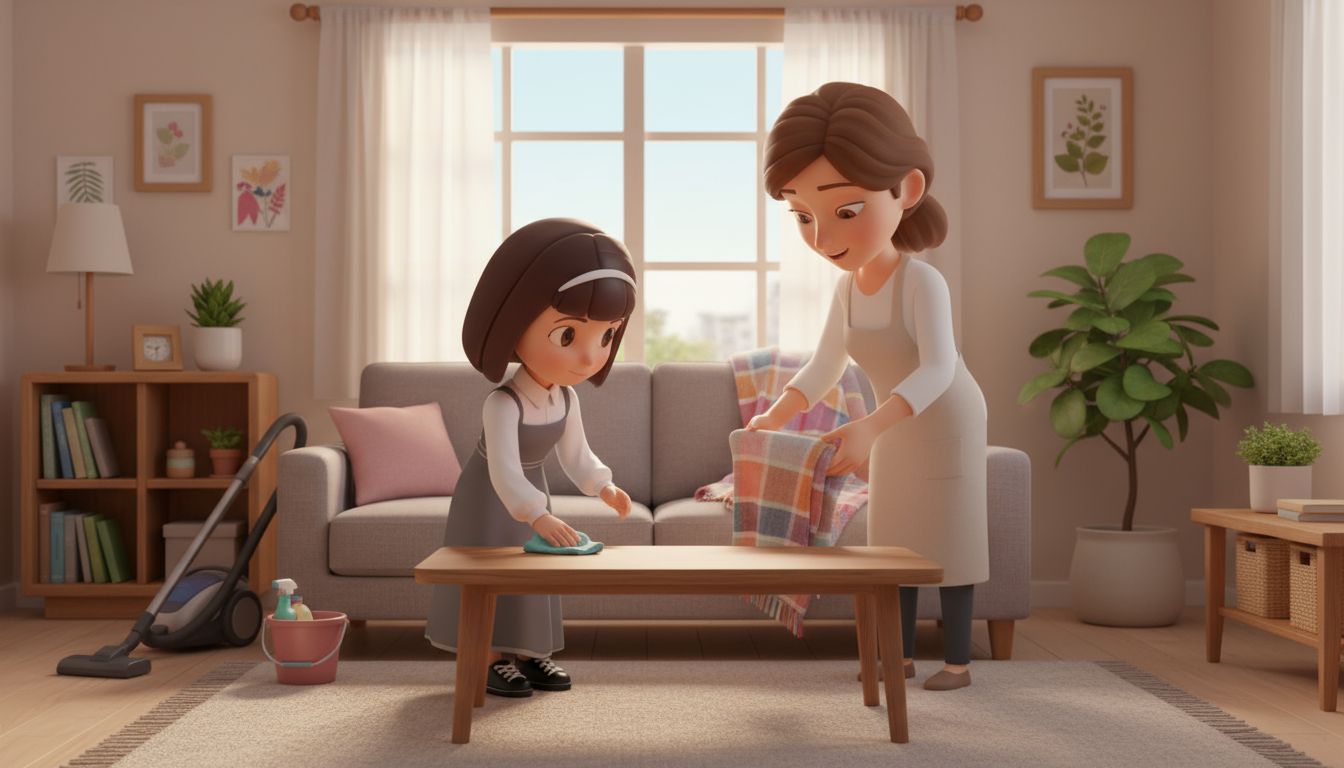
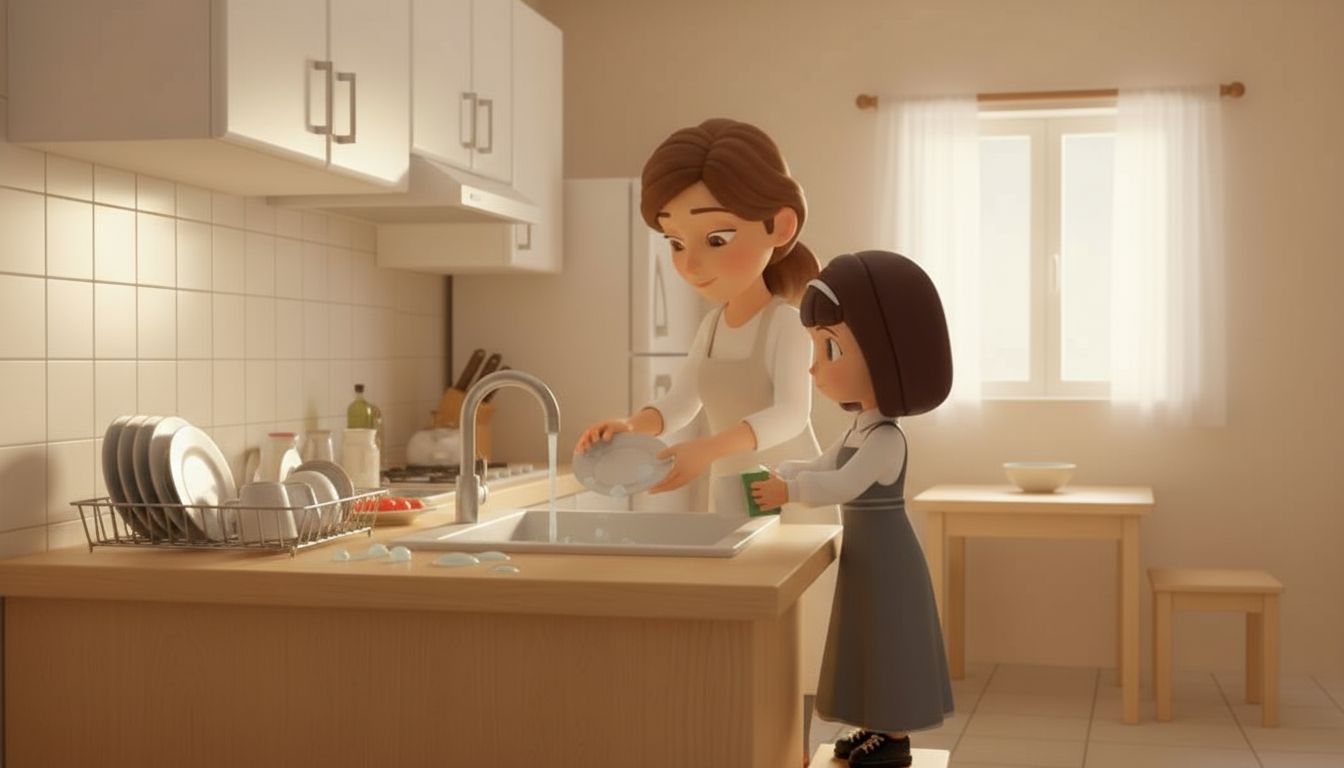
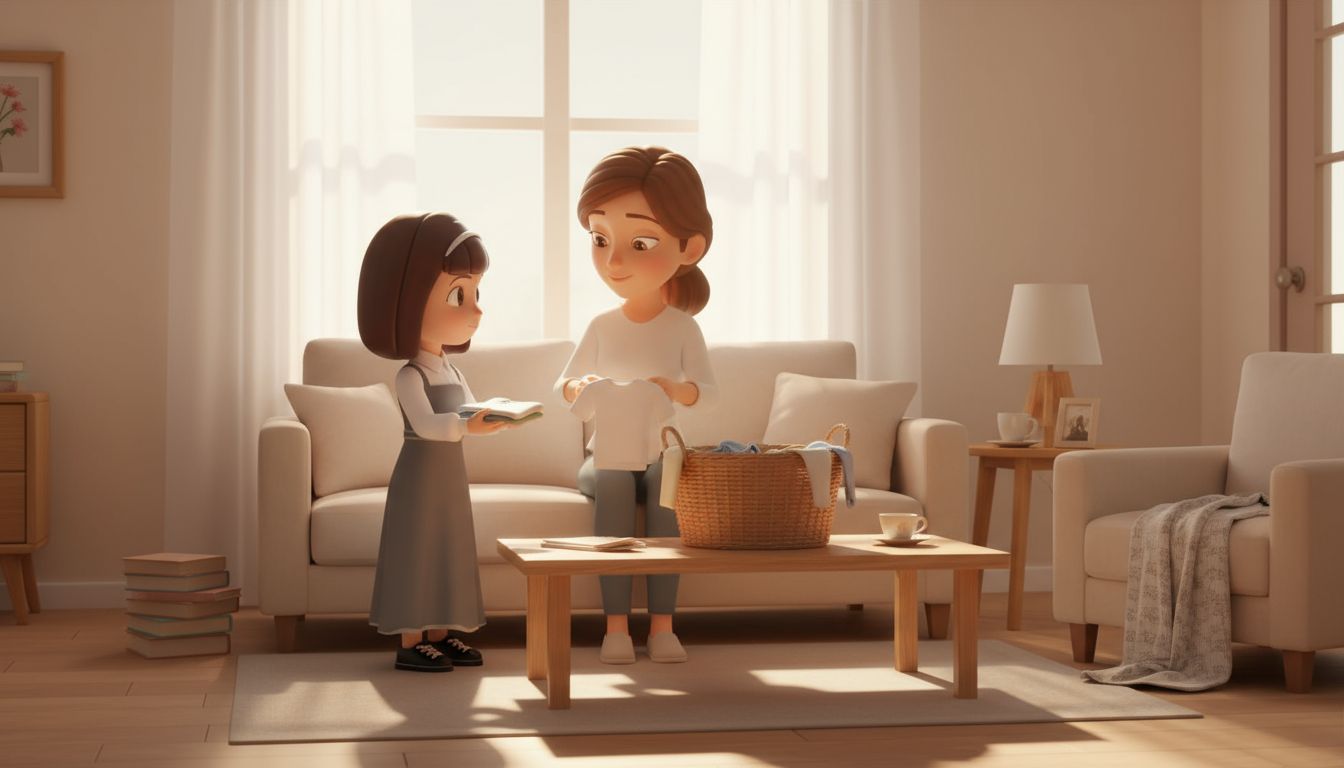
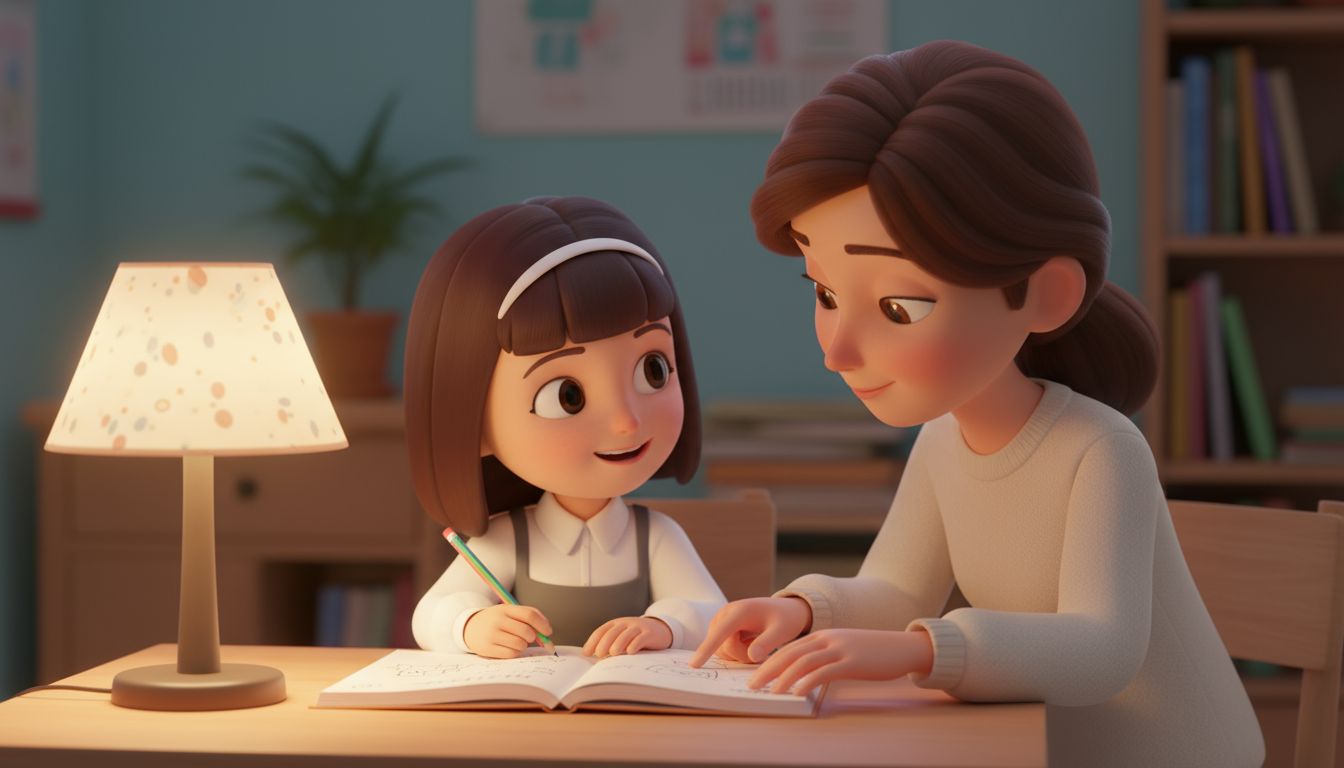

What Makes It Powerful
60-Second Generation
Get your storyboard in under a minute. No waiting, no complex tools.
2K Resolution
Pro tier delivers crisp 2K frames ready for professional presentations.
Up to 8 Frames
Generate multi-frame storyboards that tell your complete story.
11 Art Styles
Realistic, anime, 3D Pixar, stop motion, and 7 more cinematic styles.
PNG + PDF Export
Download individual frames as PNG or get a complete PDF storyboard.
Free to Try
Start with 3 free frames to see the quality before upgrading.
Start Creating Now
Start free, upgrade when you're ready
Free Testing
- 3 frames per generation
- 512px resolution
- SawaFilms watermark
- PNG download
Pro
- 8 frames per generation
- 2K resolution
- No watermark
- PNG + PDF download