How to direct a scroll-stopping commercial starts with three choices made before anything is filmed: the frame, the camera angle and the light. This short from Sawa Films shows how those choices turn an ordinary product shot into an ad people stop to watch.
About this video
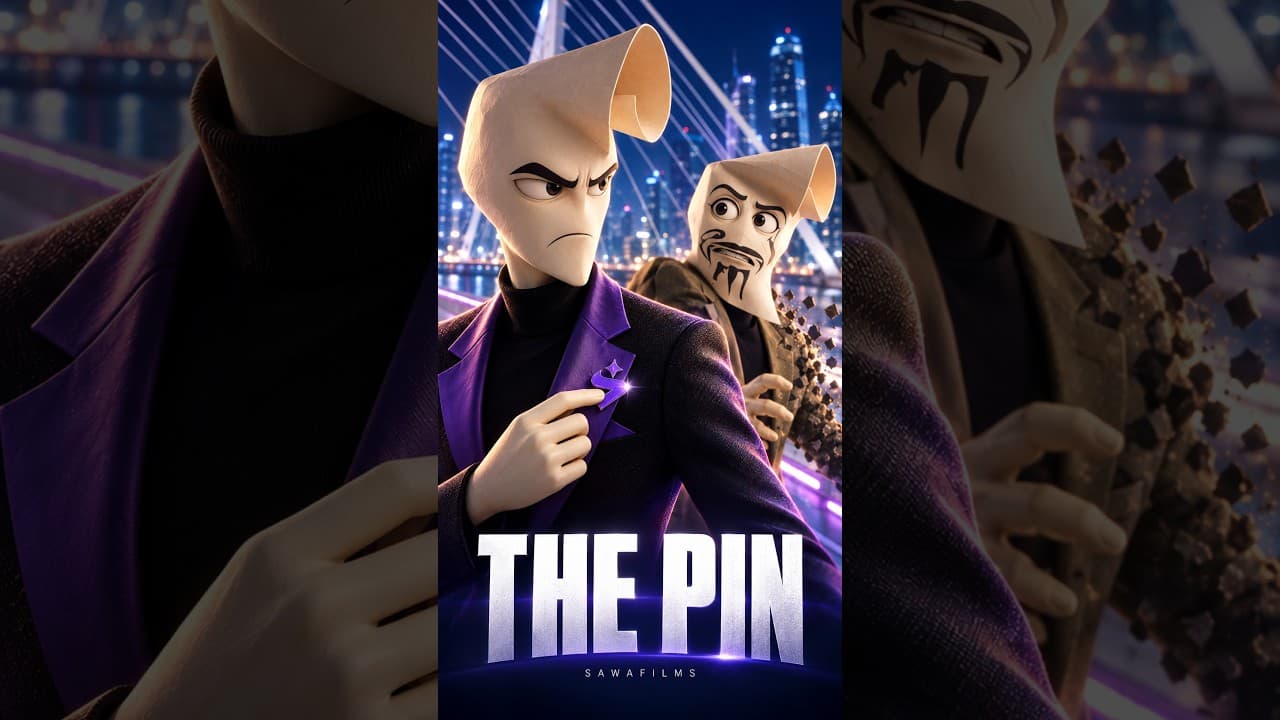
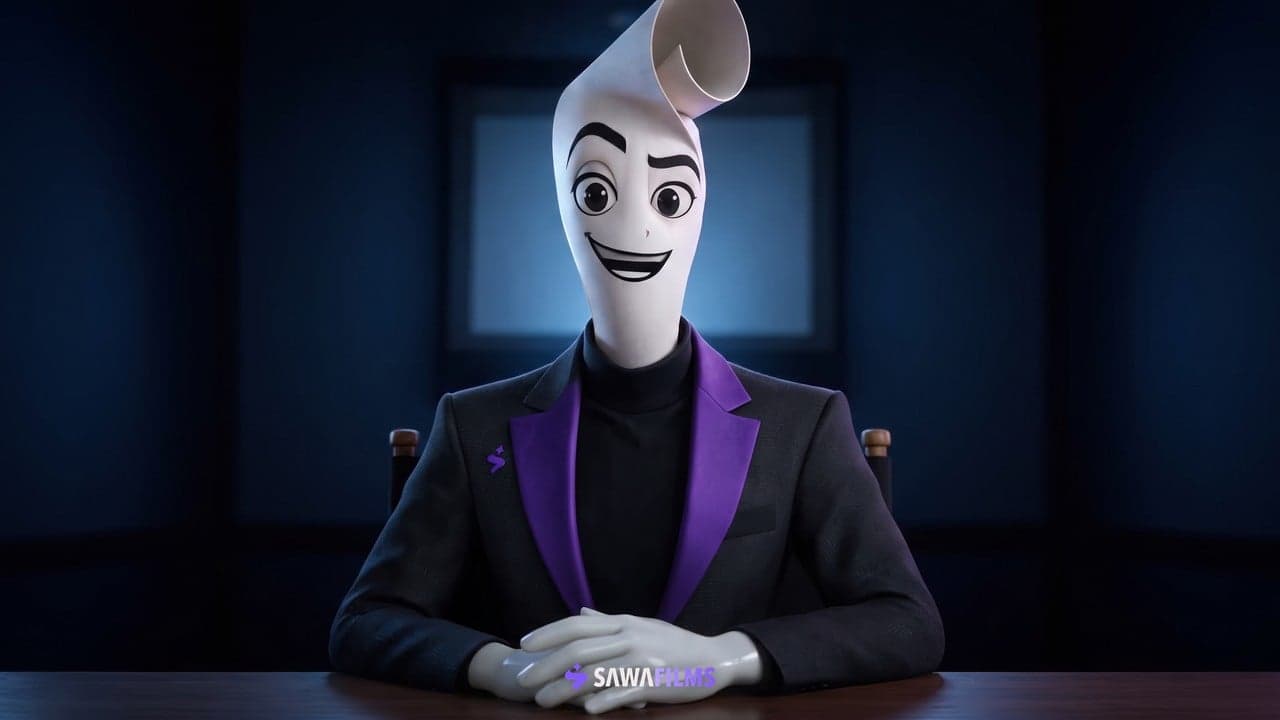
The video follows The Director, Sawa Films' own character, as he works through a simple product moment. The idea is direct: most product shots get scrolled past, and a few deliberate decisions change that.
How to direct a scroll-stopping commercial
Framing. Decide what the viewer sees first and keep everything else out of the way.
Eye-level camera angles. Placing the camera at eye level puts the viewer inside the moment rather than looking at it from a distance.
Deliberate lighting. Light chosen on purpose gives the product shape and draws the eye to it.
These are the same directing choices Sawa Films makes on its commercials, whether the production is live action, AI-generated or a mix of both.
Made for
Brands, studios and agencies planning product commercials for social media who want to see how directing decisions shape a short ad. The video is a vertical Short, made for phone screens.
See more of our work here. Read about our AI commercial production here. Ready to start your own commercial? Tell us about it here.