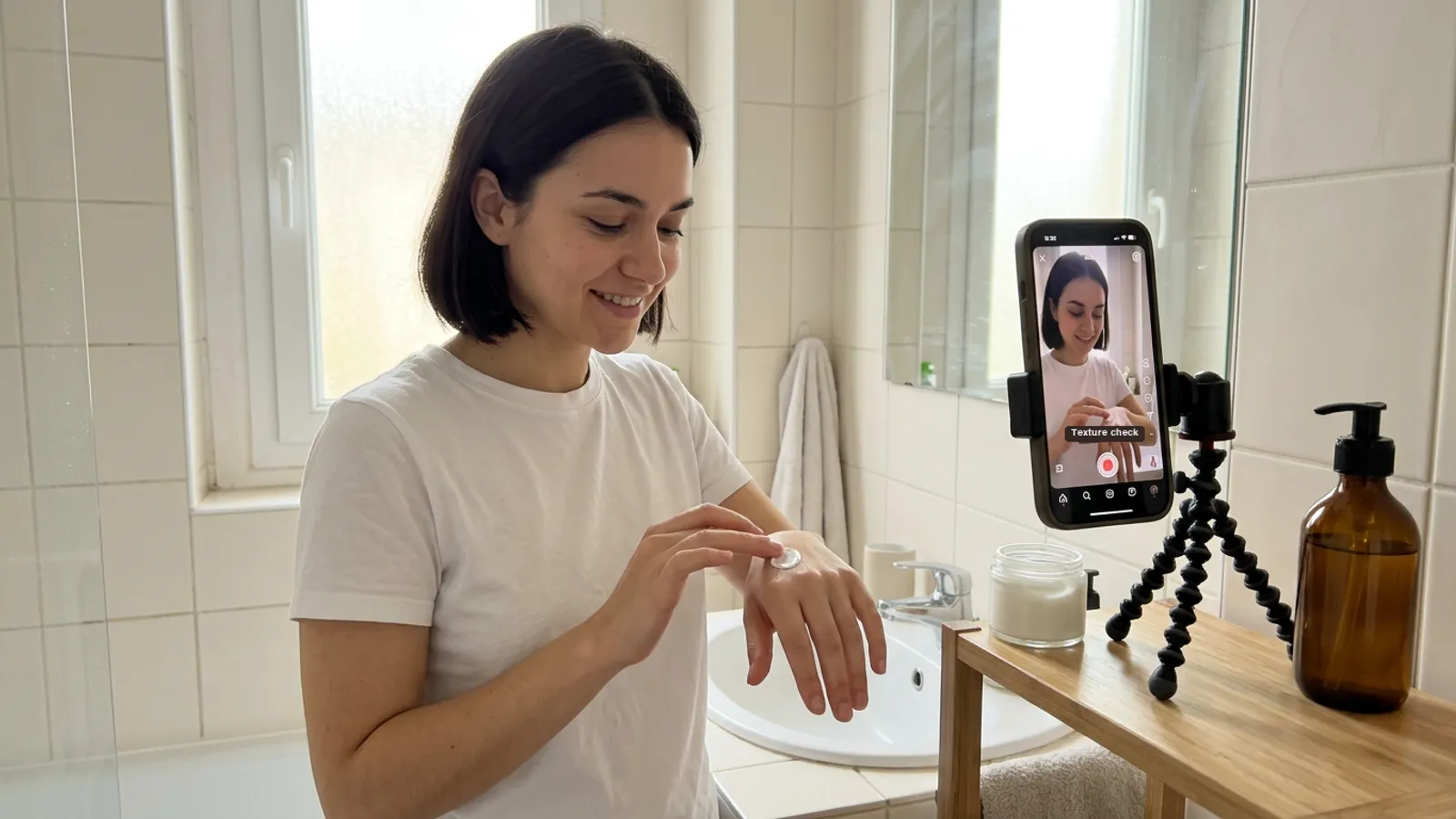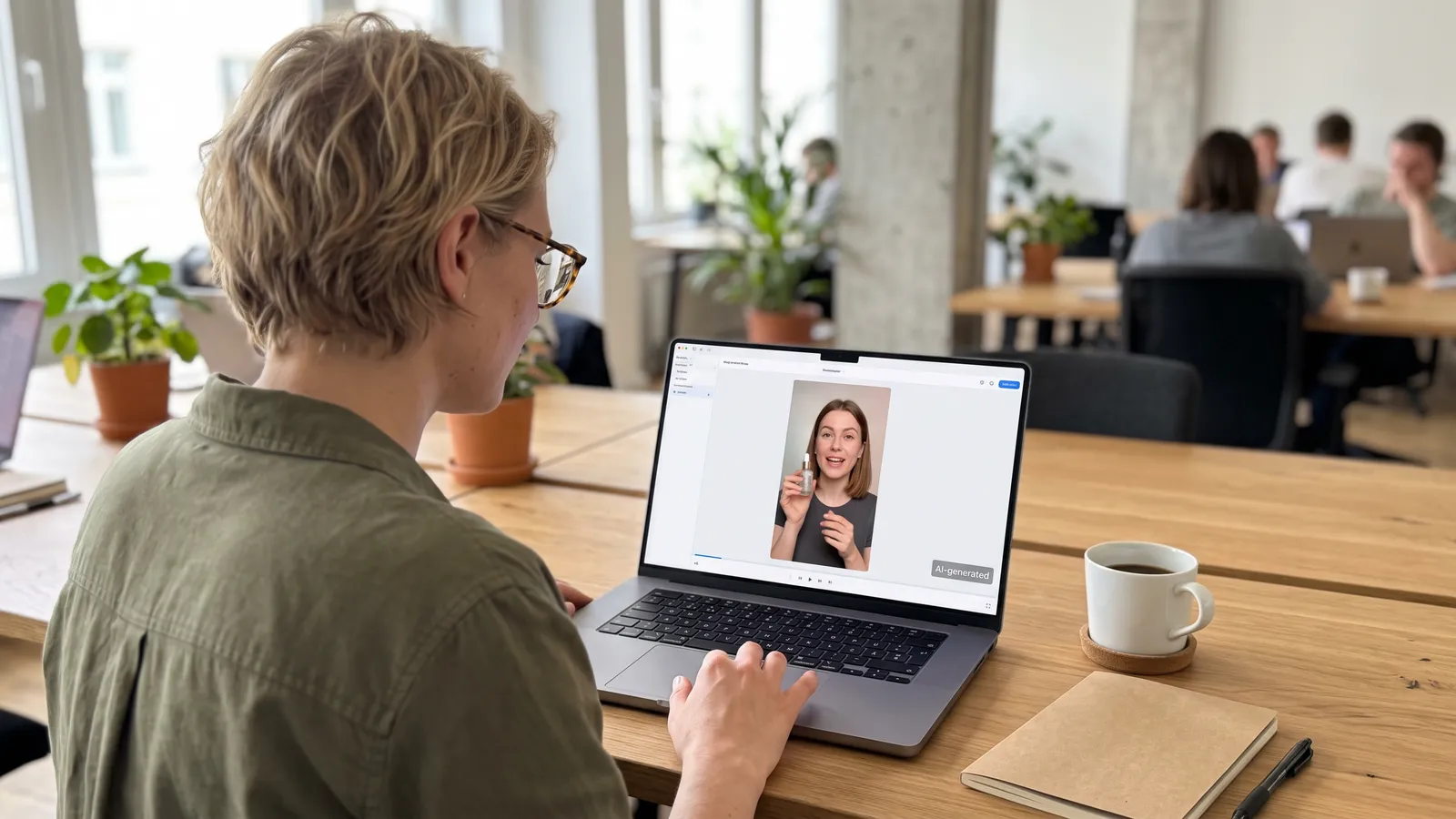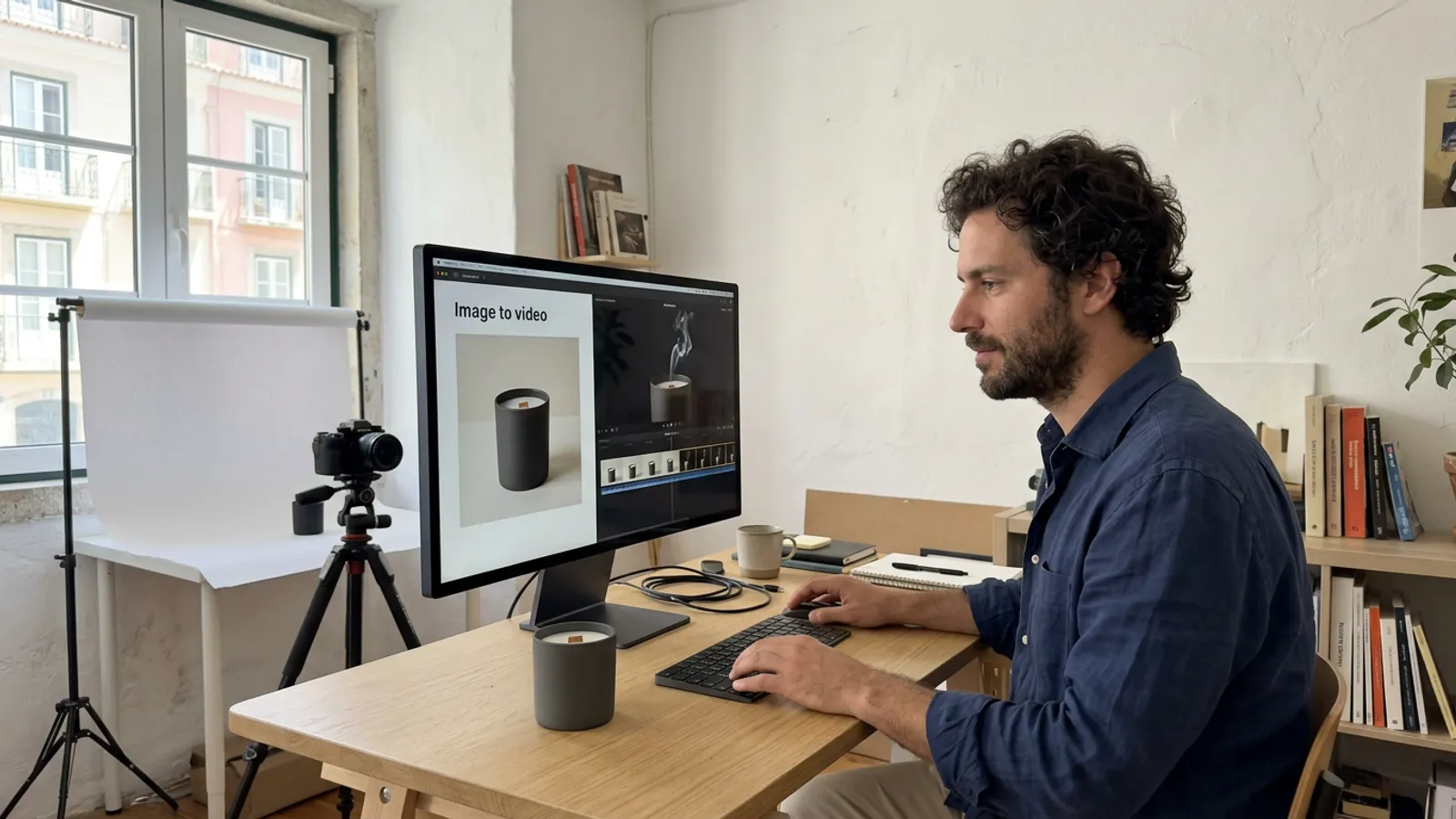
Most Gulf brands have hundreds of product photos and only a handful of videos, while TikTok, Snapchat and Instagram Reels all reward motion.
You can turn product photos into video ads with image-to-video AI, as long as you know where the models shine, where they break, and what a person must check.
How Image-to-Video Works
You give the model a still photo and a short prompt about movement. Runway's help centre explains that the input image acts as the first frame and sets the composition, subject, lighting and style, so the prompt should describe motion and camera work.
Google's Veo documentation describes the same approach: the model uses the input image as the initial frame. Veo 3.1 can also take up to 3 reference images of a person, character or product to help preserve its appearance, and it generates clips of 4, 6 or 8 seconds.
Meta's Advantage+ creative also lists an image animation enhancement that adds motion to ad images, and Meta recommends checking and approving previews of all ads before they go live.
Either way, the photo does most of the work, so what you supply matters more than the prompt.
What Photos to Supply
— Clean packshots. Sharp, on a plain background, without heavy filters.
— Several angles. Front, side, back and a close-up of the cap or texture. Anything the model cannot see, it invents.
— The real label. Final printed artwork, not a mock-up.
— Even lighting. Runway warns that artifacts in the input, such as blurry hands or faces, may be intensified once the image becomes video.
— The right shape. A vertical photo for a vertical ad avoids awkward crops.
What Moves Well & What Breaks
Image-to-video is strongest when the product stays still and the world around it moves:
— Mist from a perfume spray, or smoke rising from bakhoor.
— Fabric, such as an abaya hem lifting in a breeze or silk catching the light.
— Steam from coffee, tea or a fresh dish.
— Liquid: a slow pour, a splash, condensation on a cold bottle.
— A slow camera orbit or push-in around a product that stays rigid.
Common failures:
— Small text on labels. Letters blur, swap or turn into nonsense.
— Logos warping. Curves bend and proportions drift between frames.
— Hands. Extra fingers, or an impossible grip on the bottle.
— Shape drift. A cap changes or a bottle grows taller.
The fixes: keep the product large in frame, choose slower motion, lock the camera when the label must stay readable, and add text and logos in the edit as clean graphics.
Why Product Accuracy Needs a Human Check
An ad is a promise about what the customer will receive. A different cap, the wrong colour or a changed label misrepresents the product, however beautiful the clip looks.
Review every version at full size: label, logo, colour, shape, scale and any words on screen. Reject any take where the product drifts. At Sawa Films a director oversees every version, and we always disclose that the ad is made with AI.
Formats: 9:16, 1:1 & 16:9
Decide the shape before you generate. TikTok lists vertical 9:16 as recommended for in-feed ads, with horizontal 16:9 and square 1:1 also accepted, at minimum sizes of 540x960, 960x540 and 640x640 pixels. Veo creates 16:9 by default and 9:16 on request.
Start with a vertical master for TikTok, Snapchat and Reels, then compose square and landscape versions for their own frames instead of cropping.
Disclose That It Is AI
The product is real, but the footage is generated. Google says Veo videos are watermarked with SynthID, and Meta said in February 2025 that it began labelling ads created or significantly edited with its generative AI creative features. Use the platform's AI label and disclose it plainly yourself.
Start With the Photos You Have
Pick one hero product, gather clean angles and the real label, choose one kind of motion, and check every frame.
FAQ
Can I turn any product photo into a video ad?
Most sharp, well lit photos work. Blurry or heavily filtered images give weak results, because flaws can grow once the image moves.
Why does the text on my label look wrong in the video?
Small text is hard for these models to keep stable. Keep the camera still on the label, or add the name later as a graphic.
Do I need to say the video ad was made with AI?
Yes, disclose it. Meta labels ads made or significantly edited with its own generative AI tools, and Google watermarks Veo videos with SynthID.
Sources
Image to Video Prompting Guide (Runway Help Center) (opens in a new tab)
Generate videos with Veo 3.1 in the Gemini API (Google AI for Developers) (opens in a new tab)
Meta Advantage+ creative (Meta for Business) (opens in a new tab)
Expanding GenAI Transparency for Meta's Ads Products (Meta, February 2025) (opens in a new tab)
TikTok Auction In-Feed Ads specifications (TikTok Ads Manager Help) (opens in a new tab)