Google Veo for video ads has moved out of the lab and into tools Gulf advertisers already use. Veo is Google DeepMind's video generation model, its current version is Veo 3.1, and Google has placed it inside Asset Studio in Google Ads. If you run YouTube or Demand Gen campaigns in Saudi Arabia, the UAE or Qatar, the option to create video with Veo is now part of your workflow.
Here is what Veo is, where brands can use it today according to Google's own pages, its strengths and limits, SynthID and disclosure, and why the brief and the director still decide the result.
What Is Google Veo?
Veo is Google DeepMind's generative video model. It turns text, images or both into short clips with sound, and DeepMind calls Veo 3.1 "our leading video generation model."
According to DeepMind's model page, Veo 3.1 can:
- Generate native audio: sound effects, ambient noise and dialogue.
- Work from reference images: images of a scene, a character or an object guide the result.
- Follow extra controls: first and last frame, outpainting, adding or removing objects, camera and motion controls.
- Output in 1080p and 4K.
Veo is a model, not an ad platform. What matters is where it shows up and how much control each place gives you.
Where Can Brands Use Google Veo for Video Ads Today?
Brands can reach Veo in Google Ads Asset Studio, in Google's creative apps Flow and Gemini, and through the Gemini API. Each gives a different level of control.
Google Ads Asset Studio. Google announced in March 2026 that Veo is available in Asset Studio. You upload up to three static images and Veo creates one video per image, each up to 10 seconds. Google says it works for all campaigns and for auto-generated Demand Gen campaigns, aimed at YouTube audiences, and clips can be packaged into ads with customizable templates.
Flow and the Gemini app. DeepMind lists both as places to try Veo. They suit teams who want to direct shots, not only animate a still.
Gemini API. Google's developer documentation lists Veo 3.1, Veo 3.1 Fast and Veo 3.1 Lite in preview. Clips run 4, 6 or 8 seconds in 16:9 or 9:16, Veo 3.1 accepts up to 3 reference images, and a clip can be extended in 7 second steps up to 148 seconds in total.
What Does Veo Do Well for Brands?
Veo is strongest at adding believable motion and sound to a strong still image, in the two shapes mobile ads need.
- Bringing a product photo to life, ideal for openers, product moments and end screens.
- Both ad shapes: 9:16 for Shorts, 16:9 for in-stream.
- Holding elements steady with reference images for a product, a character or a style.
- More versions to test. Google says Demand Gen campaigns with at least three unique videos are more effective at lifting brand consideration and purchase intent, citing its internal data.
What Are the Limits of Google Veo?
Veo makes short clips, works best in English, and interprets your input rather than copying it.
- Short clips. 8 seconds is the base length in the API and 10 seconds in Asset Studio. A 30 second ad is a sequence someone has to edit.
- Speech is still developing. DeepMind says natural, consistent spoken audio "remains an area of active development."
- English first. The API documentation says English is fully supported and other languages "may work but results can vary." Asset Studio's prompt workflow supports Global English only.
- People rules by region. In the API, adult people generation is the only setting allowed in the MENA region.
How Does SynthID Work in Veo Videos?
Every Veo video is marked with SynthID, Google's digital watermarking technology, according to DeepMind and the developer documentation.
SynthID is invisible. It helps identify content made with Google AI, but your viewer never sees it, so it does not replace your own disclosure.
Do You Have to Disclose AI in Google Ads?
Google requires disclosure for election ads with synthetic content, and its Misrepresentation policy bans deceptive manipulated media in any ad. For brands, honest labeling is the safe standard.
- Election ads. The Political content policy requires ticking the "Altered or synthetic content" checkbox. For some YouTube formats Google then adds the disclosure in the ad automatically.
- Every ad. The Misrepresentation policy states that "Manipulating media to deceive, defraud, or mislead others is not allowed," and also bans inaccurate claims.
- YouTube uploads. YouTube asks creators to disclose realistic AI content, and may label content made with its own AI tools automatically.
At Sawa Films we disclose AI in every ad. Our guide to disclosing AI-generated ads explains why.
Arabic and Gulf Considerations
Plan Arabic in the edit, not in the prompt. Google's pages describe Veo and Asset Studio as English-first.
- Write prompts in English and describe the scene, product and mood clearly.
- Treat any Arabic dialogue Veo generates as a test and have a native speaker review it.
- Add Arabic captions, the offer and your logo in editing, where every letter can be checked.
Why the Brief and the Director Still Decide the Result
Veo renders what it is given. It does not know your customer, offer or brand rules, so the brief, direction, product accuracy and the edit still decide the outcome.
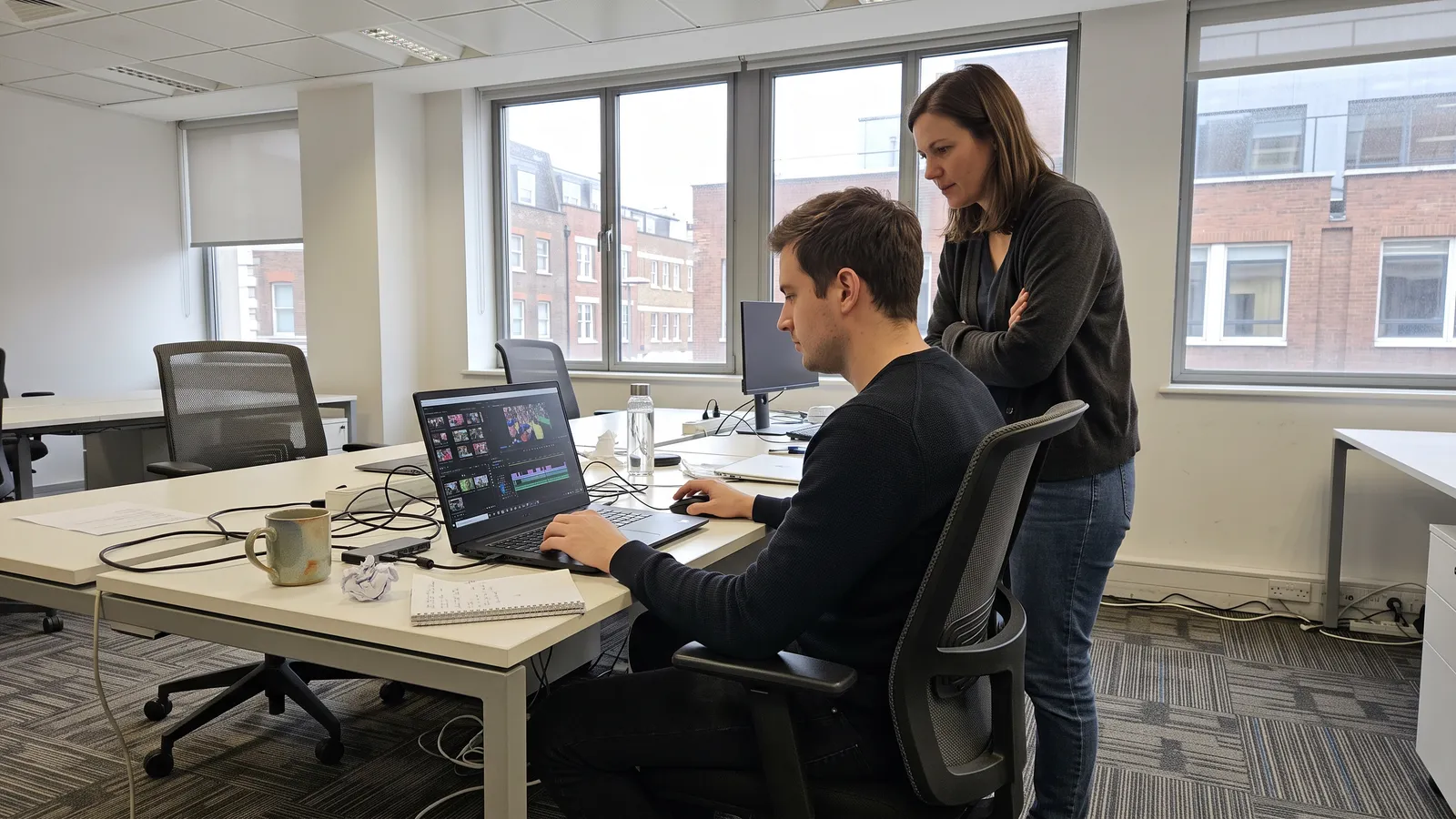
A clear brief names one audience, one message and one action; our AI video ad brief template shows how. A director turns it into shots, checks every frame against the real product, and shapes the pace in the edit.
Example: An Oud Brand Testing Veo
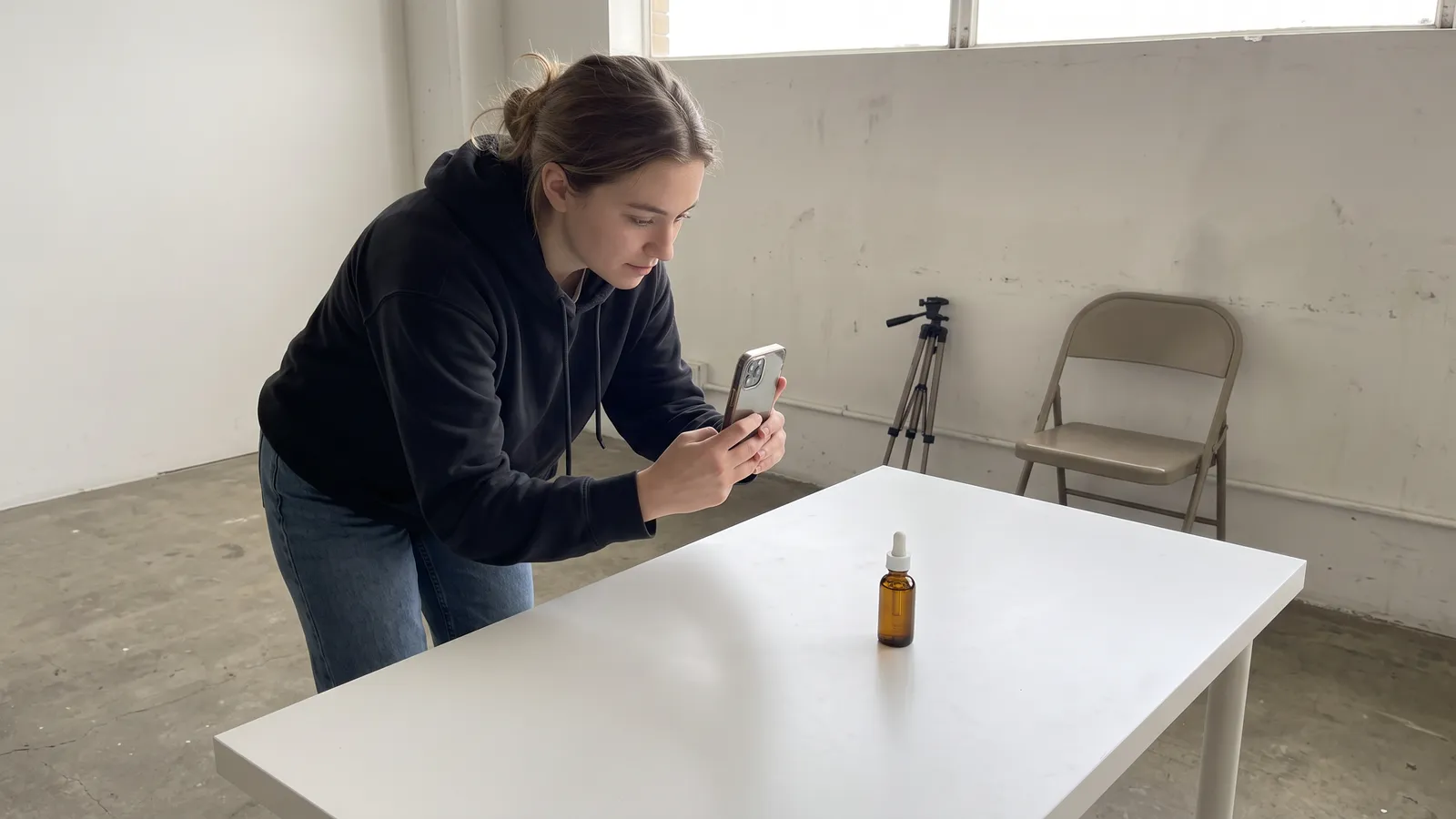
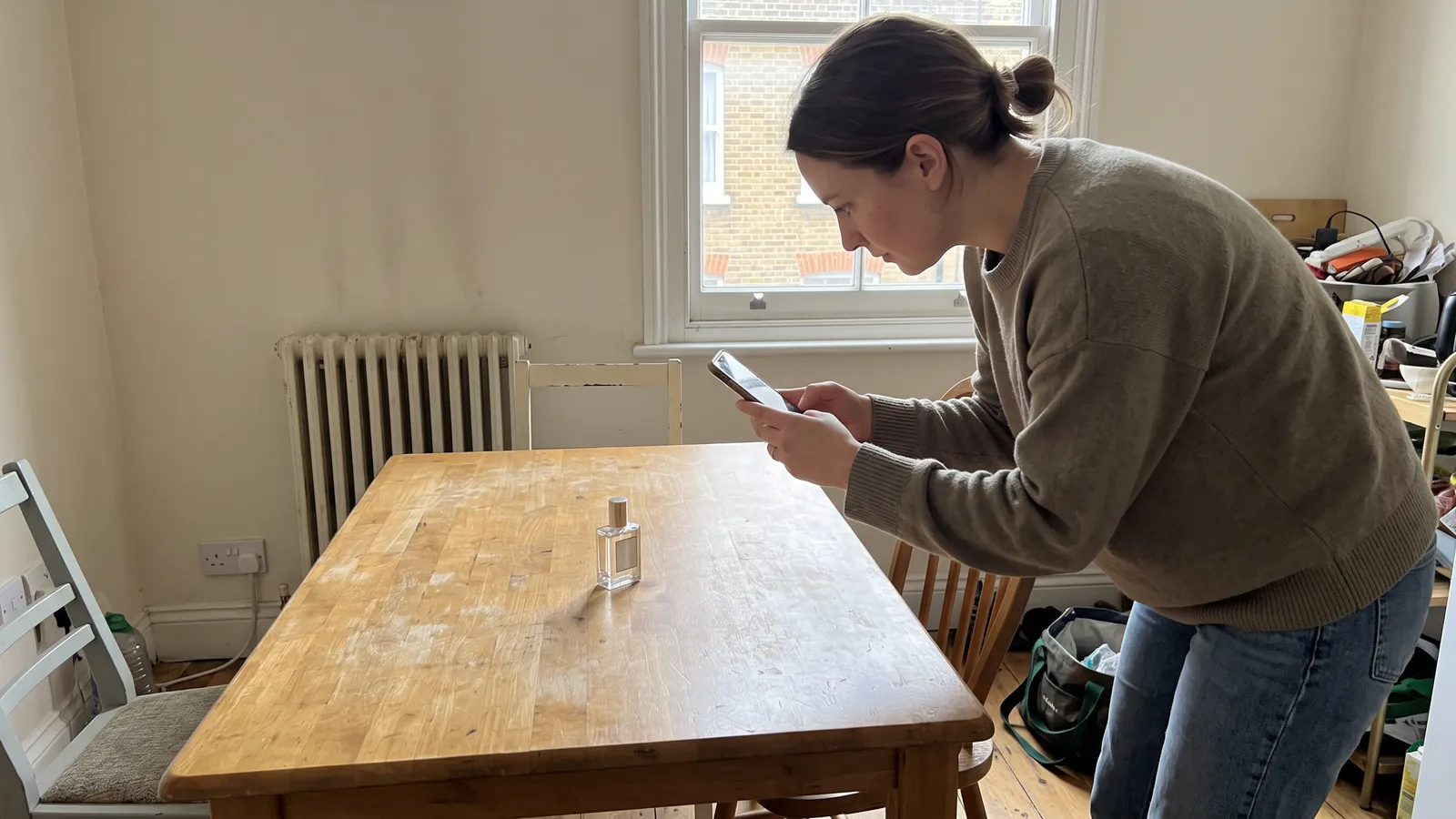
Say you sell oud online in Riyadh and run Demand Gen on YouTube. You have three product photos: the bottle on marble, the bottle beside a burner, and the gift box.
- Upload all three to Asset Studio and generate one Veo clip from each.
- Compare each clip with the real bottle: cap, label, glass colour, box print.
- Keep only clips where the product is exact and use them as openers.
- In the edit, add an Arabic caption, a clear offer line and your logo.
- Disclose AI and launch at least three versions.
This example shows the process; it is not a real client or result.
Checklist Before You Launch a Veo Ad
- One written brief: audience, message, action.
- Product checked frame by frame.
- Arabic text and voice reviewed by a native speaker.
- 9:16 and 16:9 versions where needed.
- AI disclosure in place, no claim you cannot back up.
- Several distinct versions ready to test.
Common Mistakes With Veo Ads
- Publishing the first generation without review.
- Trusting the model with your label. A changed logo or bottle misleads buyers.
- Writing Arabic into the prompt and hoping.
- Treating SynthID as disclosure. Viewers cannot see it.
- Making one clip and calling it a campaign.
Brief it well, check it closely, edit it with care.
FAQ
Is Google Veo available in Google Ads?
Yes. Google announced in March 2026 that Veo is in Asset Studio within Google Ads, turning up to three static images into videos of up to 10 seconds each.
Do Veo videos have a watermark?
Yes. Google says Veo videos carry SynthID, an invisible digital watermark. It is not a visible label, so you still need your own disclosure.
Can Veo create Arabic video ads?
Google's documentation says English is fully supported and other languages may vary. Use Veo for visuals, then add Arabic captions and voice in the edit.
Sources
Veo (Google DeepMind) (opens in a new tab)
Veo is now available in Google Ads (Google Business) (opens in a new tab)
Generate videos with Veo 3.1 in the Gemini API (Google AI for Developers) (opens in a new tab)
Political content policy (Google Advertising Policies Help) (opens in a new tab)
Misrepresentation policy (Google Advertising Policies Help) (opens in a new tab)
Disclosing use of altered or synthetic content (YouTube Help) (opens in a new tab)