How long should a video ad be? For most Gulf brands, the honest answer is: as long as the platform and the goal allow, and no longer. Snapchat recommends ads of about 5 to 6 seconds, TikTok recommends most ads run 21 to 34 seconds, and YouTube sells everything from a 6 second bumper to skippable ads with no maximum length. This guide gives you the official limits and each platform's own advice on video ad length, explains how length should follow your goal, and shows how to cut one shoot into several lengths.
Limits below are from the platforms' own pages as of November 2026; check Ads Manager before you export.
How Long Should a Video Ad Be on Each Platform?
Each platform allows far longer ads than it recommends. The limit is what will upload; the recommendation is what the platform thinks works.
TikTok. The TikTok video ad specs page allows regular (non-Spark) ads up to 10 minutes and lists no duration limit for Spark Ads. TikTok's own video advertising guide recommends that most ads run 21 to 34 seconds, and says clips in that range perform best in the feed. It also asks for a hook in the first 3 seconds.
Instagram Reels. Meta's Ads Guide lists Instagram Reels ad videos from 0 seconds up to 15 minutes. That page gives no recommended length.
Facebook placements. Jon Loomer's breakdown of Meta's creative guide notes that Ads on Facebook Reels and Facebook In-Stream Video have a 15 second maximum, and In-Stream needs at least 5 seconds. His advice: one video of 5 to 15 seconds, usually close to 15, qualifies for every Meta placement.
Snapchat. Snapchat's creative best practices page says you can start with a vertical video up to 30 minutes long, but recommends keeping ads around 5 to 6 seconds, and notes that ads of 3 to 5 seconds often drive action.
YouTube. Google's video ad formats page lists:
- Skippable in-stream: no maximum length, under 3 minutes recommended. Viewers can skip after 5 seconds.
- Non-skippable in-stream: 15 to 60 seconds, depending on the campaign subtype.
- Bumper: 6 seconds, non-skippable, at least 5 seconds.
- In-feed: no maximum length.
- Shorts: under 60 seconds recommended.
For format details on two of these platforms, see our guides to Instagram Reels ads for Gulf brands and Snapchat video ads in Saudi Arabia.
What Is the Best Video Ad Length for Your Goal?
Short ads build memory; longer ads explain and persuade. The platform sets the range; your goal picks the spot.
Awareness. You want many people to remember your name. Short, non-skippable formats suit this: a YouTube bumper, a 5 to 6 second Snap, a 6 to 15 second Reel. Snapchat advises showing the brand before the 2 second mark, but not opening on a still logo.
Consideration and conversion. You need time to show the product working, answer an objection and give a reason to buy now. This is where TikTok's 21 to 34 seconds and YouTube's skippable format fit. On skippable ads with CPV bidding, Google charges when someone watches 30 seconds, or the full ad if it is shorter, so the first 5 seconds must earn the rest.
Retargeting. These people already know you. Skip the introduction: a short reminder with the offer, the product and one clear action is usually enough. Snapchat suggests an early offer message works best between seconds 2 and 3.
Is Shorter Always Better for Video Ads?
No. Shorter is better only when the message fits. Here is the myth against the facts the platforms publish.
- Myth: every ad should be 6 seconds. Fact: TikTok itself recommends most ads run 21 to 34 seconds, and says a strong story can also be told in 15 seconds or less. The right length depends on the platform.
- Myth: long ads are wasted money. Fact: on YouTube skippable ads with CPV bidding, you pay only when someone watches 30 seconds or the whole ad, or interacts. People who skip early are not billed as views.
- Myth: length matters more than the opening. Fact: TikTok asks for a hook in 3 seconds; Snapchat wants a hero message in the opening frame.
- Myth: one length works on every placement. Fact: a 45 second video cannot run in Facebook In-Stream, which caps at 15 seconds.
How Do You Cut One Shoot Into Several Lengths?
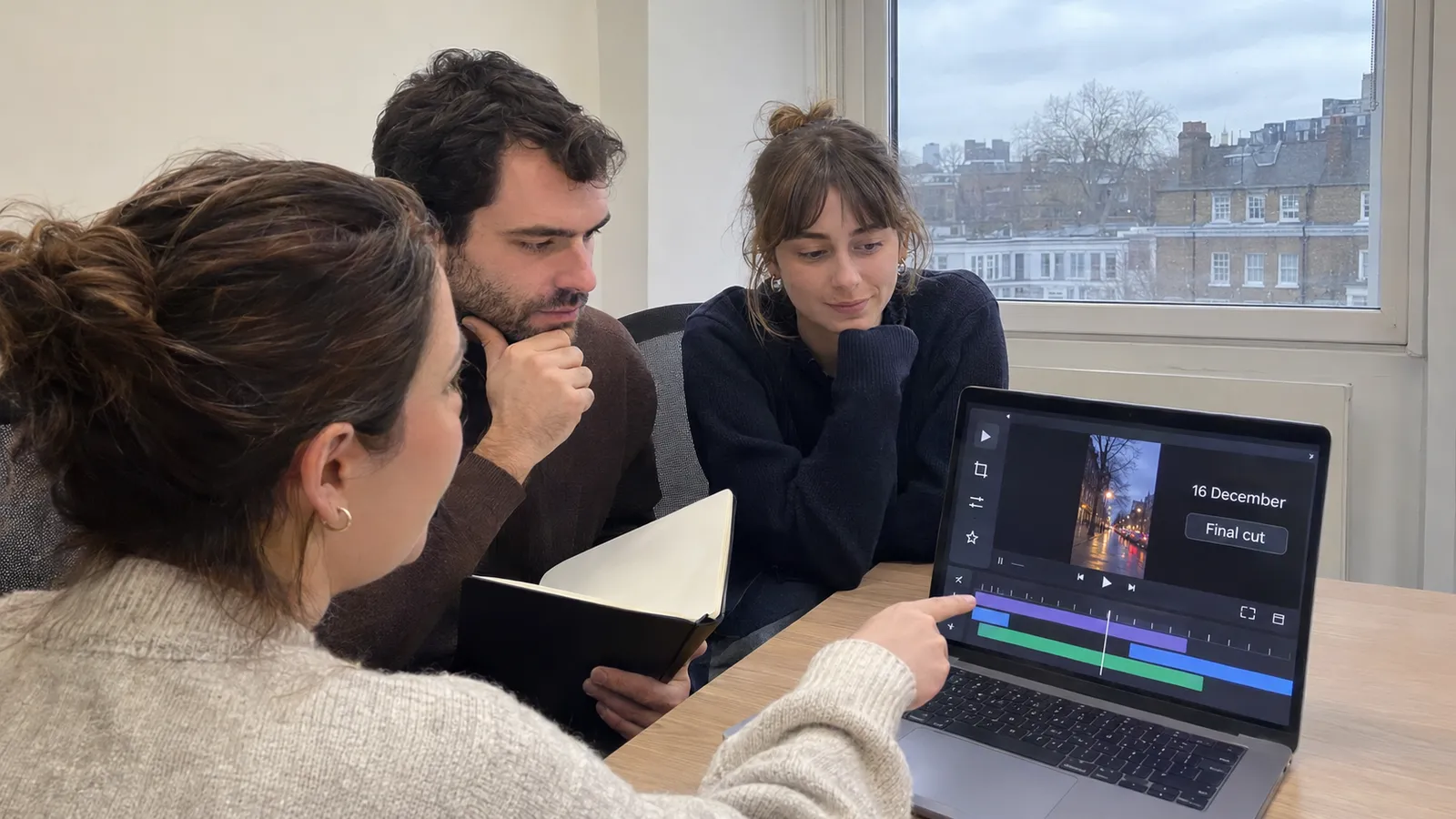
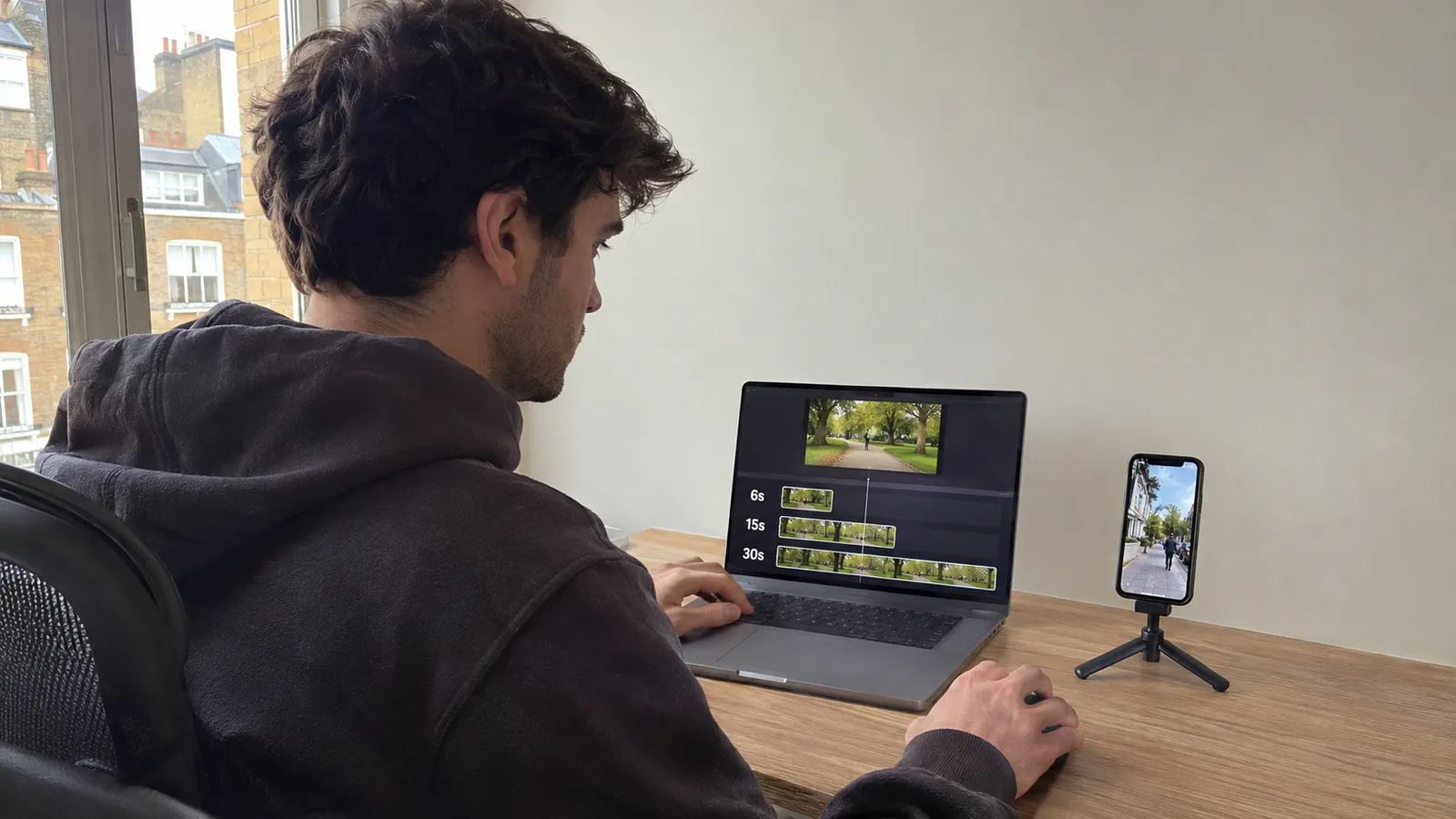
Plan the edits before you film. A script built from short blocks gives you 6, 15 and 30 second ads from one shoot.
- Write in blocks. Hook (2 to 3 seconds), product in use, proof, offer, call to action. Each block should make sense alone.
- Film the hook several ways. A question, a bold line, the product in use. More openings mean more versions to test.
- Build the long cut first. About 30 seconds for TikTok and YouTube skippable, using every block.
- Trim to 15 seconds. Hook, product in use, offer. This fits Facebook Reels, In-Stream and most Reels placements.
- Trim to 6 seconds. Brand and product in the first 2 seconds, one line, one action. Use it for bumpers and Snap.
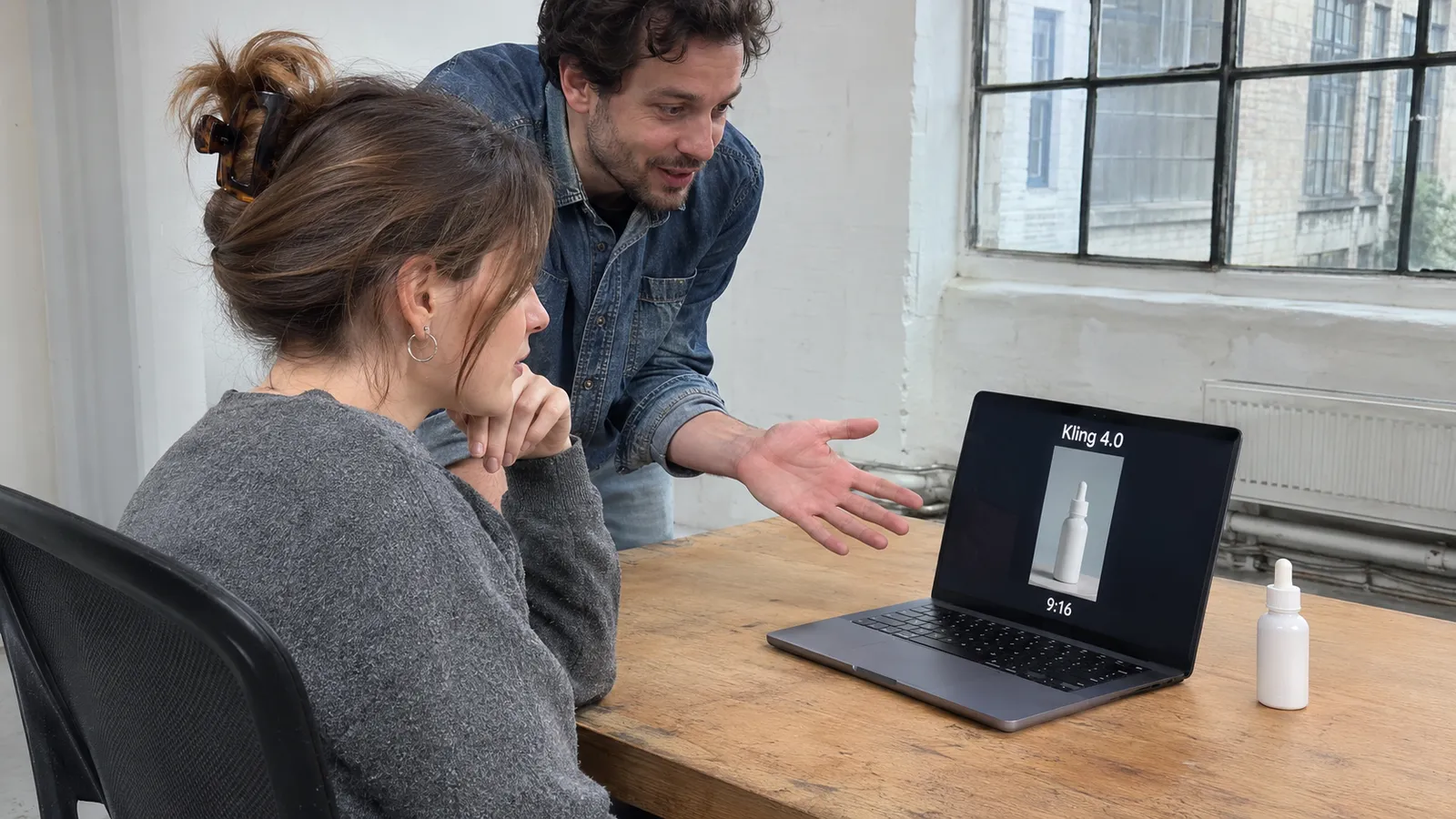
- Export vertical 9:16 for TikTok, Reels, Snap and Shorts, and check captions sit inside each platform's safe zone.
A Walked-Through Example
Say you sell a sunscreen online from Dubai to customers across the UAE and Saudi Arabia, and you want one shoot to feed every channel. This is an example of the method, not a real client.
- The shoot. One creator, filmed outdoors, applying the product and talking to camera in Arabic. Three different hooks are filmed.
- The 30 second cut. For TikTok and YouTube skippable: hook, texture close-up, how it feels after an hour outside, a simple reason to try it, and the action.
- The 15 second cut. For Instagram Reels and Facebook Reels: hook, texture, the action.
- The 6 second cut. For Snapchat and a YouTube bumper: the product name in the first 2 seconds, one line, the action.
- The retargeting cut. About 10 seconds for people who visited the site: the product, a reminder of why, the offer.
- The read. After a week, compare cost per result by length and brief the next round from the winner.
Checklist Before You Export
- Each cut is inside the platform's allowed length and close to its recommended range.
- The brand appears in the first 2 seconds, with motion, not a still logo.
- The hook lands in the first 3 seconds.
- Every cut has one clear action.
- Captions and logos sit inside the safe zones.
- You have at least two lengths to test against each other.
Common Mistakes With Video Ad Length
- One length everywhere. A 45 second video posted to every placement gets cut off or blocked in some of them.
- Trimming the end, not the middle. Cutting the last seconds often removes the offer and the action, which are the parts that sell.
- Slow intros. TikTok warns against long intros and animated logos. Start with the product or the person.
- Judging by views alone. A short ad can win on views and lose on sales. Compare cost per result.
- Forgetting the limit changed. Platforms update specs. Check the current numbers before export.
Plan the blocks, film once, and test the cuts.
FAQ
What is the best length for a TikTok ad?
TikTok's video advertising guide recommends that most ads run 21 to 34 seconds. Regular ads can be up to 10 minutes, but a hook in the first 3 seconds matters more than the total length.
How long can an Instagram Reels ad be?
Meta's Ads Guide lists Instagram Reels ad videos from 0 seconds up to 15 minutes. Ads on Facebook Reels are capped at 15 seconds, so a 15 second cut covers both.
How long is a YouTube bumper ad?
A bumper is a non-skippable ad of up to 6 seconds, with a 5 second minimum, according to Google's video ad formats page. It suits awareness and reminders.
Sources
Video ads specifications (TikTok Ads Manager Help) (opens in a new tab)
Video advertising guide, Arabic (TikTok for Business) (opens in a new tab)
Instagram Reels video ads (Meta Ads Guide) (opens in a new tab)
Single Image or Video Creative Best Practices (Snapchat Business Help Center) (opens in a new tab)
About video ad formats (Google Ads Help) (opens in a new tab)