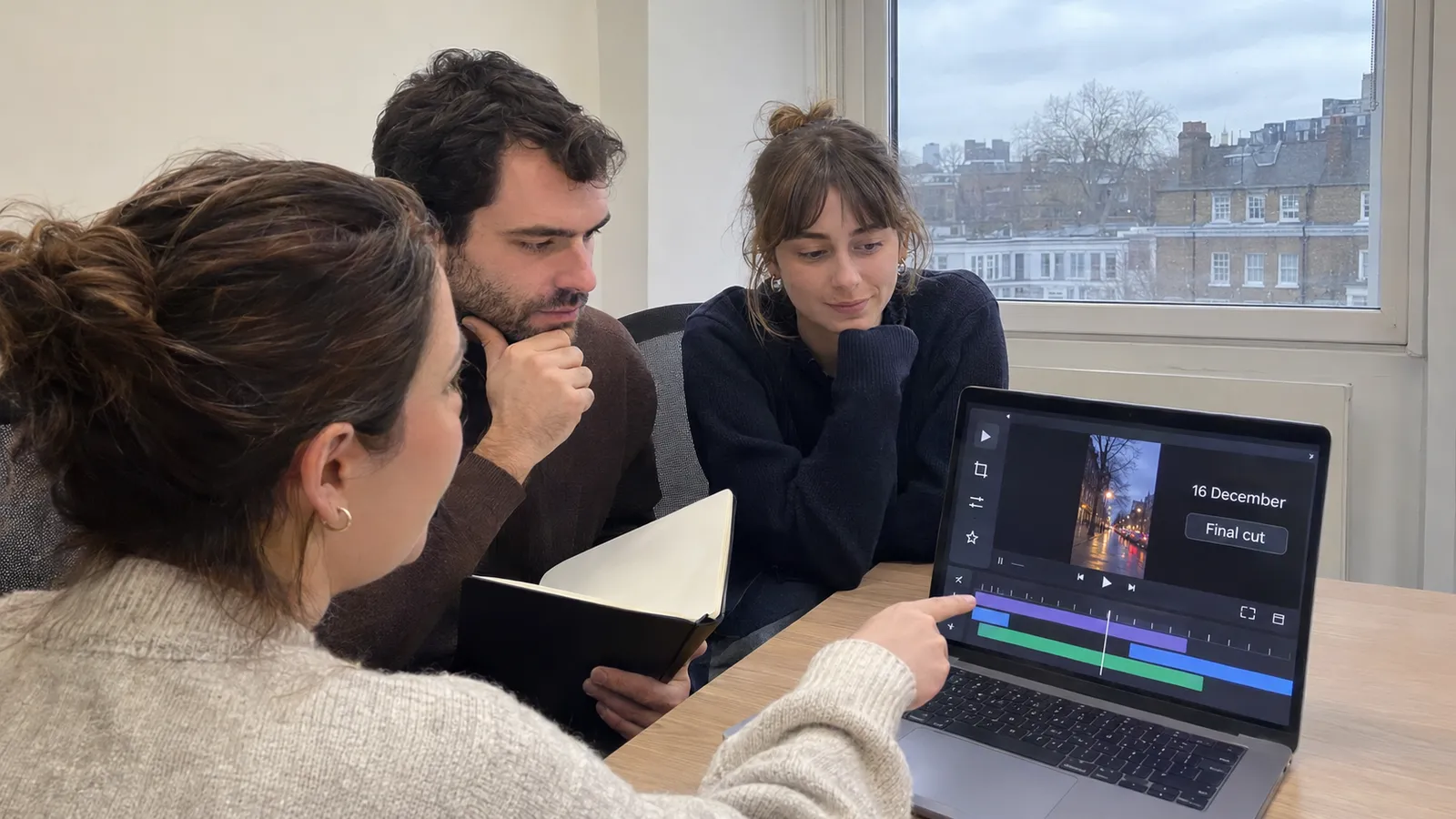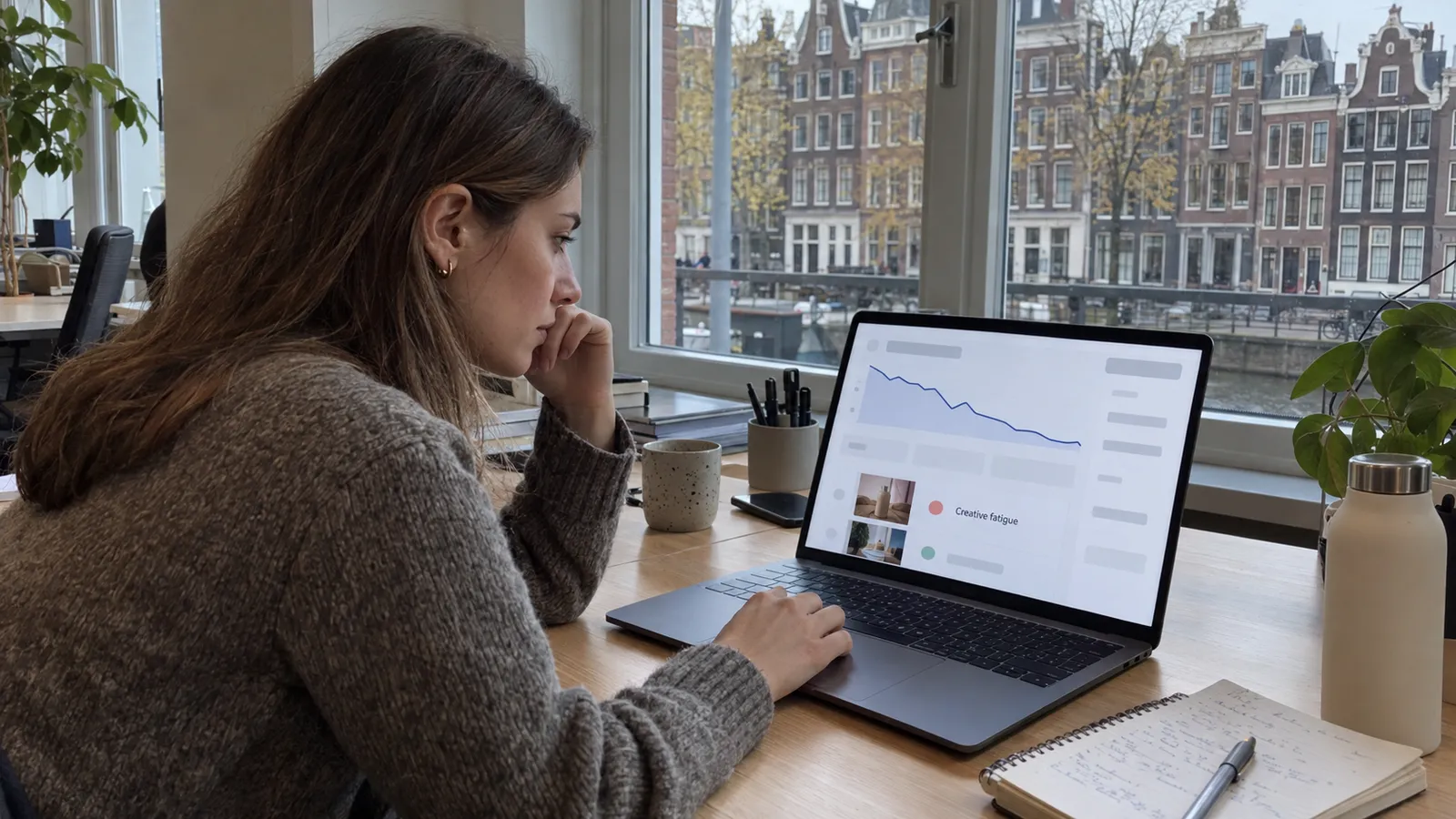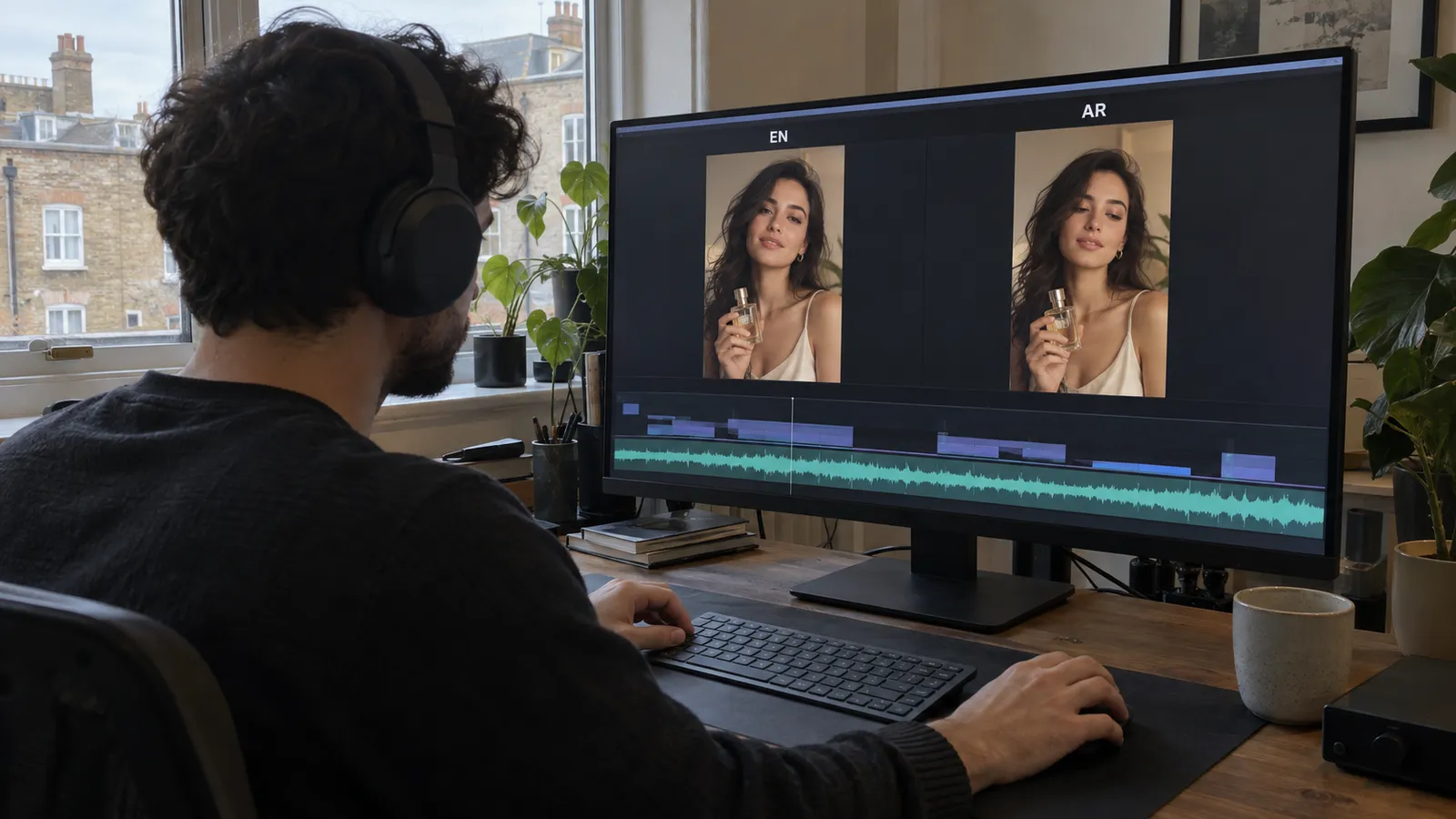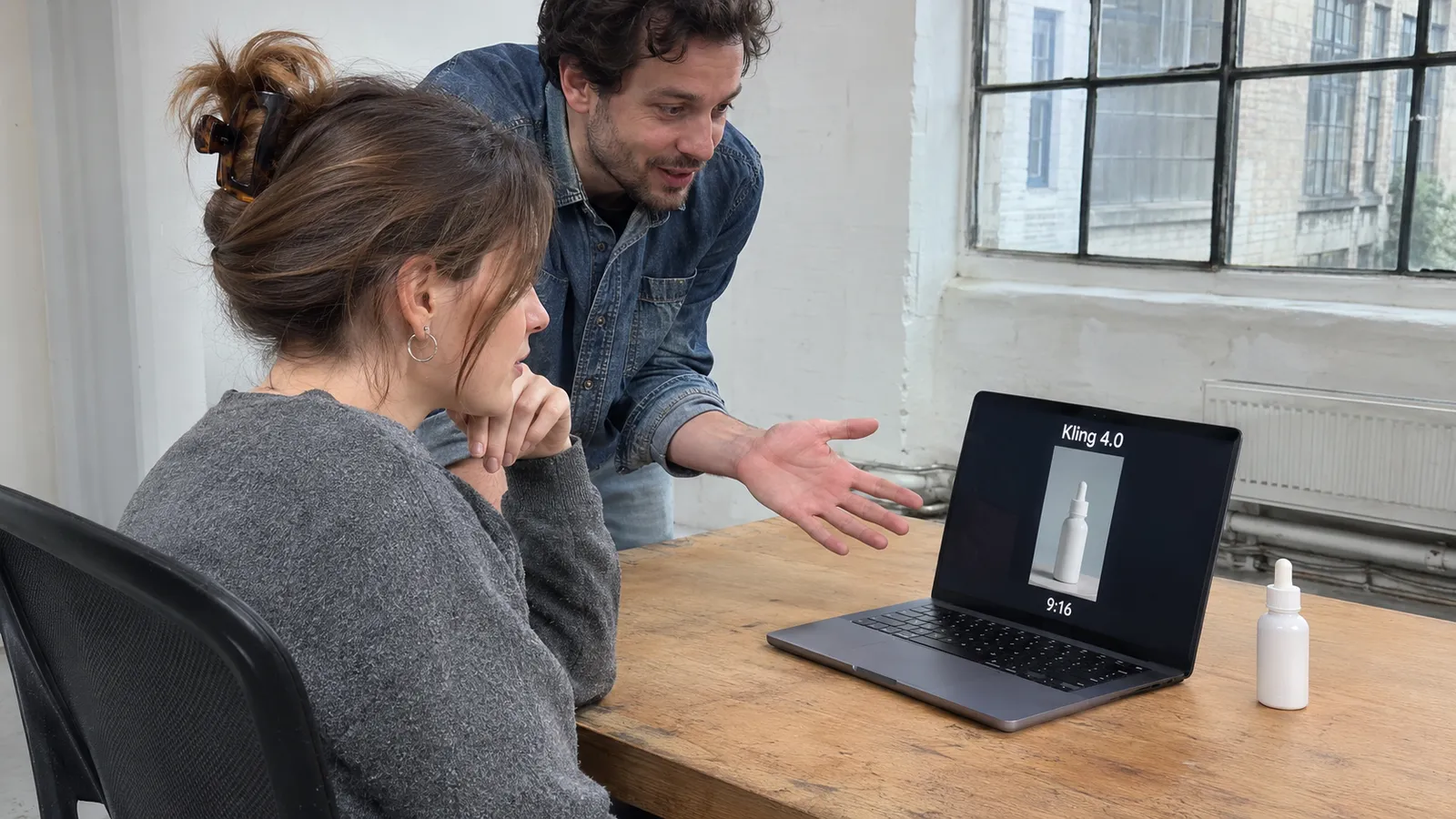
Kling AI is a video generation model from Kuaishou, and its newest version, Kling 4.0, turns prompts and product photos into short clips with sound. In plain terms, Kling AI for video ads means you give it product photos, references and a written direction, and it returns footage you can edit into a TikTok, Snapchat or Instagram ad. This guide explains what Kling is as of November 2026, the features that matter for advertising, where it is strong and weak with products, what its terms say about commercial use, and how to disclose it.
What Is Kling AI?
Kling AI is Kuaishou's AI video generator, used through Kling's own website. Kuaishou announced Kling 4.0 on October 15, 2026, and said its upgrades center on realism, control and professional quality.
Kling works in two basic ways that matter for ads:
- Text-to-video. You describe the scene in words and Kling builds it.
- Image-to-video. You upload a picture, such as a product photo, and Kling animates it.
You will still see the older VIDEO 3.0 name across Kling's guides. In this post, "Kling" means the current 4.0 generation.
What Can Kling 4.0 Do for Video Ads?
Kling 4.0 makes longer, more controlled clips than earlier versions. According to Kuaishou's announcement and Kling's own ad page, these features matter most for advertisers, as of November 2026:
- Up to 30 seconds in one pass. Kuaishou says Kling 4.0 generates up to 30 seconds natively in a single sequence. The VIDEO 3.0 guide listed 3 to 15 seconds.
- Omni Reference. Up to 15 combined reference assets, including up to 10 images and 5 reference videos, to guide product appearance, packaging, materials and characters.
- Multiple Keyframes. Up to 10 keyframes to steer the opening hook, the product demo and the closing shot.
- Aspect ratios. Kling's ad page lists 9:16, 16:9 and 1:1.
- Audio, voices and Lip Sync. Generated audio, voice references and Lip Sync for creator-style talking videos.
Kling 3.0 also brought a multi-shot "AI Director" and Element Reference, which keeps a product or character consistent across shots.
Does Kling AI Speak Arabic?
Not natively, according to Kling's own guides. The VIDEO 3.0 guide lists native audio in Chinese, English, Japanese, Korean and Spanish. Arabic is not on that list, and the Kling 4.0 announcement does not add it.
For a Gulf ad, the Arabic voice is a separate step: a real voice actor or an Arabic voice tool, cut to the picture. Our guide to Arabic AI voice over for ads covers the choice between Khaleeji dialect and MSA.
Is Kling AI Good for Product Ads?
Kling is good at movement and mood, and weaker at the exact details a brand cares about. Use it where an approximate result is fine, and protect the shots where it is not.
Where it helps:
- Animating a product photo. A still of a serum bottle becomes a slow push in with light moving across the glass.
- Lifestyle scenes. Someone using the product in a setting that is hard to film.
- Creator-style openings. Talking hooks for UGC ads, clearly labelled as AI.
- Variations for testing. Several openings for one ad, to test which first shot holds attention.
Where to be careful:
- Labels and logos. Printed text can bend or change as the product moves. Check every frame.
- Hands and faces. Fingers on a bottle and close faces need a careful look.
- Arabic on screen. Add captions and prices in the edit, never in the prompt.
- Claims. A generated person is not a real customer. Never present them as one.
Comparing tools? Our explainer on Seedance 2.0 for video ads covers the model inside TikTok's own ad tools.
Can You Use Kling AI Videos Commercially?
Yes, if you are a paid Kling member. Kling's Terms of Paid Service, released October 10, 2026, say members' commercial use of the output is not restricted, except for building products that compete with Kling.
Three points matter for brands:
- Watermark. Members may remove Kling's brand watermark. Non-members must keep the Kling brand on generated content unless Kling gives written permission.
- No brand mark. If a non-member's clip carries no Kling mark for practical reasons, it must state clearly that it was generated by Kling AI.
- Your inputs. You remain responsible for the photos, faces and music you upload. Use only material you own or may use.
Terms change. Read the current version before a campaign, and if an agency makes your ad, ask which account it used.
Do You Need to Label Kling Ads on TikTok and Meta?
Yes. A realistic AI video ad should be disclosed on both platforms, and removing Kling's watermark does not change that. Sawa always discloses AI in its ads.
- TikTok. TikTok's ads policy allows AI-generated content if it is disclosed with the AIGC label or your own clear disclaimer, caption, watermark or sticker. Undisclosed AI content leads to rejection or restriction.
- Meta. Meta applies an "AI info" label to ads made or significantly edited with its own AI tools. When an ad includes an AI-generated photorealistic person, the label sits next to "Sponsored". Meta has also said it will detect ads made with third-party AI tools.
The simple rule: if a viewer could mistake it for real footage, label it.
How to Use Kling AI for Video Ads in a Real Workflow
Treat Kling as one camera in the production, not the whole production:
- Brief. One product, one audience, one reason to buy, one platform.
- References. Clean product photos from several angles, plus character or setting images.
- Shot plan. Write the hook, demo and end shot as keyframes before generating.
- Generate in pieces. Several takes of each shot, not one long clip you cannot fix.
- Edit. Cut the best takes, then add the Arabic voice, captions, logo and offer.
- Check. Product accuracy, hands, faces and every line of text at phone size.
- Disclose and launch. Turn on the AI label and test two or three openings.
A Walked-Through Example
Say you sell a vitamin C serum online from Dubai to customers across the UAE and Saudi Arabia, and you want a 15 second TikTok ad. This is an example of the method, not a real client.
- References. Five product photos (front, back, cap off, in hand, on a shelf) go into Omni Reference.
- Keyframes. The bottle on a bathroom shelf in morning light, a dropper over a palm, the bottle beside a mirror.
- Generate. Several takes in 9:16. Reject any take where the label bends.
- Voice. A Khaleeji Arabic voice over recorded separately.
- Edit. Arabic captions, logo and end card added in the edit.
- Disclose. The TikTok AIGC label on before launch.
Common Mistakes With Kling AI Ads
- Trusting the first frame. A label can look right at the start and drift later.
- Writing text in the prompt. Captions and prices belong in the edit.
- Expecting Arabic speech. Plan the Arabic voice separately.
- Using faces you have no rights to. Kling's terms put the inputs on you.
- Skipping the label. Removing the watermark does not remove your duty to disclose.
Kling is a strong tool in a director's hands. The idea, the edit and the checks still make the ad work.
FAQ
What is the latest version of Kling AI?
As of November 2026 it is Kling 4.0, announced by Kuaishou on October 15, 2026. It generates up to 30 seconds in one pass and supports up to 15 reference assets.
Does Kling AI add a watermark to videos?
Kling's paid terms say members may remove the brand watermark. Non-members must keep the Kling brand on generated content unless Kling gives written permission.
Can I make Kling AI ads in 9:16 for TikTok and Snapchat?
Yes. Kling's ad page lists 9:16, 16:9 and 1:1. Check each platform's ad specs and AI disclosure rules before you upload.
Sources
Kling AI Officially Launches Next-Generation Kling 4.0 (Bernama) (opens in a new tab)
AI Ad Generator (Kling AI) (opens in a new tab)
All You Need to Know About Kling VIDEO 3.0 (Kling AI) (opens in a new tab)
Kling AI Terms of Paid Service (opens in a new tab)
Misleading and false content: TikTok ads policy (TikTok Ads Help Center) (opens in a new tab)
Expanding GenAI Transparency for Meta's Ads Products (Meta) (opens in a new tab)