YouTube Shorts ads are vertical video ads that play between Shorts in the YouTube app, bought through Google Ads rather than a separate Shorts product. This guide covers how they are bought, the specs from Google's help pages, Google's ABCD advice for Shorts, Arabic tips and how to reuse a TikTok or Reels video properly. Platform details are as of November 2026.
How Do You Buy YouTube Shorts Ads?
You buy them inside Google Ads by choosing a campaign type that can serve on Shorts. Google's guide to YouTube Shorts ads lists Demand Gen, Video view, Video reach, Reservation, Performance Max and App campaigns, each with its own Shorts buying guide.
Google splits the choice in two:
- Multi-surface campaigns for flexibility and efficiency, with Shorts as one of several placements.
- Shorts-only options when you want creative control or have Shorts-specific creative.
Video view and Video reach campaigns serve In-stream, In-feed and Shorts at once, and you can opt out of a format for the whole campaign, but you cannot pin one video to Shorts only. Creative Preferences, which anchors a video to Shorts, exists only in Demand Gen.
For e-commerce brands that want sales, Demand Gen is the natural starting point.
What Are the YouTube Shorts Ad Specs?
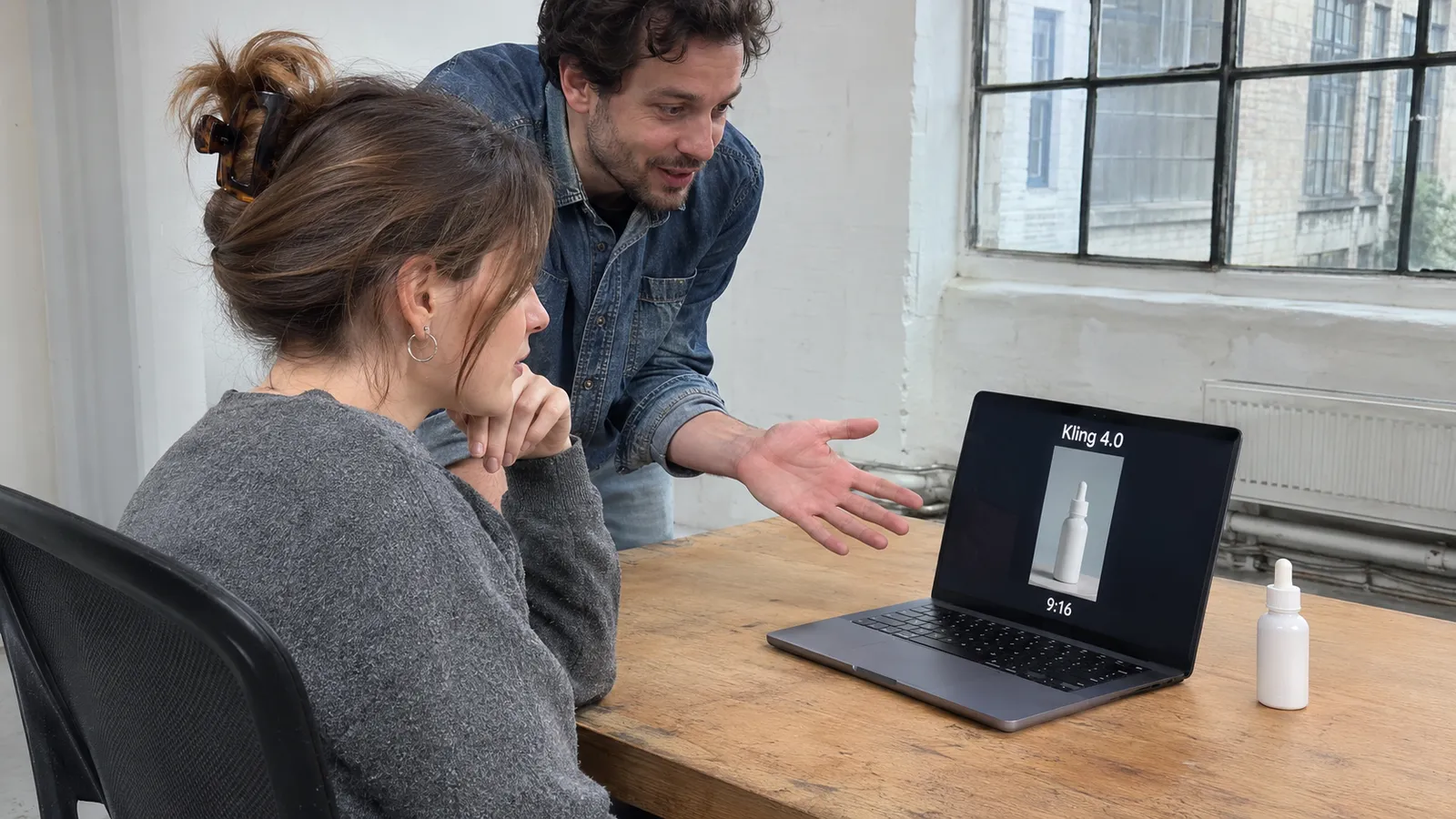
Use a vertical 9:16 video with sound, ideally under 60 seconds. Google's Shorts ads guide says vertical 9:16 is best suited for Shorts and performs better than landscape.
The key specs from Google's help pages:
- Aspect ratio. 9:16 at 1080x1920 is recommended for Shorts in Google's Demand Gen asset specs. Horizontal and square videos are supported, but horizontal plays with blurred areas at the top and bottom.
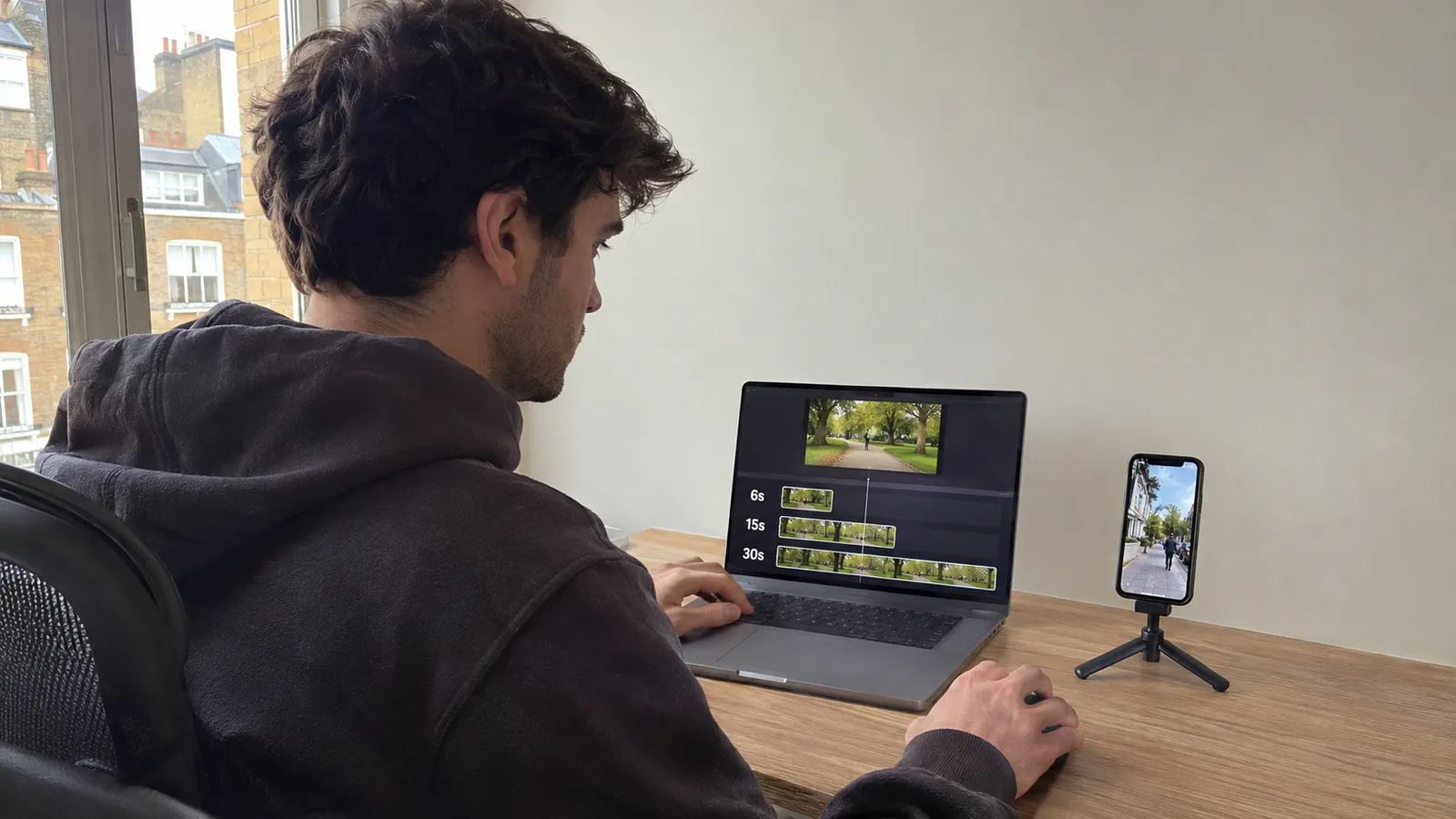
- Length. Videos can be up to 3 minutes, but only the first 60 seconds play in the Shorts feed, and an overlay appears at 50 seconds inviting viewers to keep watching on YouTube. Google recommends keeping Shorts ads under 60 seconds, with 10 to 30 seconds for action-oriented vertical ads.
- Minimum. Demand Gen videos must be at least 5 seconds.
- Sound. Google advises music, voice-over or both, and says sound has been shown to raise conversions by over 20%.
- Hosting. The video must be uploaded to YouTube as public or unlisted.
- CTA card. Write a headline of up to 40 characters and a description of up to 90. Without a CTA, mobile Shorts ads are not eligible for the card.
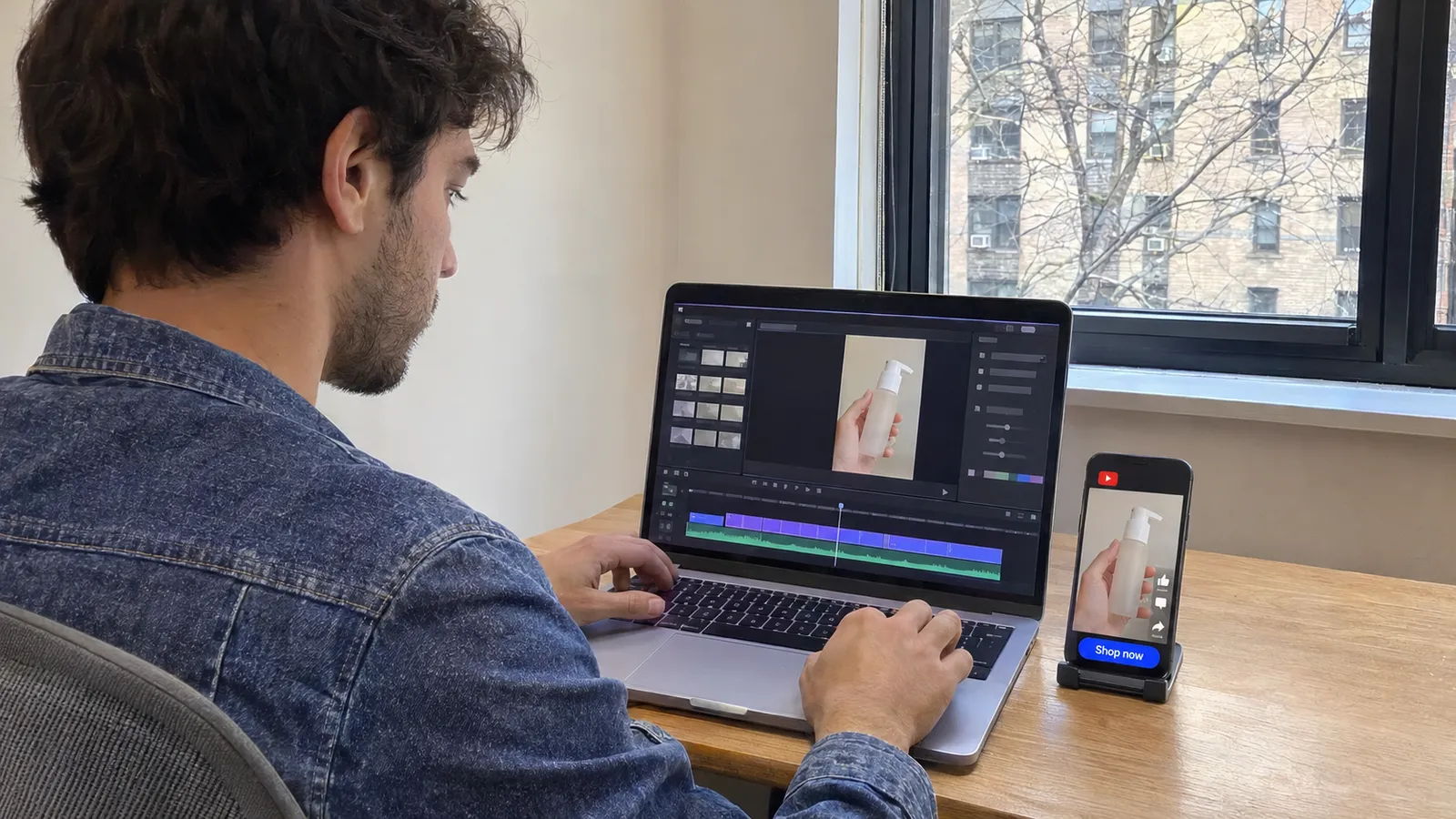
The CTA button appears at 3 seconds in Performance Max, App and Demand Gen campaigns, and at 10 seconds in Video view and Video reach campaigns.
Where Is the Safe Zone on a Shorts Ad?
Keep your logo, product and on-screen text inside the central safe area of the 1080x1920 frame. Google's vertical video guidance says overlays, CTAs and buttons can sit in different places depending on format, campaign type and screen, so important elements belong in the marked safe zone.
Google also notes that when viewers scroll under the player, it can compress to 1:1 and crop the top and bottom. Put nothing essential at the edges.
Google's ABCDs for YouTube Shorts Ads
Google's ABCD framework stands for Attract, Brand, Connect and Direct. On Think with Google, Google reports that ads following the ABCDs showed a 30% lift in short-term sales likelihood and a 17% lift in long-term brand contribution, based on Google and Kantar research.
Google's help page on the ABCDs has a version made for Shorts, built on authenticity, clear messaging and organic branding:
- Attract: be loud and clear. Introduce yourself with audio, make the ad hard to miss and use tight framing.
- Brand: organic to the story. Rethink how the brand appears, with visuals and sound that show the product consistently.
- Connect: let your talent get real. Show people using the product and let real people share their own view, in a lighter tone.
- Direct: a clear call to action. Make it intentional and relevant to what the viewer wants.
Google's Shorts guide adds: vertical, sound-on assets that feel social-first, text overlays and testing. Our guide to Instagram Reels ads for Gulf brands covers the same logic on Meta.
How Do You Make Arabic YouTube Shorts Ads?
Write the Arabic version for Gulf viewers from the start, with an Arabic voice in the first seconds and large Arabic text inside the safe zone.
Practical tips:
- Speak early. A spoken Arabic line attracts faster than a slow logo reveal.
- Match the dialect to the market. Decide the market before you script.
- Keep text short and large. Arabic reads right to left, so check line breaks and keep text away from the right edge where Shorts buttons sit.
- Make one version per language. Separate videos, each with its own headline and description.
If you adapt one master into several languages or dialects, our guide to AI video localization for ads explains how to keep the voice and lip sync natural.
Can You Reuse TikTok or Reels Videos as Shorts Ads?
Yes, as long as you start from the clean master file and adapt it to Shorts.
How to reuse properly:
- Export from the edit, not the app. No other platform's watermark or captions burned in.
- Re-check the safe zone. Text placed for TikTok may sit under Shorts buttons.
- Move the offer earlier. In Demand Gen the CTA button appears at 3 seconds.
- Trim to Shorts behaviour. Under 60 seconds; Google's Trim video tool can cut shorter versions.
- Rewrite the headline and description for the 40 and 90 character limits.
A Walked-Through Example
Say you sell a skincare line online from Dubai to customers across the UAE and Saudi Arabia, and a 25 second UGC video has worked on TikTok. This is an example of the method, not a real client.
- Campaign. Launch a Demand Gen campaign, the type where Google lets you anchor a video to Shorts.
- File. Export the clean 1080x1920 master from the edit, with no TikTok watermark.
- Opening. The creator says the product name in Arabic in the first 2 seconds, with the product held close to camera.
- Text. Move the captions into the safe zone and away from the right edge.
- Versions. Make a Saudi dialect cut and an Emirati cut, each with its own 40 character headline.
- Read. Compare the Shorts results with the other placements before spending more.
Checklist Before You Launch
- Campaign type chosen on purpose, Demand Gen if you need Shorts control.
- Vertical 9:16 at 1080x1920, sound on, under 60 seconds.
- Logo, product and text inside the safe zone.
- Brand and offer visible before the CTA button appears.
- Headline up to 40 characters, description up to 90.
- Video uploaded to YouTube as public or unlisted.
- AI disclosure label added where the rules require it; Google notes some regions need labels for certain AI-generated or edited assets.
Common Mistakes With YouTube Shorts Ads
- Running a TV spot in Shorts. A horizontal ad plays with blurred bars.
- Silent ads. Google's own guidance is sound on.
- Text under the buttons. Captions placed for another app get covered.
- Reposting with another platform's watermark. It looks second-hand to a viewer.
- Expecting Shorts-only delivery from a multi-format campaign. Only Demand Gen offers asset-level Shorts control.
FAQ
What campaign types run YouTube Shorts ads?
Google lists Demand Gen, Video view, Video reach, Reservation, Performance Max and App campaigns.
How long should a YouTube Shorts ad be?
Under 60 seconds, because only the first 60 seconds play in the Shorts feed. Google recommends 10 to 30 seconds for vertical ads aimed at action.
Can I use a horizontal video for YouTube Shorts ads?
Yes, it is supported, but it plays with blurred areas at the top and bottom. Google says vertical 9:16 is best suited for Shorts and performs better than landscape.
Sources
Your guide to YouTube Shorts ads (Google Ads Help) (opens in a new tab)
Use square and vertical video to engage mobile customers (Google Ads Help) (opens in a new tab)
About the ABCDs of effective video ads (Google Ads Help) (opens in a new tab)
Scrap these 5 creative assumptions for better YouTube ads (Think with Google) (opens in a new tab)